31 Jul 2025
How to Apply DTF Transfers Complete Beginners Guide
Hello Crafters! Today, we’re diving into something you’ve all been...
Hello Crafters!
Today, we’re diving into something you’ve all been asking for:
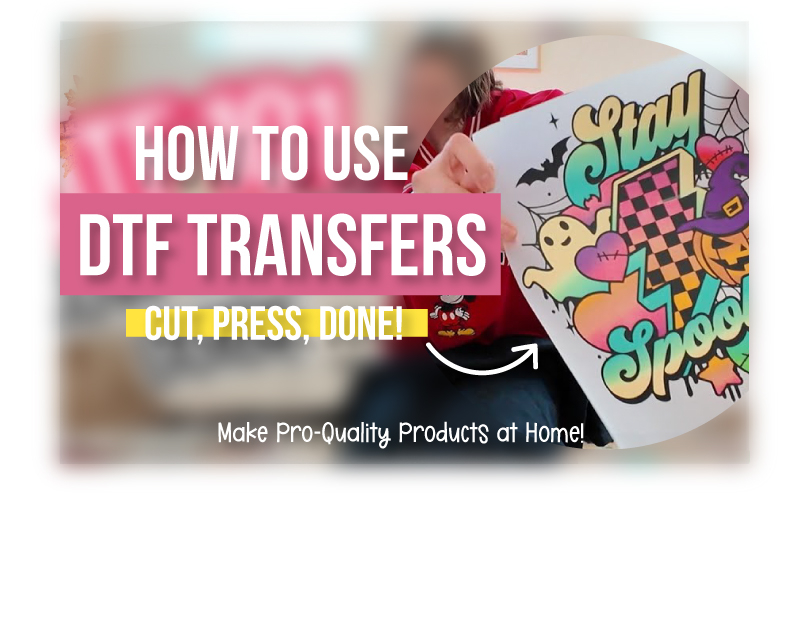
A complete guide on how to use DTF transfers!
If you love vibrant, professional-quality designs on your t-shirts, sweatshirts, tote bags, or even wood projects, DTF (Direct to Film) is going to be your new crafting best friend. Here’s everything you need to know to get started.
What is DTF?
DTF is a pro-quality heat transfer that allows your entire design to be printed on one single layer. Unlike vinyl or sublimation, DTF works beautifully for:
- Complex, multi-colored designs
- Full-color graphics with fine details
- Durable, long-lasting results that survive the wash and dry cycle
Best part?
It works on cotton, blends, dark fabrics, and even wood!
No more limits like sublimation (which only works on light-colored polyester).
🖨 What DTF Looks Like When You Order
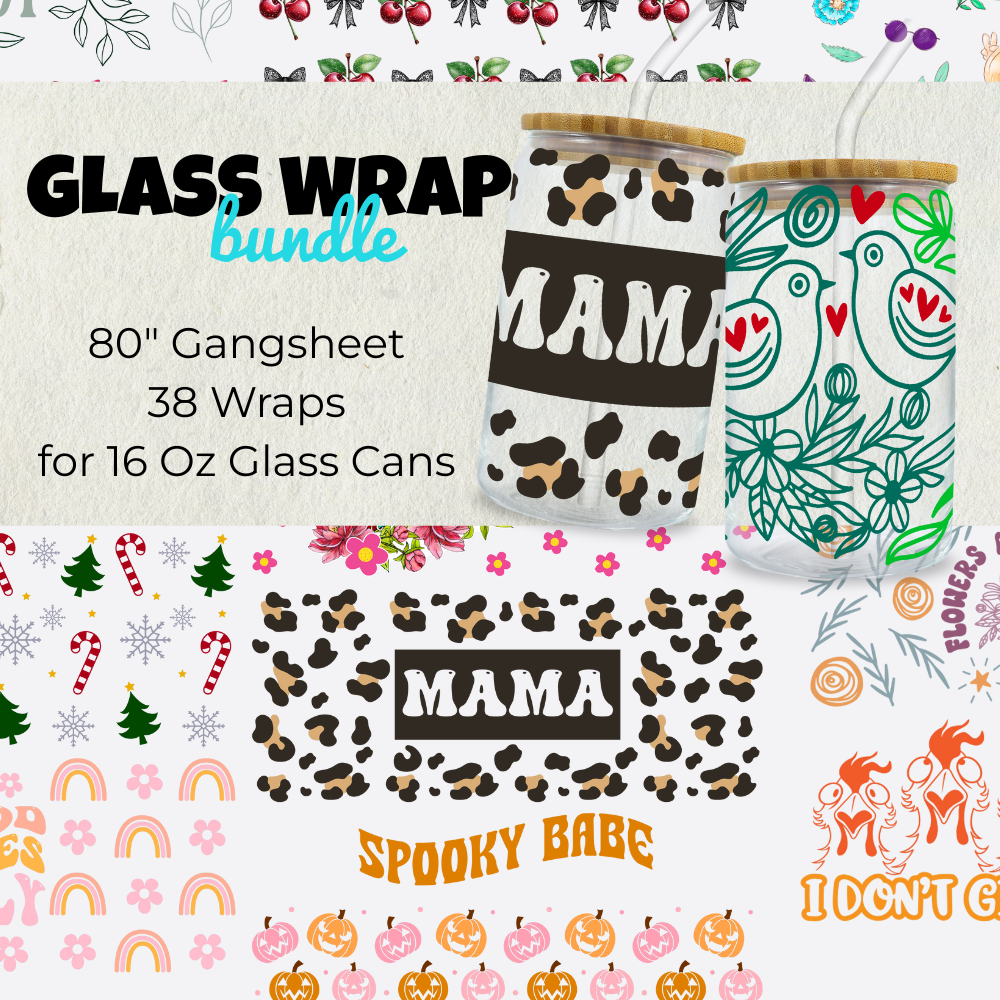
When you order from DTFPrinter.com, your designs come on a gang sheet, where multiple transfers are printed together to save you money.
For example, our Glass Wrap Bundle from a recent DTF Dollar Event featured multiple vibrant designs.
💡 Pro Tip: Sign up for text alerts at DesignBundles.netto get notified about our monthly DTF Dollar Events for exclusive bundles at a huge discount!
🖥 How to Order Your Own DTF Transfers
Ordering is super simple:
Go to DTFPrinter.com → Click Create Prints
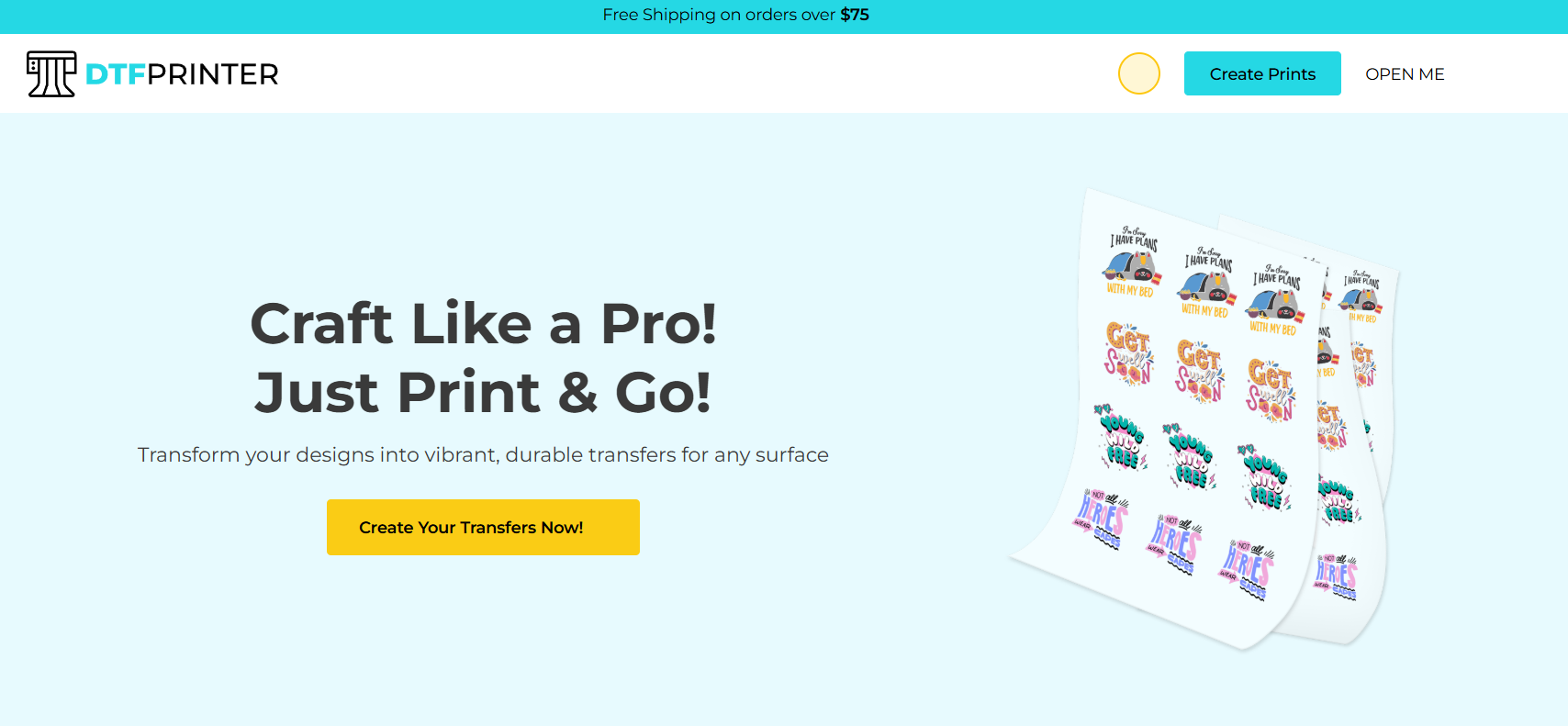
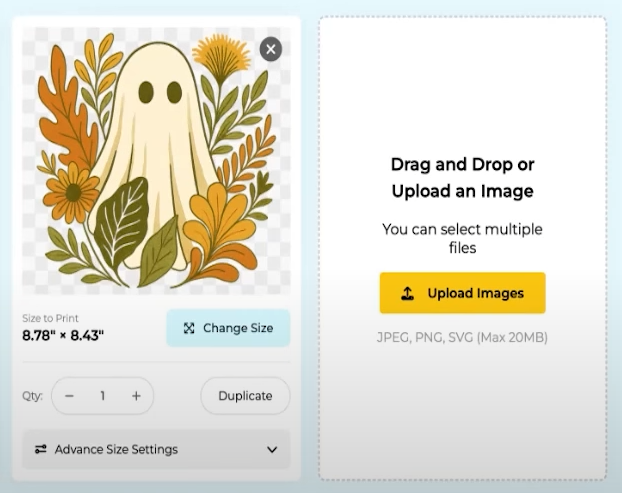
Upload your designs
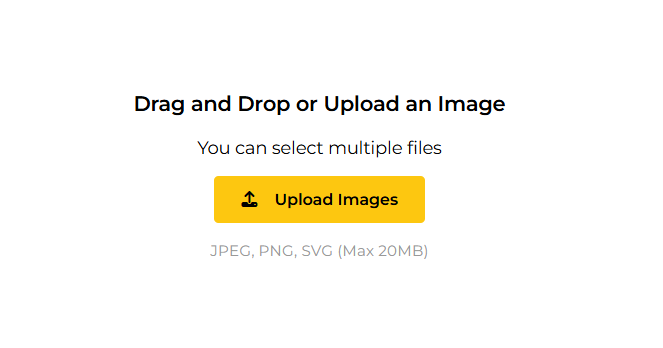
You can Create your own Designs and Upload or Use files from Design Bundles or Illustrate AI
https://designbundles.net/ - DesignBundles
https://illustrateai.designbundles.net/ - Illustrate AI for AI Generated Designs
https://designbundles.net/plus - or pick from the Plus Membership library with 2M+ designs
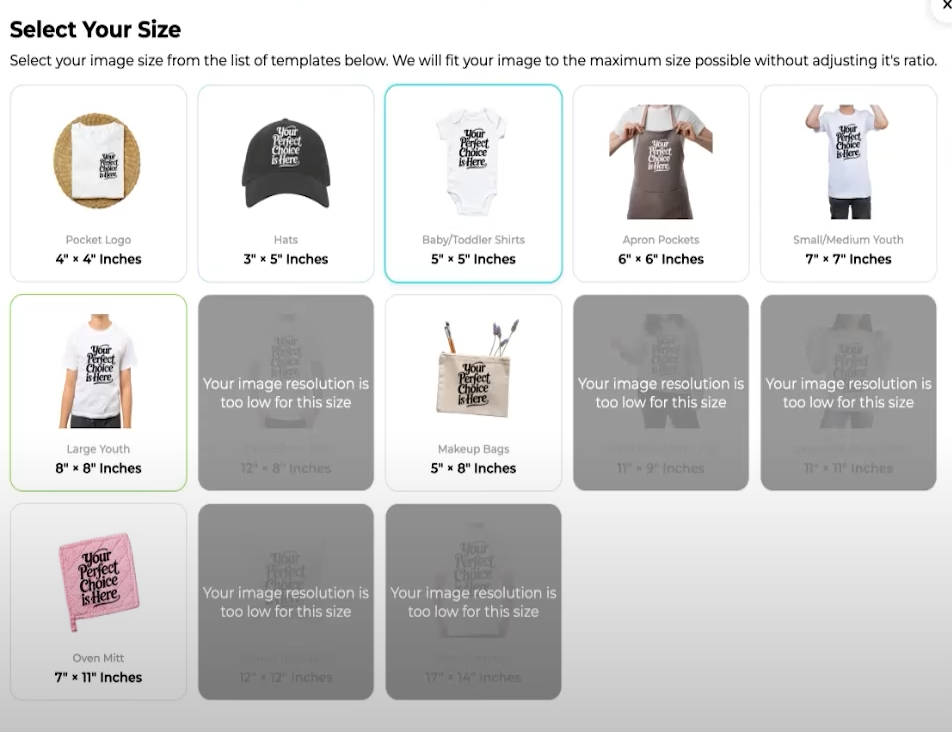
Choose your sizes and quantities, The site automatically detects image size and warns if it’s too small for your project
Use built-in size options for tees, hoodies, hats, etc., or set custom sizes with Advanced Size Settings
Review, pay, and wait for your order
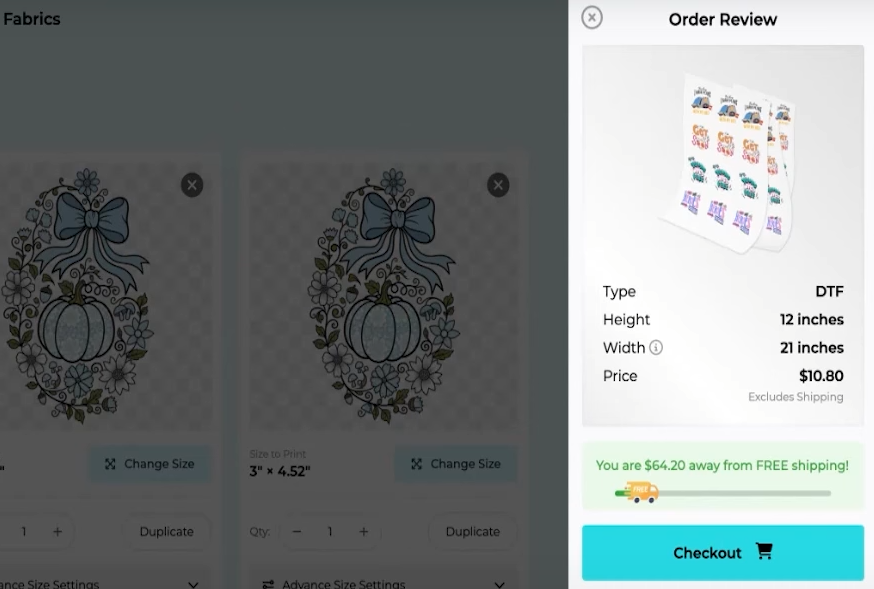
Note: Orders usually ship within 24–48 hours
How to Apply a DTF Transfer
Ready to craft? Here’s how to press your DTF design onto a t-shirt:
You’ll Need:
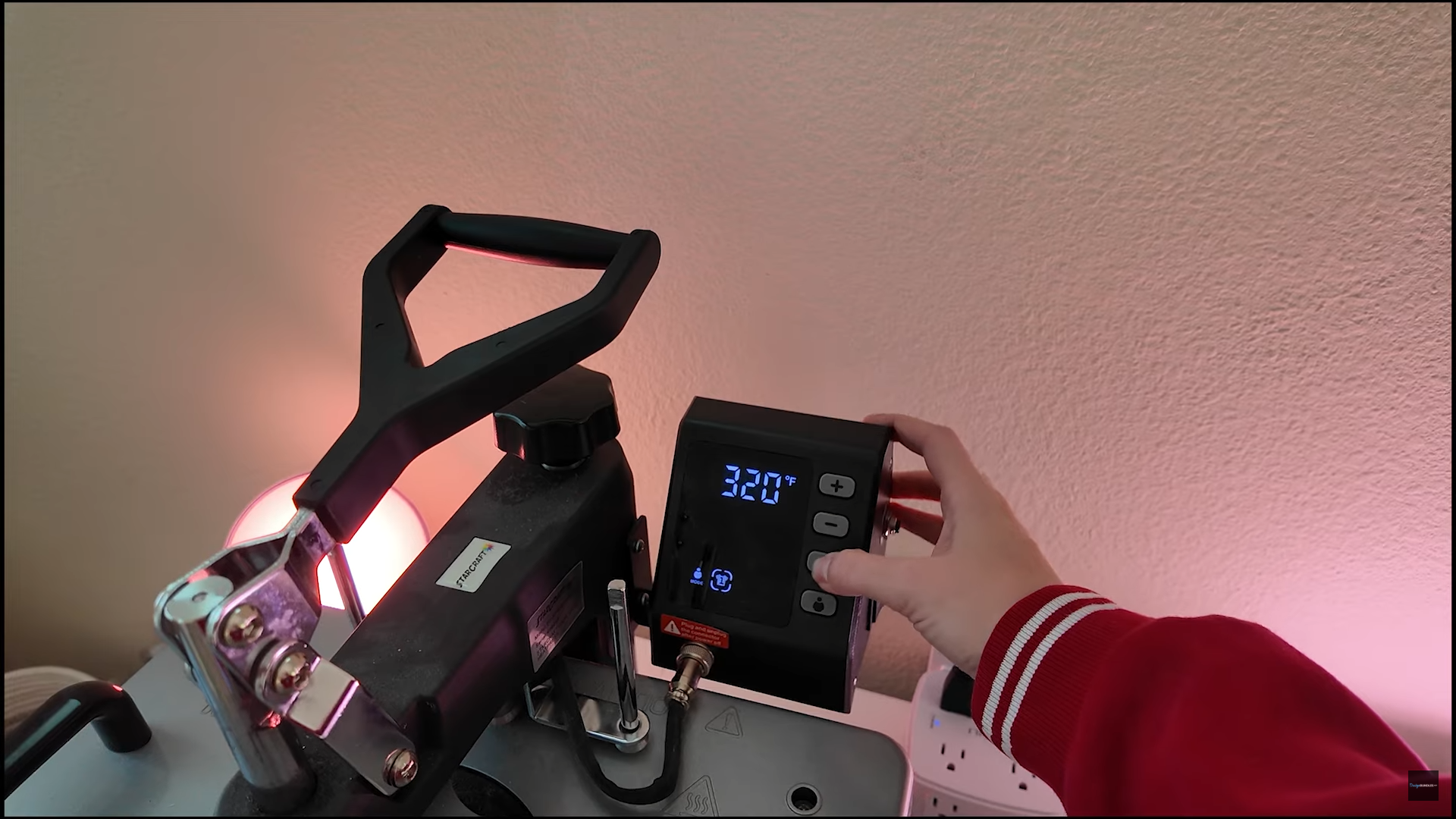
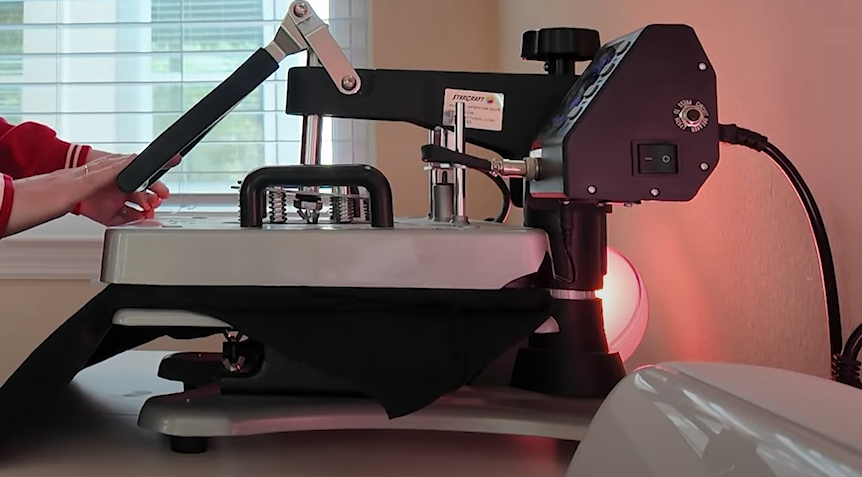
Heat press (320°F / 15 seconds)
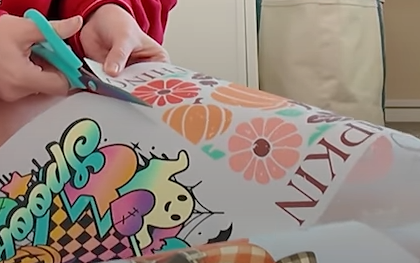
Scissors to cut your transfer
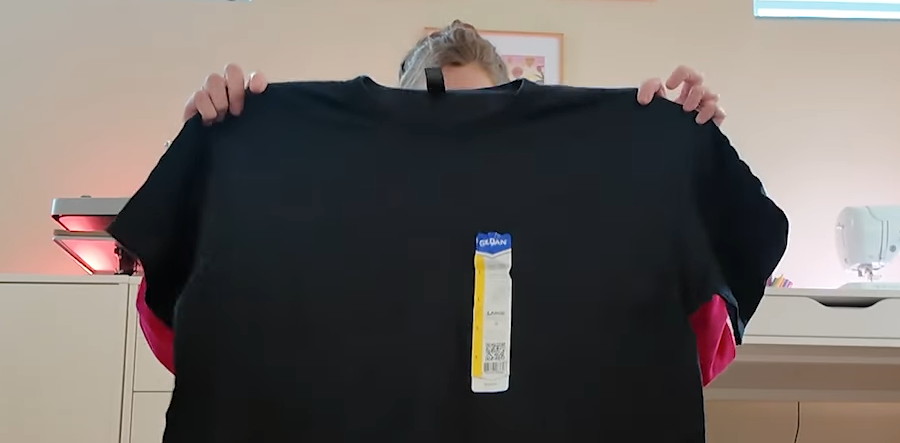
Your blank shirt (or tote, sweatshirt, etc.)
Steps:
Preheat your heat press to 320°F and Pre-press your shirt for a few seconds. This removes wrinkles and moisture for better adhesion.
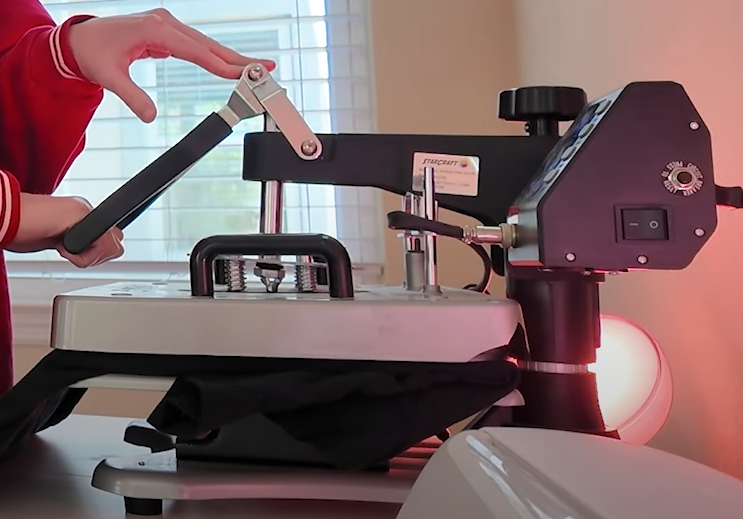
Cut out your DTF transfer from the gang sheet. Place the transfer where you want it on your blank.
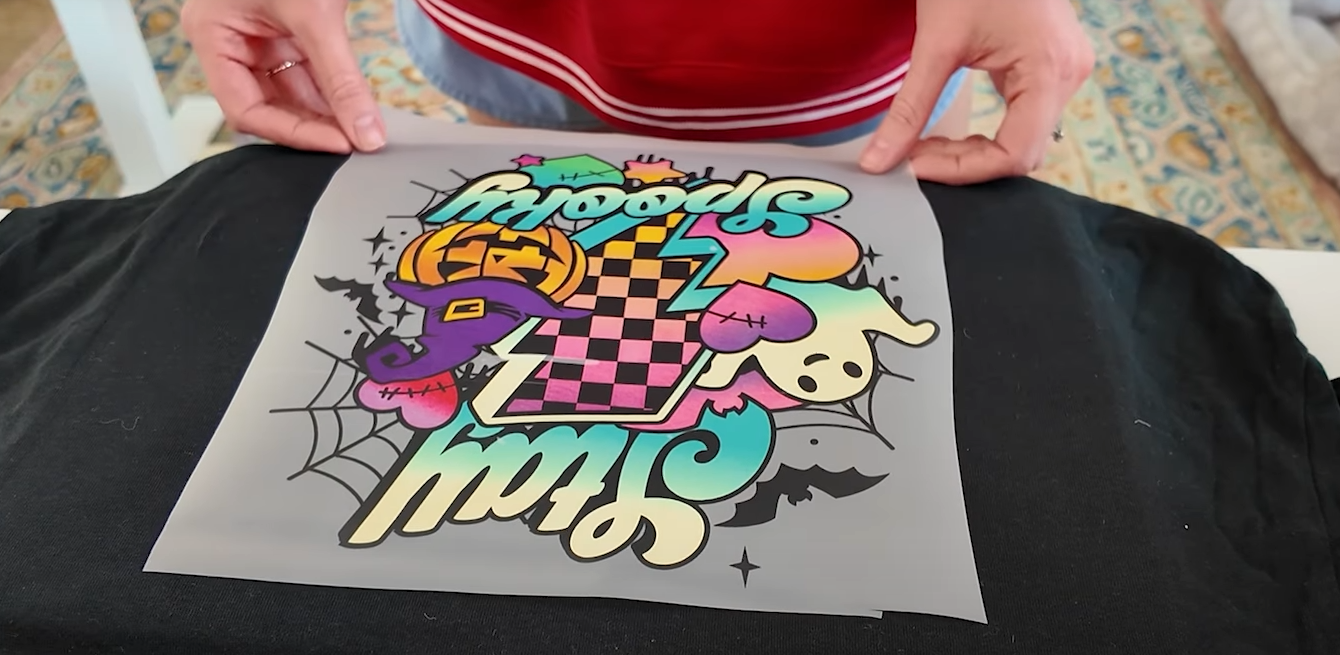
Press for 15 seconds
Let it cool completely before peeling.
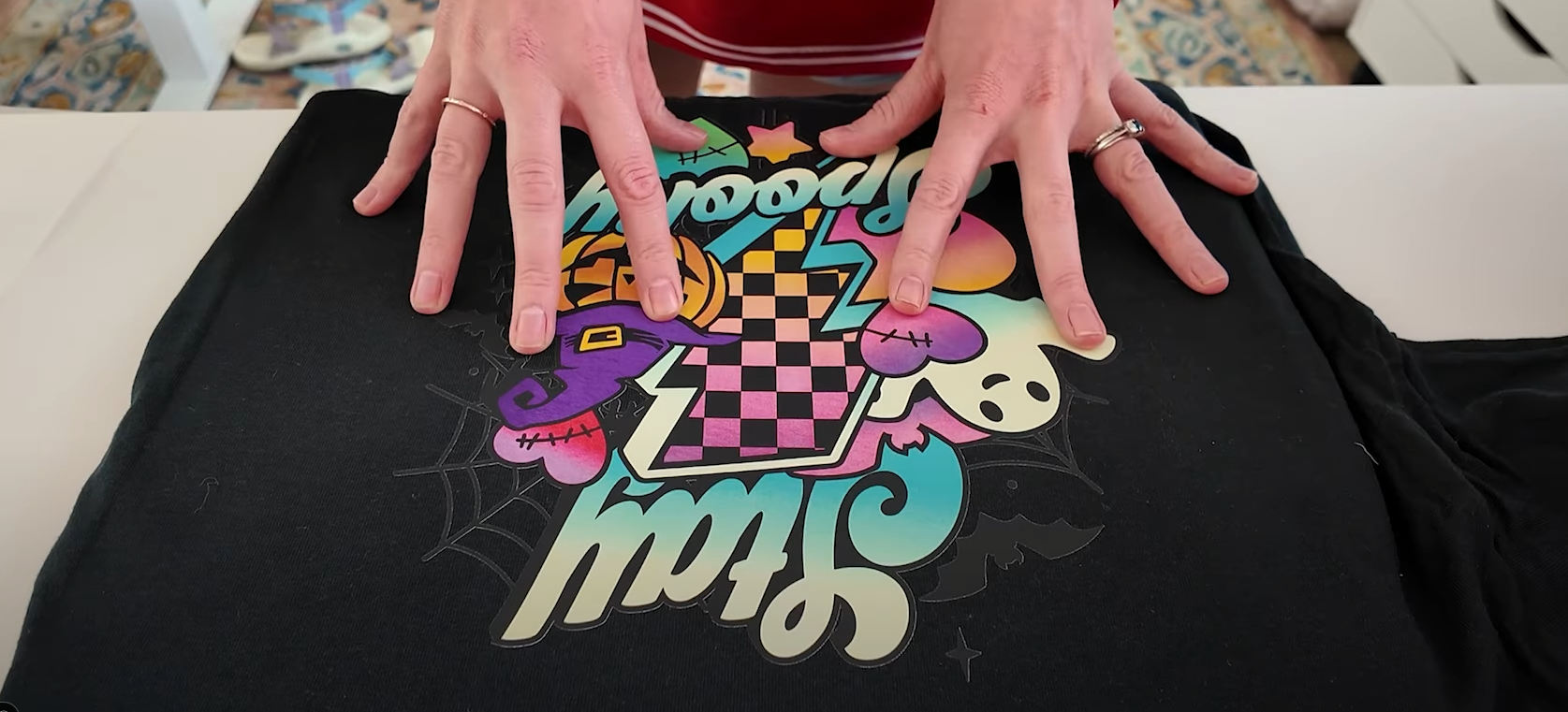
Admire your vibrant, professional finish! 🎉
Why Crafters Love DTF
- Works on cotton, blends, and dark fabrics
- Vibrant, pro-quality prints that last through washes
- No cutting, weeding, or layering vinyl
- Affordable and beginner-friendly
You can even layer heat transfer vinyl on top of DTF for personalization like names or dates!
Pro Tips & Next Steps
Store leftover transfers rolled up for later use and Try DTF on wood for unique decor projects and UVDTF for hard surfaces like mugs, tumblers, and glass
If you have questions, drop them in the comments! Happy crafting!