

16 Apr 2024
How to Make Earring Design Using Masking Technique
Welcome to our tutorial on how to design custom earrings using...

Welcome to our tutorial on how to design custom earrings using "Illustrate AI". Whether you're aiming to craft a unique piece of jewelry for yourself or as a special gift, this guide will assist you in transforming your creative ideas into exquisite wearable art. Let's dive into this artistic journey together.
Step 1: Start with Your Design
First, open "Illustrate AI" and generate a design you wish to feature on your earrings. I am looking to create Spring Theme Sunflower Earrings so I added the Following Prompt:
A rustic wooden fence stands against a background of weathered wood panels. Vibrant small sunflowers, covering the entire screen. The image is in rich detail and crisp 4K resolution.
You can Experiment with different prompt and Art Styles, Here I am using ‘’Whimsical Watercolor’’ Art Style.
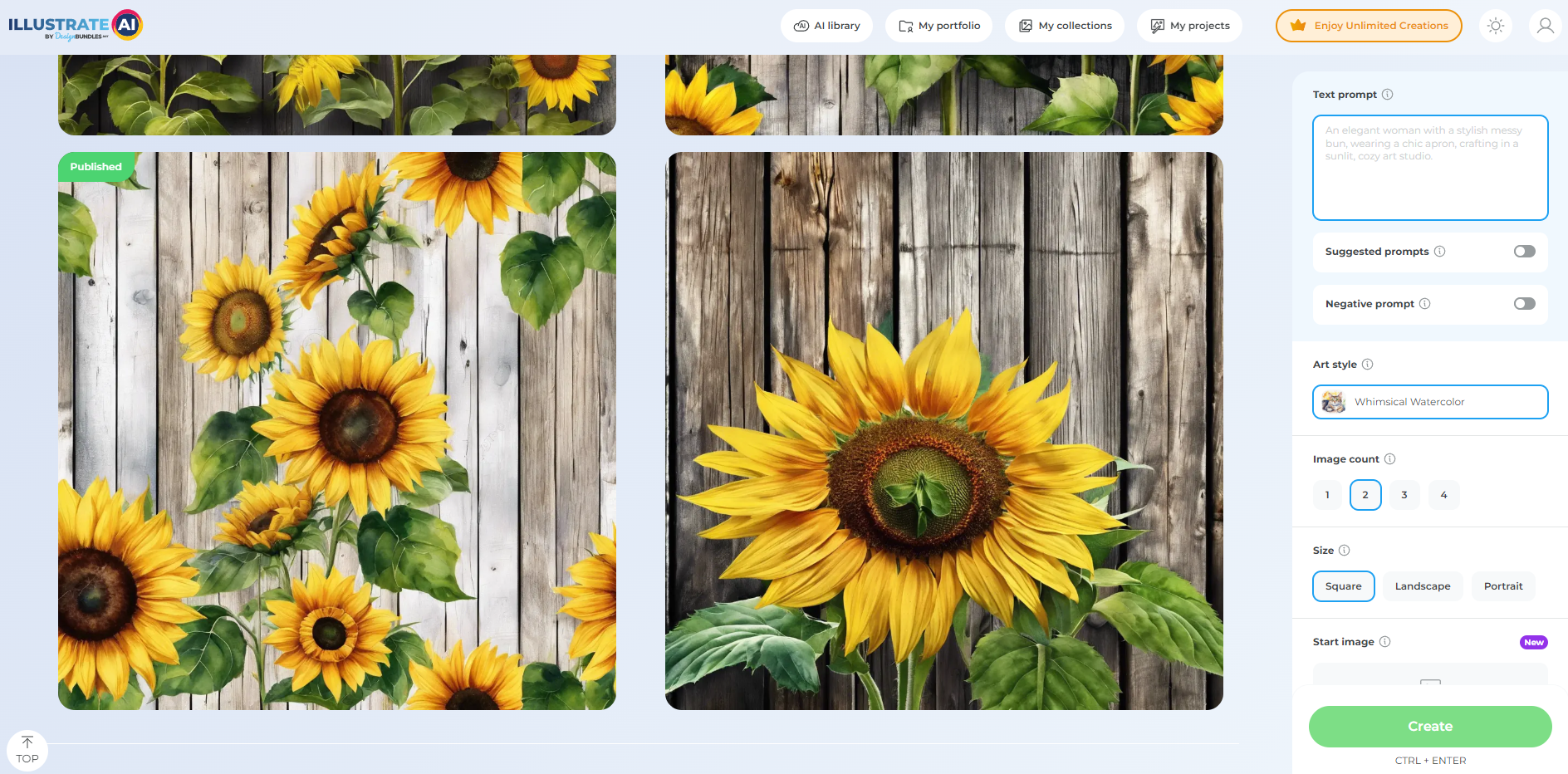
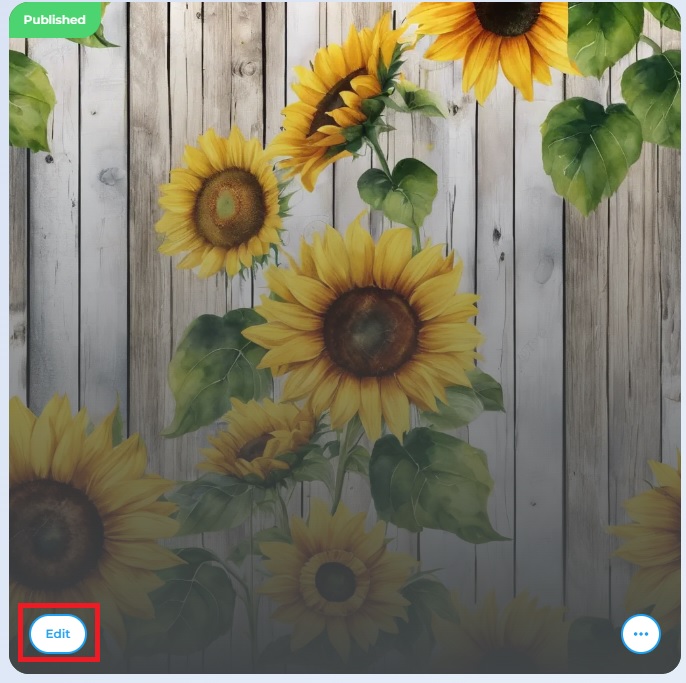
Once you generate the design you like, make sure to click on 'Publish'! After the design is published, click on 'Edit' to proceed.
Step 2: Locate the Masking Tool
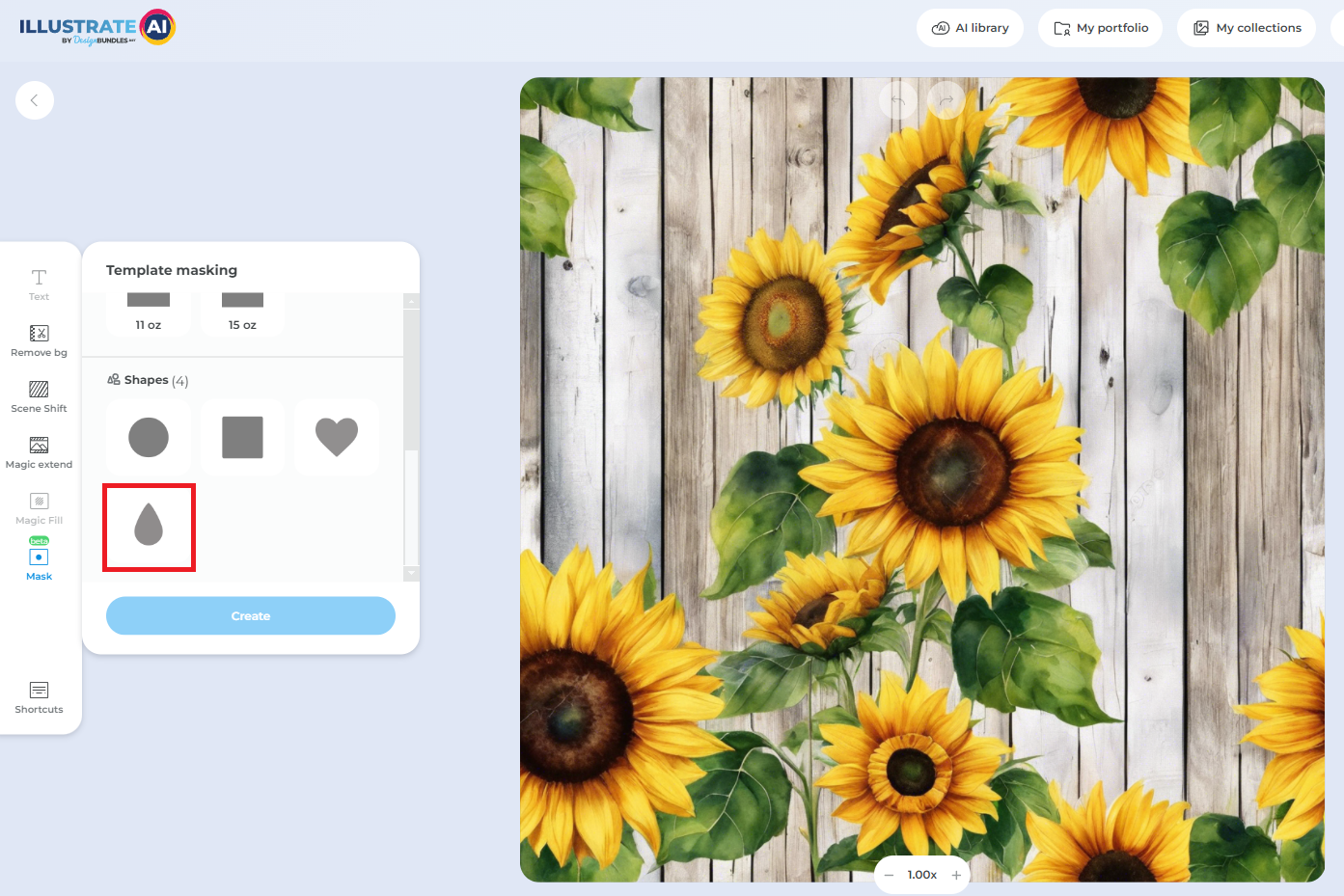
In the "Illustrate AI" editing suite, you'll find an array of tools designed to cater to your creative needs. Look for the masking tool on the left side.
Step 3: Choose Your Earring Template
Click on it and scroll down to find the Shapes Category from where you can choose different shapes like Square, Heart and others. Select the template that best suits your design idea and click 'Create' to proceed.
Step 4: Preview and Save Your Earring Design
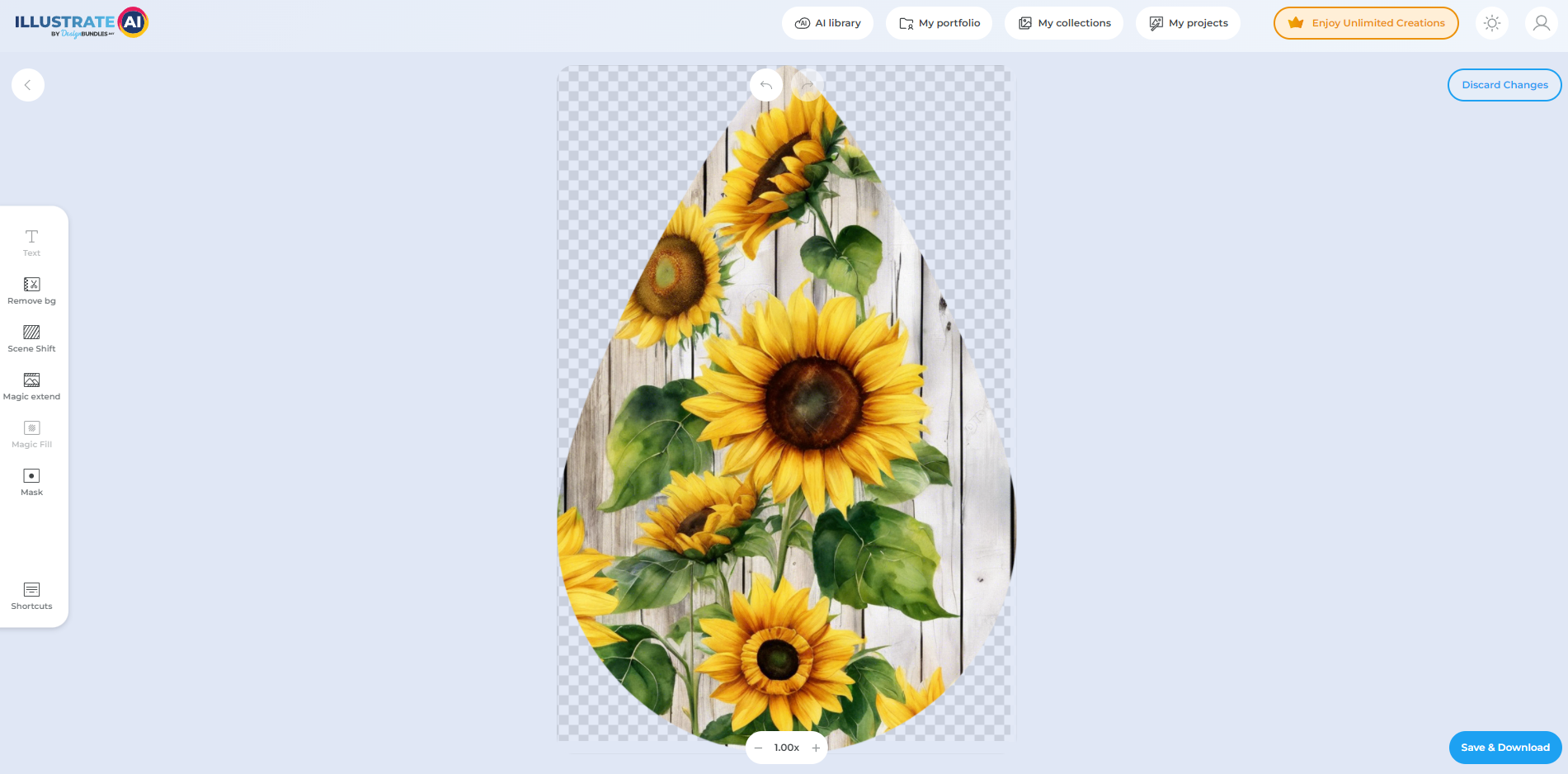
After you've adjusted your design to your satisfaction, go ahead and save your design. You'll have the option to download it in various formats, but for earring printing, a high-resolution PNG is recommended.
Step 5: Bringing Your Design to Life
With your design saved, you're now ready to bring it to life. You can use a print-on-demand service to have your design professionally crafted into earrings, or if you have the capability, print it yourself using suitable jewelry-making materials.
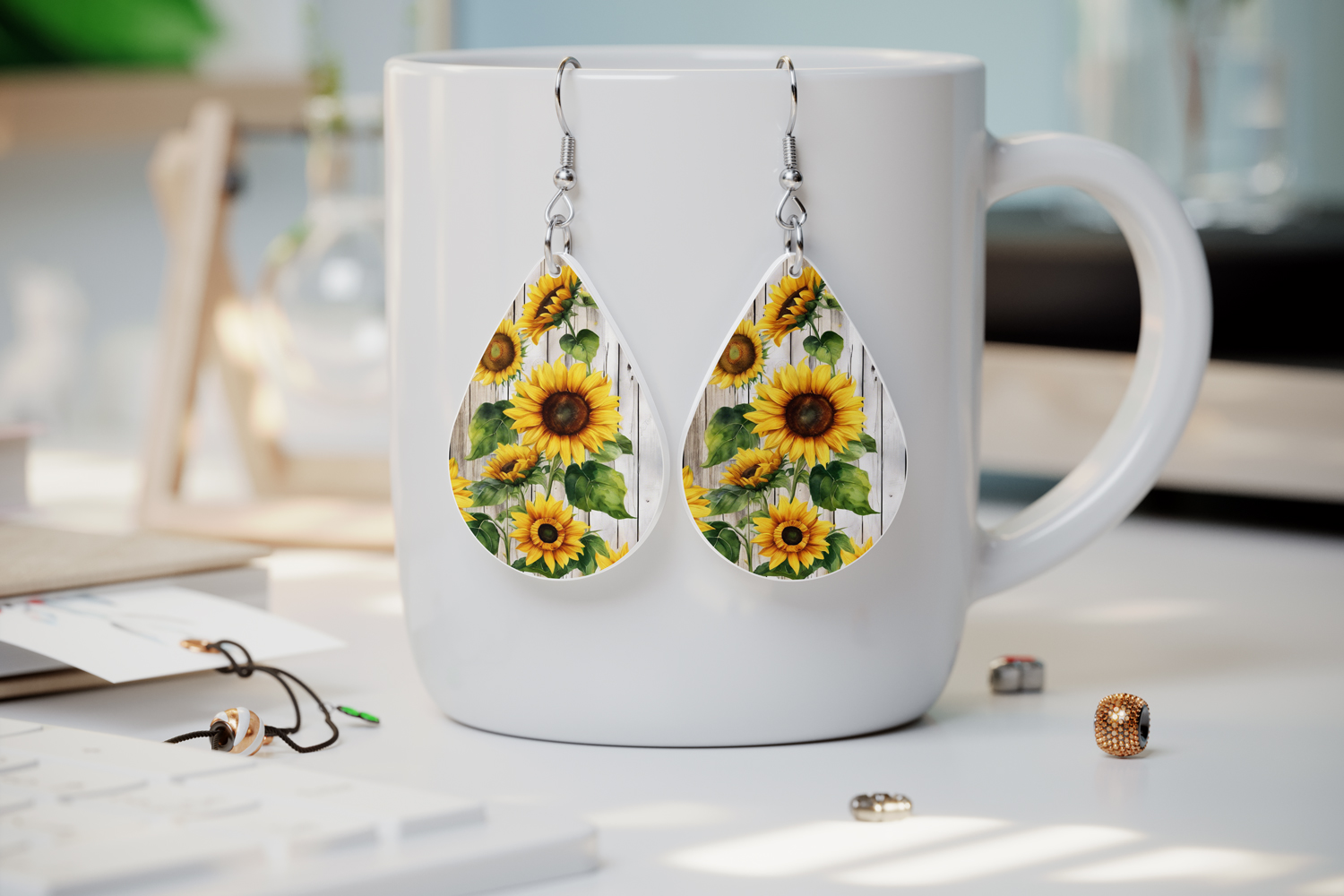
Congratulations! You've successfully created a unique pair of earrings with "Illustrate AI". This tutorial was designed to guide you through each step, making the process accessible and enjoyable. Now that you have your custom-designed earrings, it's time to showcase them or gift them to someone special. Remember, the possibilities are endless, so keep exploring and creating with "Illustrate AI".


