By Jordyn
How to Make a Smart Object Mockup in Photoshop
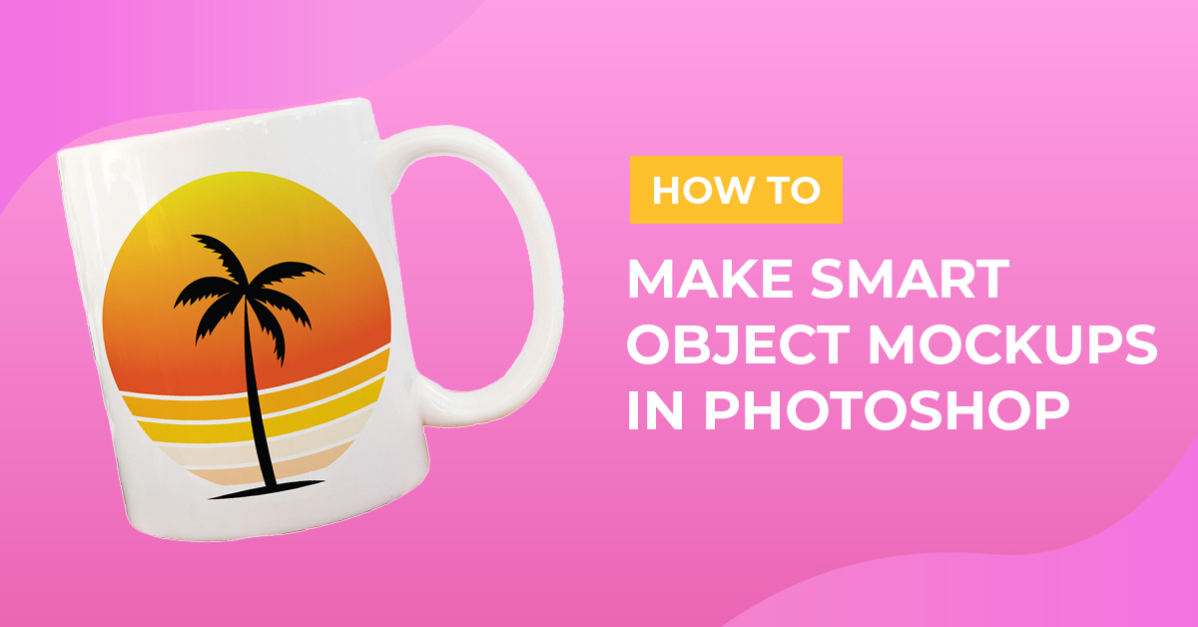
Most often Craft Mockups are flat objects like t-shirts, tote bags, pillows, or ornaments. However, sometimes they are 3D objects like mugs and tumblers. If you lay a flat JPG or PNG on top of that 3D object, it’s not going to look as realistic as it could.
In this tutorial we will teach you how to make your own Smart Object mockups in Photoshop!
To get started, open the image you want to work with in Photoshop. We are using a white Coffee Mug Mockup by Studio 163 Photography.
Step 1 - Create a Rectangle
First up, grab the Rectangle Tool (U) and drag over your object, covering all the corners of the object. You can see in the photo below that some of the bottom portion of the mug is showing, but we will fix that in the next step.

Step 2 - Warp the Rectangle
This is where the magic happens! We will need to warp the rectangle to make the smart object actually curve around the product.
Turn the Opacity Down
Head over to the layers panel, and with your rectangle selected turn the opacity down. You'll need to turn it down enough to be able to see the object below.

Click on Warp
With the rectangle in Transform mode (Cmd/Ctrl T) right click on the rectangle and select Warp.

Adjust the Corners
Then you will start by pulling each corner node up or down to the edge of the mug.

Adjust the Handles
Next, grab each handle and pull it to fit the curve of the object. You may also need to adjust the inside handles to match the curve of the top and bottom.

Turn the Opacity Up
Then turn the opacity of the rectangle back up to 100%.
Step 3 - Test Your Smart Object
Now we want to double check that our hard work is correct!
Double Click on the Layer Icon
Open your Smart Object layer in a new tab by double clicking on the smart object layer icon.

Add Your Photo
Your smart object will open in a new tab, where you can now drop in your design. I’m using the Retro Sunset PNGs from the Plus Membership. If you're not a Plus Member yet, try it out for 30 days free!

Save the Smart Object
Once you've got the design in the right spot, hit Cmd/Ctrl + S to save the design. It will automatically update the image in the mockup tab.
Tip: Don't forget to turn off the rectangle layer before saving!

You should get something like this. You can see that the object follows the curve of the rounded mug.

We hope you enjoyed this tutorial! If you have any questions feel free to drop them below :)