By Design Bundles
Warp Speed in Photoshop
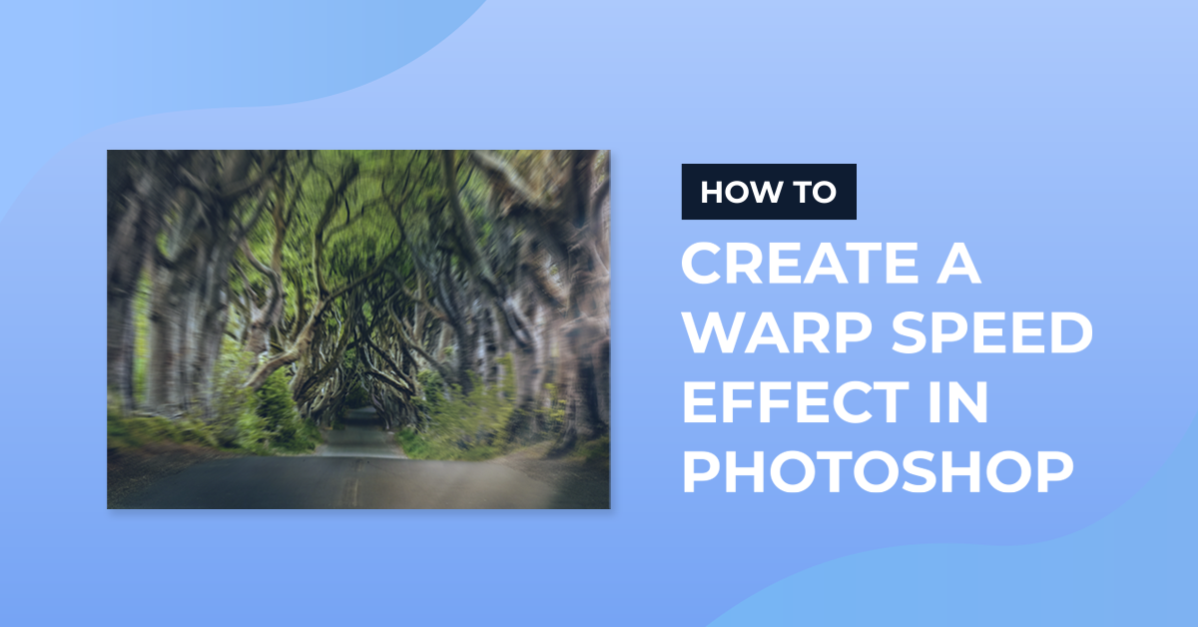
For this tutorial, we will use the image of a road or something similar to give the idea that we are moving at Warp Speed.
1 - In Photoshop, open the image you chose.

2 - Create a “Duplicate” by clicking “Command/Control + J”.

3 - Right-click on top of the Duplicate’s Thumbnail and choose “Convert to Smart Object”.


4 - With your “Smart Object Selected” go to Filter > Blur > Radial Blur… , choose an “Amount” (we used 45), click on the “Center” and move it to where the “Focus Point” should be and check the “Zoom” and “Best” buttons, then click “OK”.


5 - If the “Blur” is too heavy and/or the “Focus Point” is not placed correctly, jus double-click on the filter’s thumbnail and change the values (we ended up using an “Amount” of 8).


6 - Click on the small button at the bottom of your “Smart Object” and “Add Layer Mask”.

7 - Select the “Brush Tool” (B), choose a Large and Soft brush (around 490 px and 0% “Hardness”) with a 35% “Opacity” and using Black as “Foreground” color erase some of the blurred landscape near the bottom and sides.


8 - Your image should be similar to this.

by @lornacane