By Design Bundles
Scan N Cut Tutorials6 min
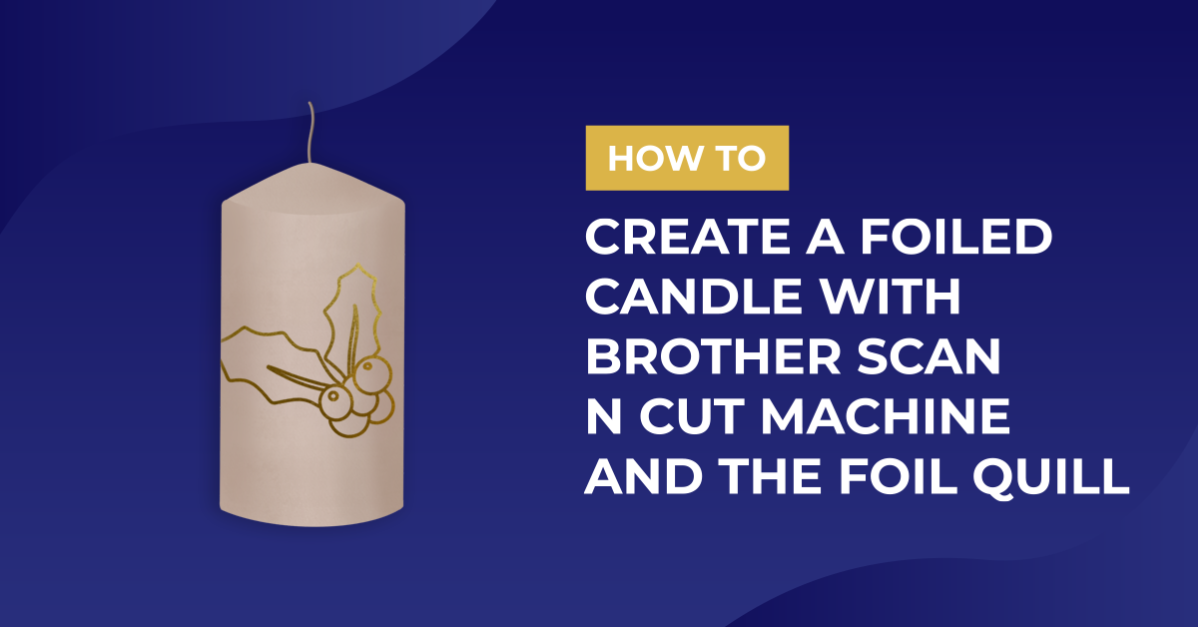
Creating a foiled candle with brother scan n cut machine using the foil quill
*CM900 model used.
1- Open canvas workspace. Click on the SVG icon.
2- Select the file you will be using. I am using Cute christmas clan by CleanCutCreative.
2- Your file will appear in the design space. We need to remove the fill on the design. Click on the fill color icon.
3- Click on the no fill icon and then OK.
4- Select the part of the design you would like to use and delete the rest.
5- Resize the design.
6- Click on file, then transfer FCM file via the internet.
If you do not have the wireless version of the scan and cut machine you can use a USB to transfer your file.
7- A pop up window will come up to let you know the file has transferred. Click OK.
8- Take your tissue paper and wrap it around a piece of cardstock. Tape tight to the card. This will ensure that when you foil the tissue will not rip.
9- Turn the tissue and card over. tape the tissue tight on this side also for extra help with keeping the tissue from ripping. Place on your cutting mat. Then place and attach foil over the tissue.
10- On the scan n cut machines display, tap on the pattern option.
11- Click on transfer icon.
12- Your design will appear on the screen. Click the scan icon.
13- Once you scan you will see where the foil is. place the design over the foil and click OK.
14- Click on draw. I use the setting speed 3 and pressure 1.
15- Your design will be foiled onto the tissue.
16- Cut the foiled image out and place where you would like it on your candle.
17- Place a piece of baking paper of the tissue and the candle. Hold tight. Take your heat gun and slowly wave the heat over the candle to melt the tissue into the candle.
18- The foiled image will now appear to be in the candle.
1- Open canvas workspace. Click on the SVG icon.

2- Select the file you will be using. I am using Cute christmas clan by CleanCutCreative.

2- Your file will appear in the design space. We need to remove the fill on the design. Click on the fill color icon.

3- Click on the no fill icon and then OK.

4- Select the part of the design you would like to use and delete the rest.

5- Resize the design.

6- Click on file, then transfer FCM file via the internet.
If you do not have the wireless version of the scan and cut machine you can use a USB to transfer your file.

7- A pop up window will come up to let you know the file has transferred. Click OK.

8- Take your tissue paper and wrap it around a piece of cardstock. Tape tight to the card. This will ensure that when you foil the tissue will not rip.

9- Turn the tissue and card over. tape the tissue tight on this side also for extra help with keeping the tissue from ripping. Place on your cutting mat. Then place and attach foil over the tissue.

10- On the scan n cut machines display, tap on the pattern option.

11- Click on transfer icon.

12- Your design will appear on the screen. Click the scan icon.

13- Once you scan you will see where the foil is. place the design over the foil and click OK.

14- Click on draw. I use the setting speed 3 and pressure 1.

15- Your design will be foiled onto the tissue.

16- Cut the foiled image out and place where you would like it on your candle.

17- Place a piece of baking paper of the tissue and the candle. Hold tight. Take your heat gun and slowly wave the heat over the candle to melt the tissue into the candle.

18- The foiled image will now appear to be in the candle.

Related Tutorials
Scan N Cut Tutorials
Foiled tattoo using the brother scan n cut and the foil quill
Scan N Cut Tutorials
How to Foil a JPEG Image with Brother Scan n Cut Machine Using the Foil Quill
Scan N Cut Tutorials
Using Vinyl with the foil quill in the Brother scan n cut machine
Scan N Cut Tutorials
Using the foil quill on ribbon with Brother scan and cut machine
Scan N Cut Tutorials
Foiling on vellum in brother scan and cut machine using the foil quill
Scan N Cut Tutorials