By Design Bundles
Scan N Cut Tutorials2 min
Error message information in brother scan and cut canvas workspace
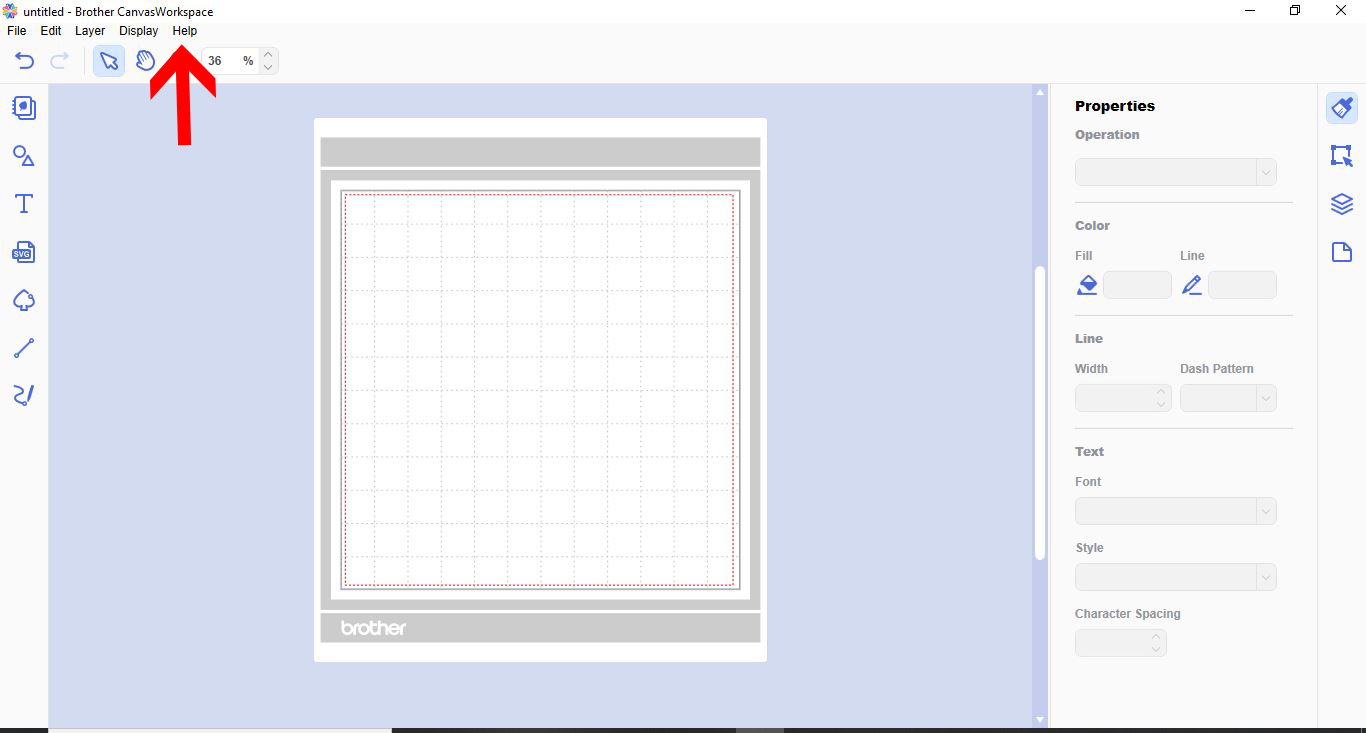
1- Open canvas workspace. Click on the help option.
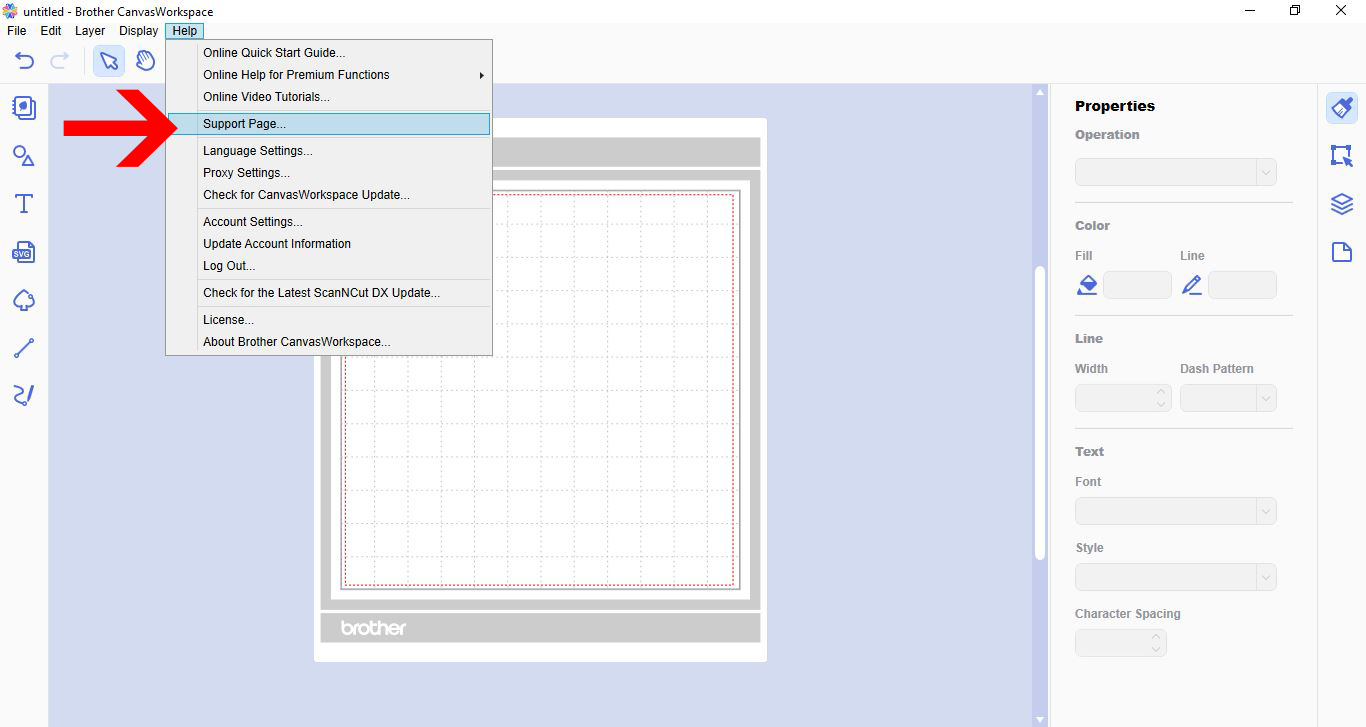
2- In the drop down box, click support page.
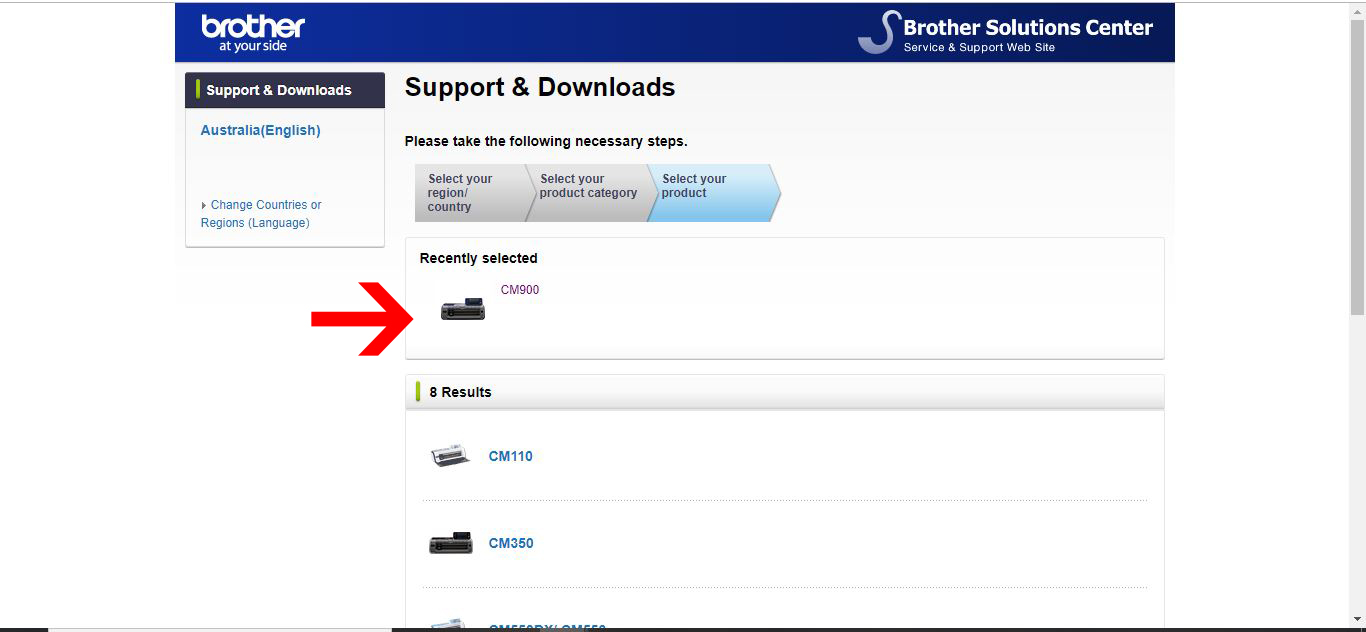
3- Your internet browser will open and take you to the support page for Brother. In the options scroll down and select your machines model.
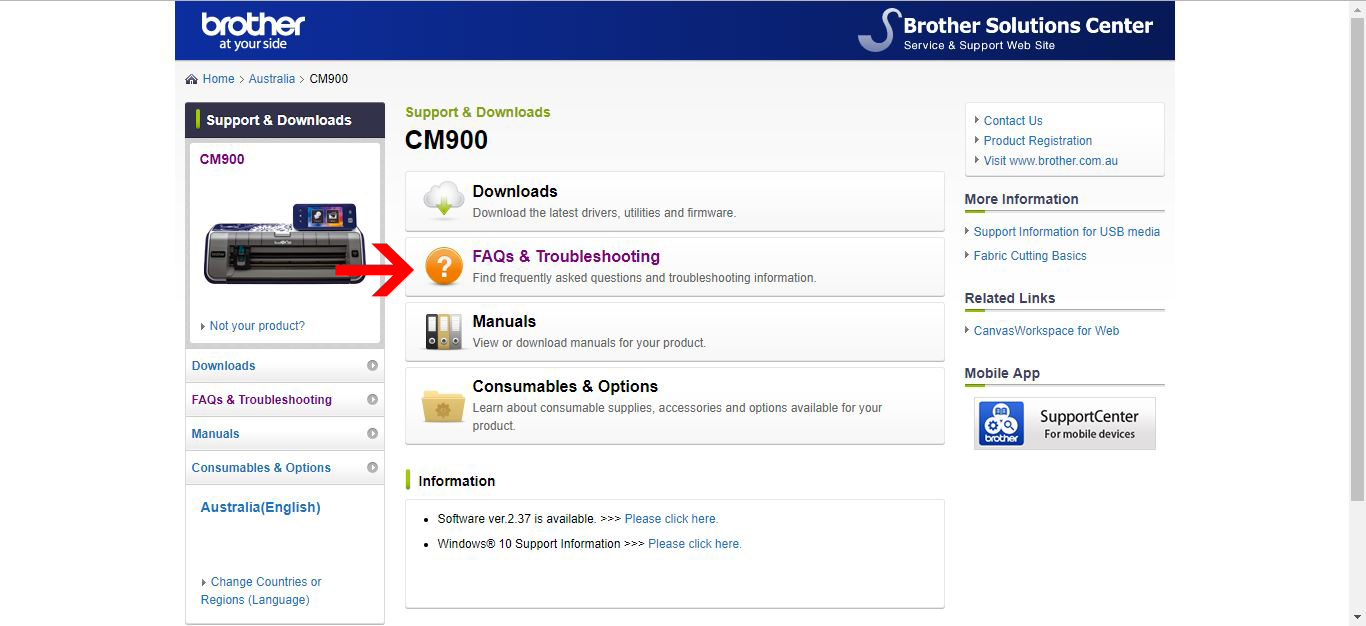
4- Next, click on the FAQ's and troubleshooting option.
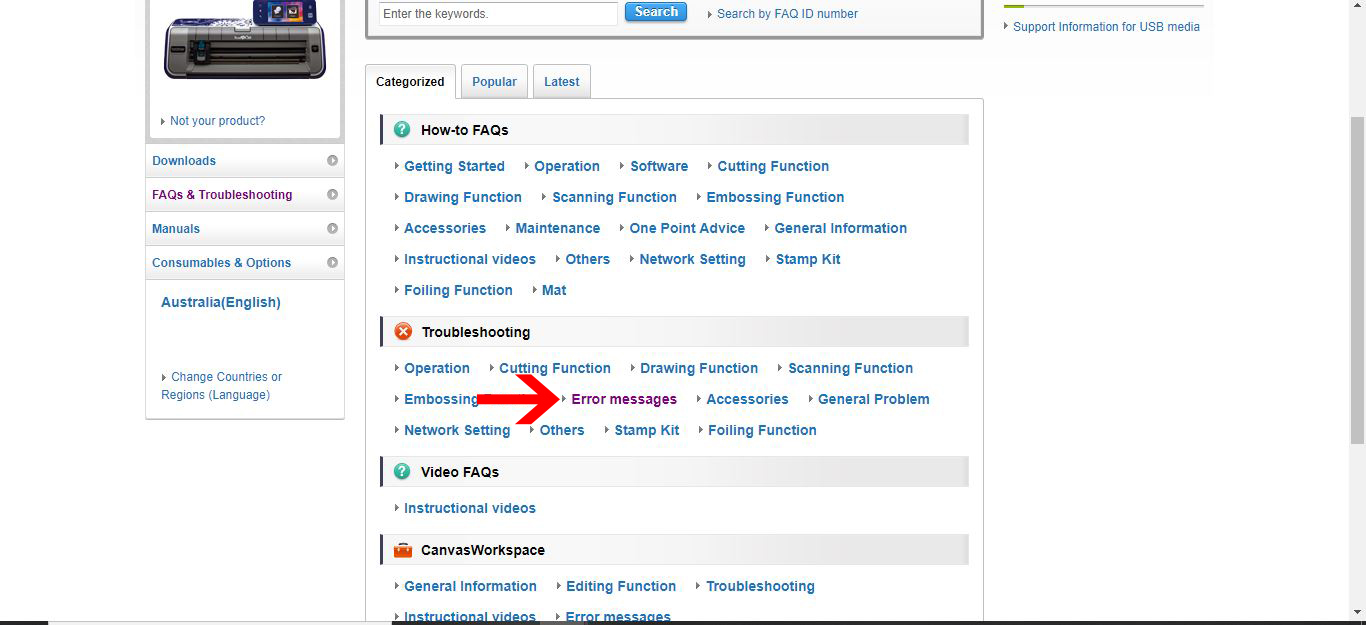
5- Under troubleshooting click error messages.
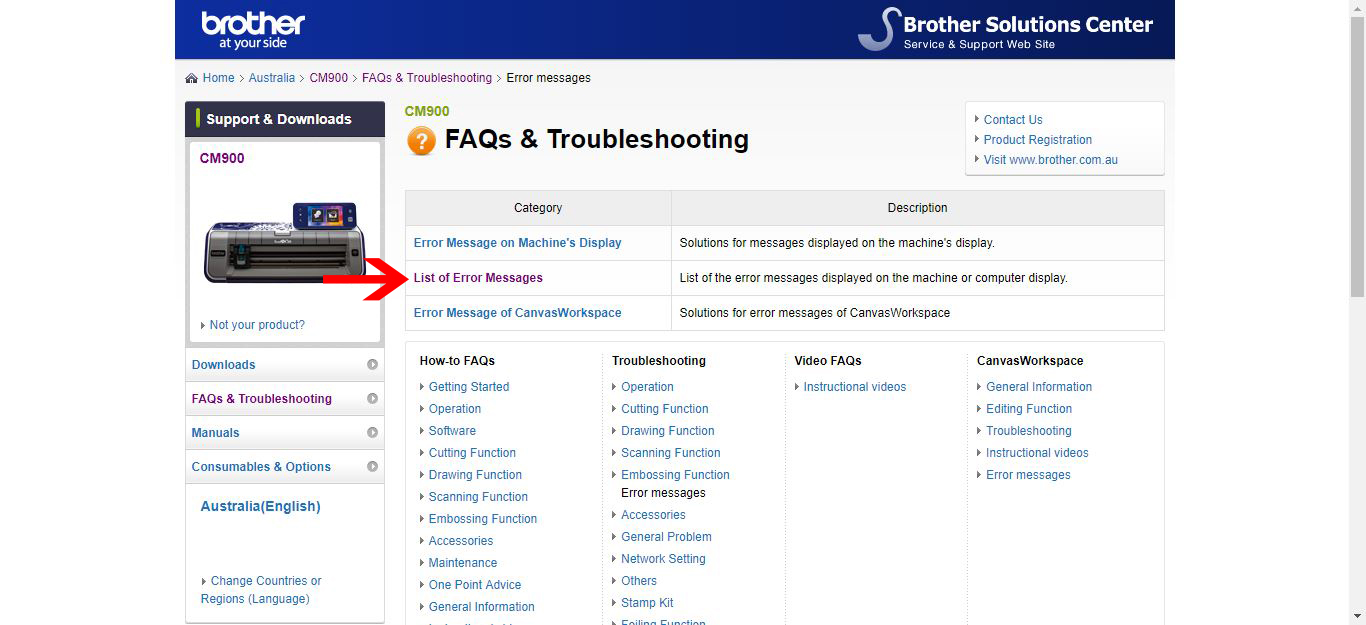
6- Next click, list of error messages.
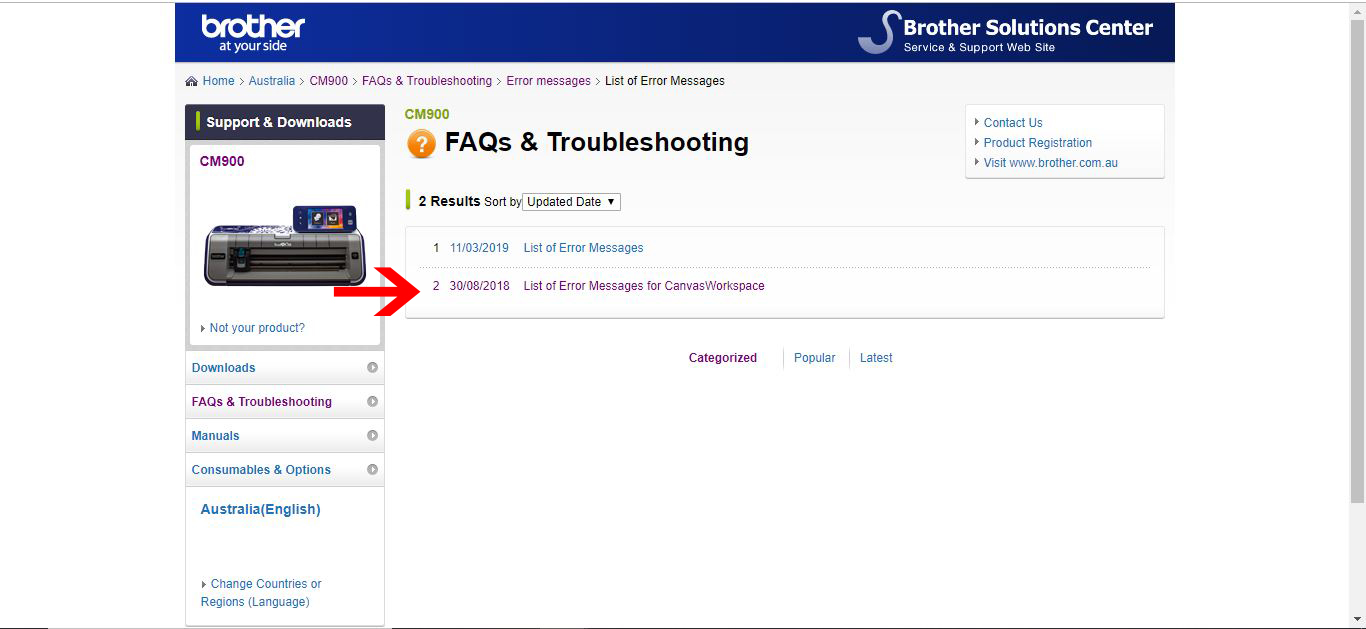
7- Select either the online version or website version. As i am using the PC version I will click that.
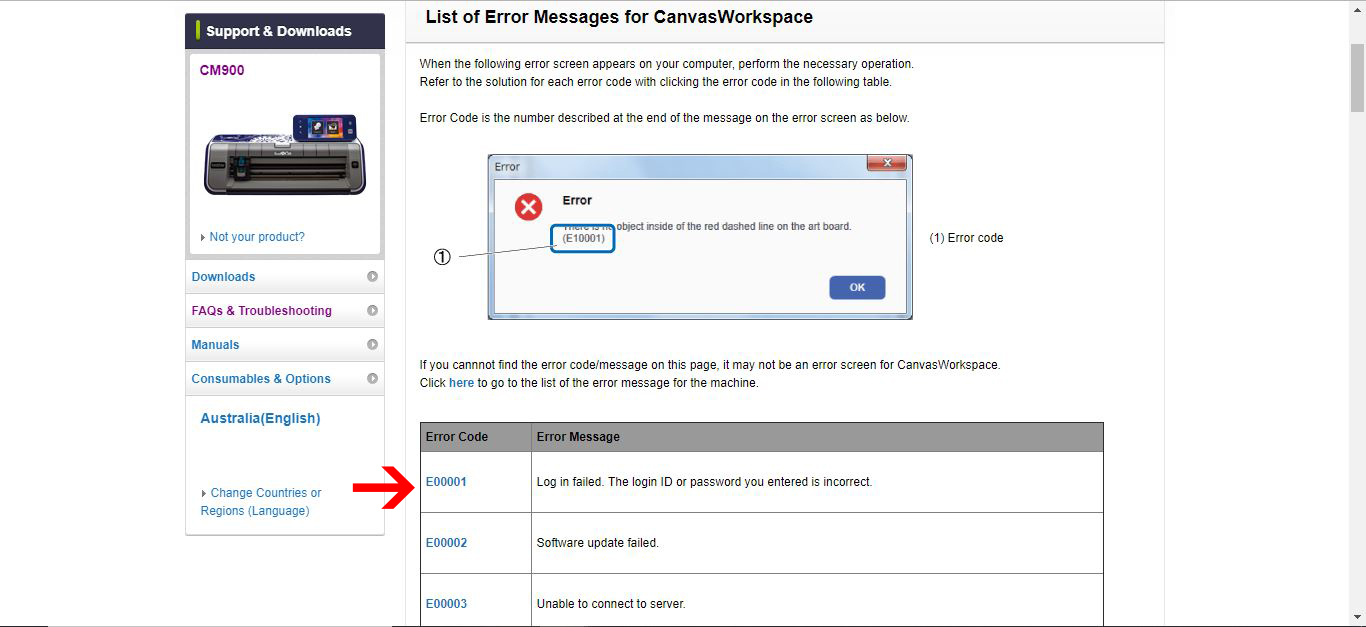
8- You will now see the error messages. You can scroll down the list to find the error code and then look at the reason the error occurred.
2- In the drop down box, click support page.
3- Your internet browser will open and take you to the support page for Brother. In the options scroll down and select your machines model.
4- Next, click on the FAQ's and troubleshooting option.
5- Under troubleshooting click error messages.
6- Next click, list of error messages.
7- Select either the online version or website version. As i am using the PC version I will click that.
8- You will now see the error messages. You can scroll down the list to find the error code and then look at the reason the error occurred.
Related Tutorials
Scan N Cut Tutorials
Fixing error E92001 in brother scan and cut canvas workspace
Scan N Cut Tutorials
How to create curved text in brother scan and cut canvas workspace
Learn how to curve text in Brother Scan N Cut
Scan N Cut Tutorials
How to make a image larger than your cutting mat in Brother Scan N Cut canvas workspace
Learn how to cut designs larger than your cutting mat in Brother Scan N Cut canvas.
Scan N Cut Tutorials
Converting SVG to FCM cutting fine in Brother scan and cut canvas workspace
Scan N Cut Tutorials