By Christine Hattingh
How to Draw a Truck
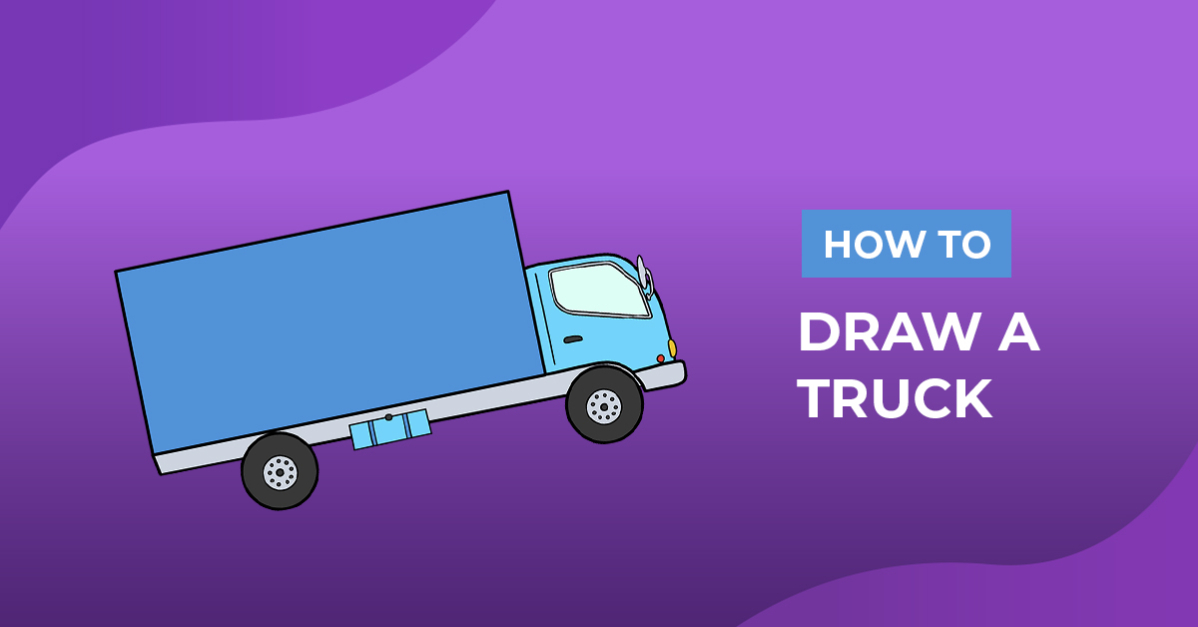
In three simple steps, we will show you how to draw a truck. Follow along with the steps to create rough sketches, define an outline and add color. You can use your illustration to create items like shipping stickers and moving planners or add them to your digital car clipart library.

Mix and match your drawing with other elements to create a project. At Design Bundles, we have thousands of graphics that will complement your truck. You can add sparkle to your drawings by adding these glitter clipart elements.
Before moving on to the steps, ensure you have all your supplies ready. You can use our FREE drawing tutorials with any medium on hand, such as traditional and digital applications.
Step 1 - Create a Simple Truck Sketch
For our first step, you will need a pencil, ruler, and a reference image. Your sketching medium can also be a light color supply that can be covered later. If you are following along with Procreate, you can make perfect shapes using QuickShape in Procreate.
Base Shape
Start by sketching a long, large rectangular shape in your drawing area. This will be the cargo area in the back, so you can change your drawing to a small delivery truck by shortening the shape.

Then, below the rectangle, draw the front and back wheels. Sketch two circles, inside the other, like our example below, close to the back and one just past the front of the rectangle.

Next, create the shape of the cab and a line that extends to the back to join the wheels to your truck sketch. On the front of your truck, draw a square shape that is rounded at the top and goes lower than the cargo hold.

Add Details
Add the main details to your sketch, like the window, lights, and bumper. On the cab, draw a window that curves with its shape and is pointed to the front. Then on the bottom section, draw a rectangle for the bumper, a small circle above it for the indicator light, and headlights on the front.

Add smaller details like a frame around the window and rearview mirror. Also, add a door handle below the window toward the back. You can sketch extra features to make your truck unique, such as a door on the cargo hold, a front grill, and details along the wheel line.

Step 2 - Define your Truck Outline
Once your sketches are done, replace your sketching medium with a permanent one to create the truck outline. Use your favorite outlining tools like a black marker or inking brush.
Pay close attention to any overlapping sketch lines, and only define the one you want to include with your vehicle drawing.

Step 3 - Color your Truck Illustration
You now have a precise line art of your truck and can start adding color. With a medium like watercolor paints, oil pastels, or colored pencils, apply your chosen color palette.
Did you know you can quickly color your car clipart with Procreate? See our handy guide on how to fill a shape in Procreate.

Quickly make a themed truck by adding other elements and textures. Why not make a floral delivery truck by adding a flower clipart and some text?
Your truck is ready to use on sticks, branding, or sublimate it onto totes, mugs, and t-shirts. Great job following along with our drawing guide. For more vehicle guides, check out our how to draw a car or draw a fire truck tutorial.