By Design Bundles
How to Use PSD Files in Silhouette Alta
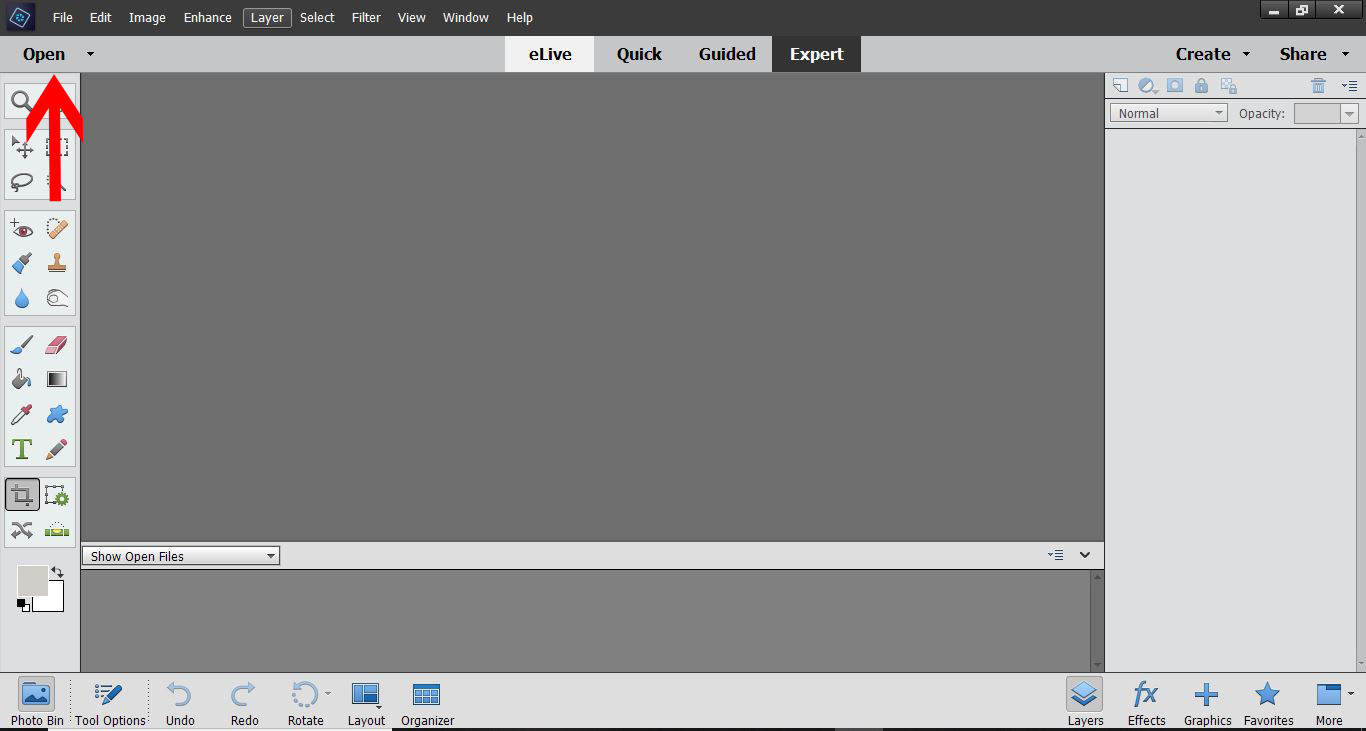
1- Open Adobe Photoshop. I am using photoshop elements.(you do not need to full version ) Click on the open icon.
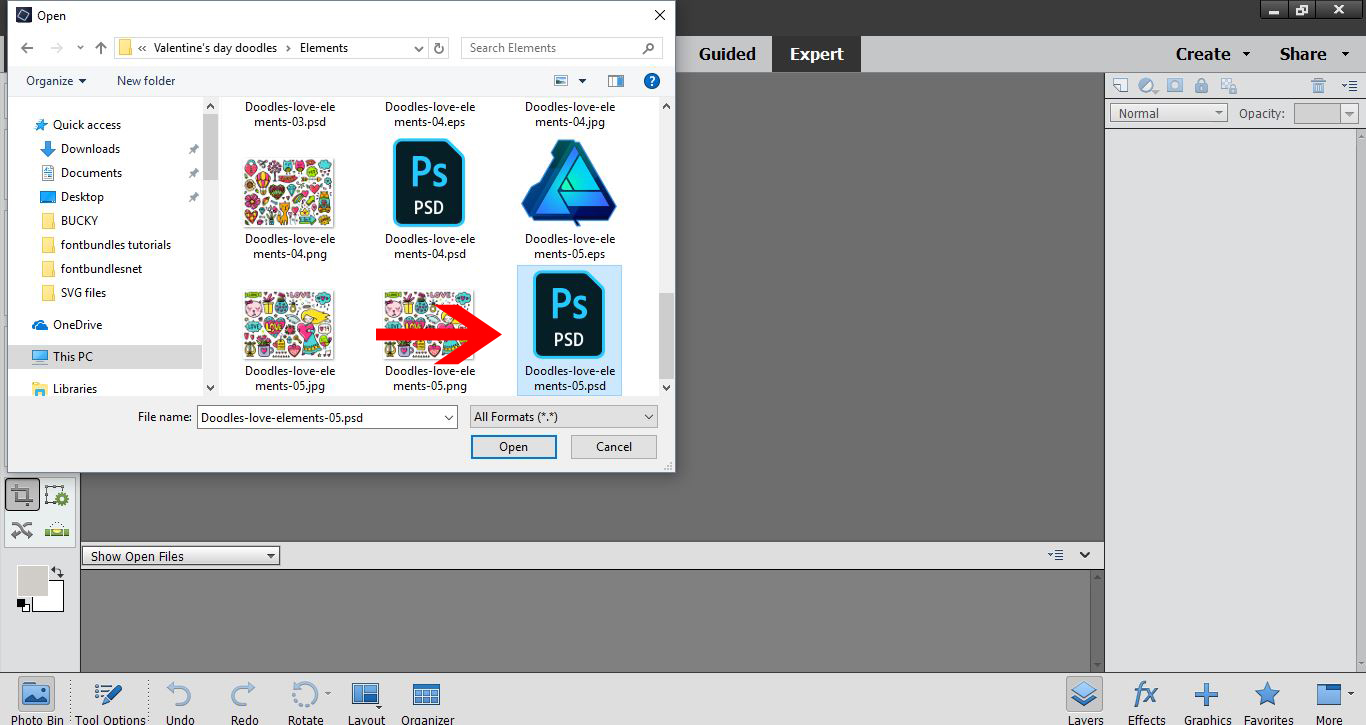
2- Select your PSD file. Open it.
3- In the layers tab, select all the layers you do not want to use in your 3D print file. Then delete them.
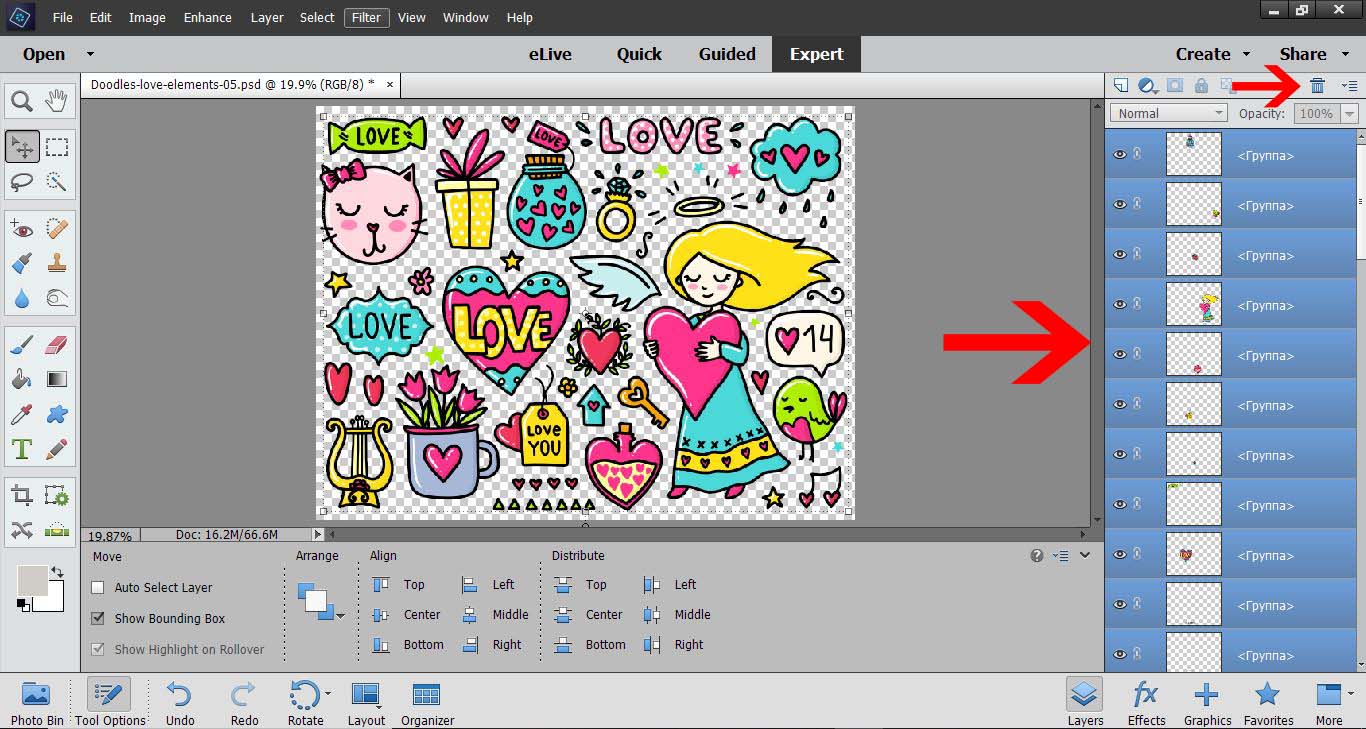
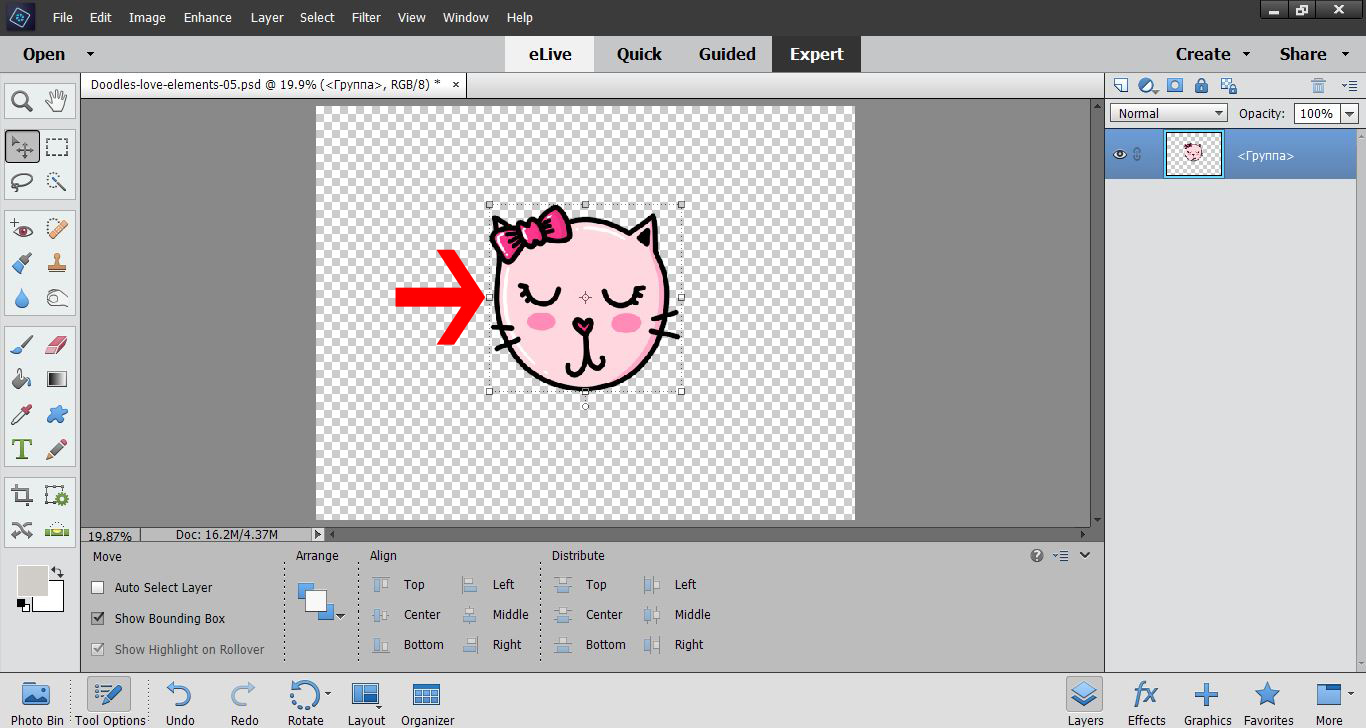
4- Move the layer you have kept to the middle of your design space.
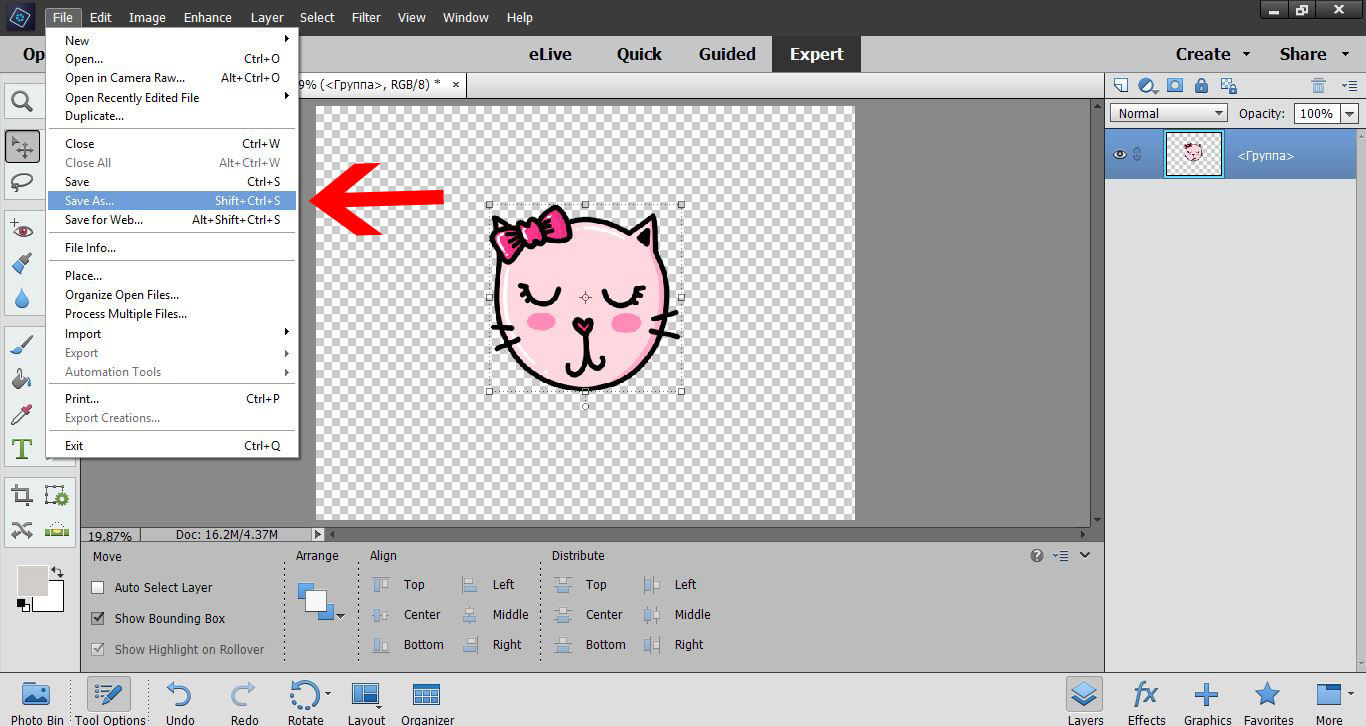
5- Go to File - save as.
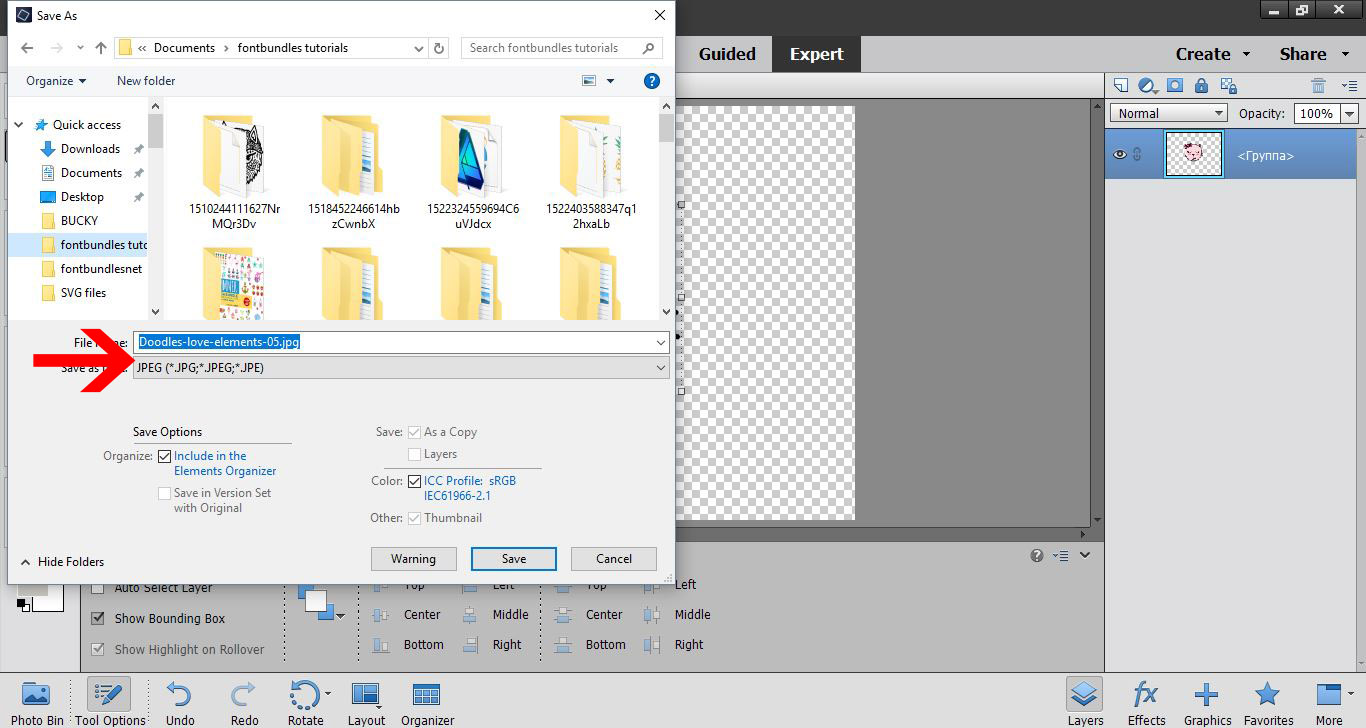
6- When you save the file, save as a JPEG file, not a PSD file.
7- Go and load Silhouette Studio software. (free edition) Click on the open folder icon.
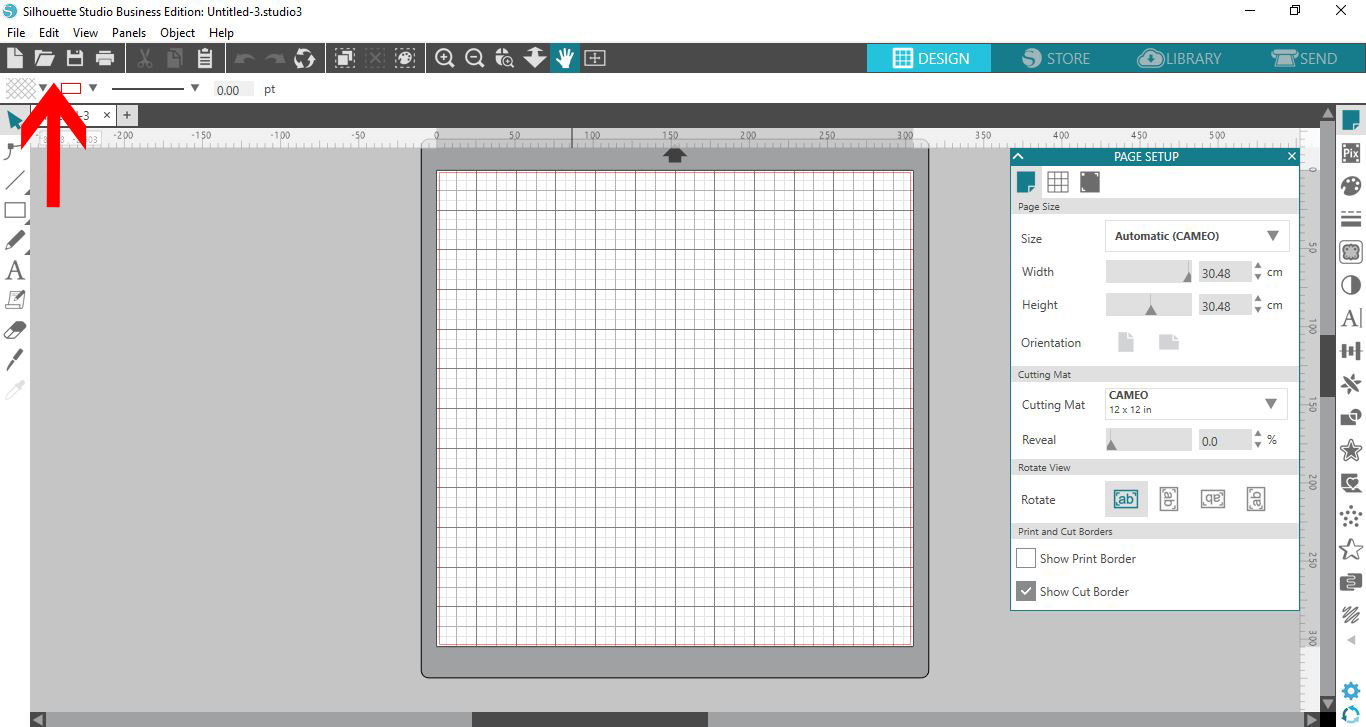
8-Your JPEG will load onto your design space. Click on the trace icon.
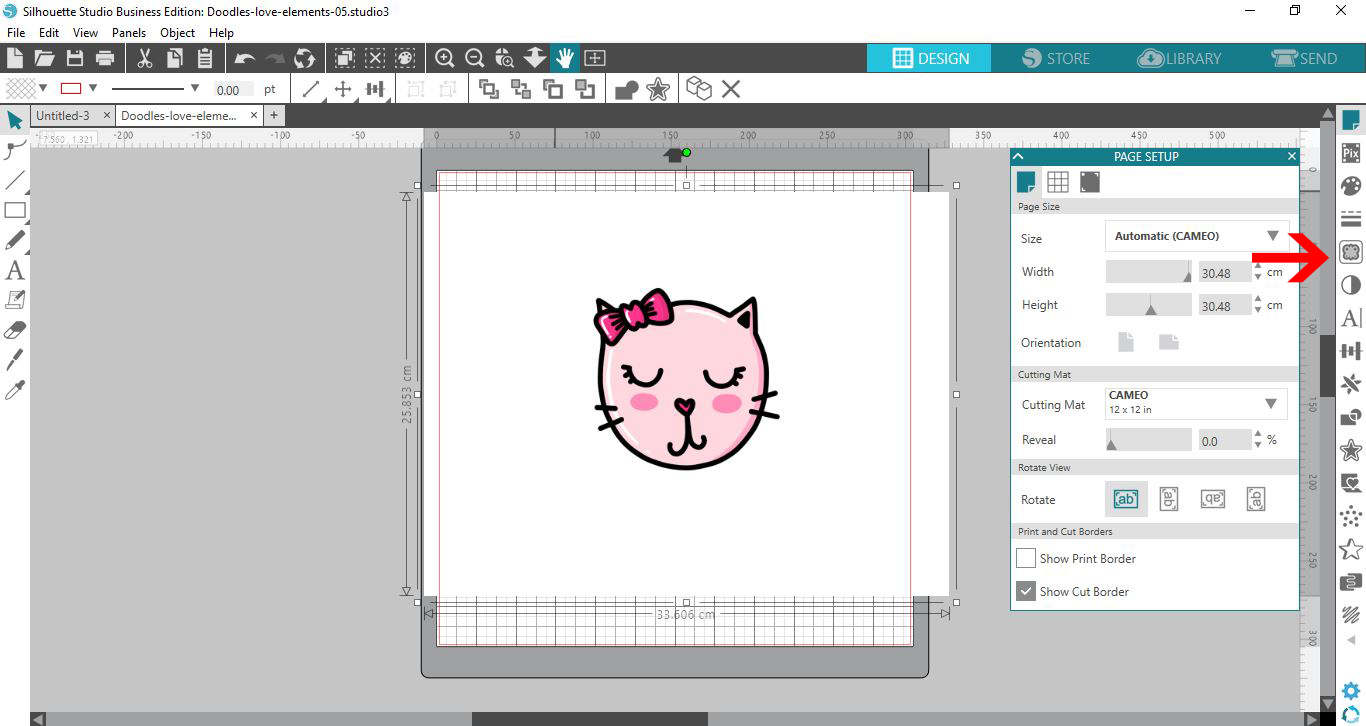
9- Trace your design.
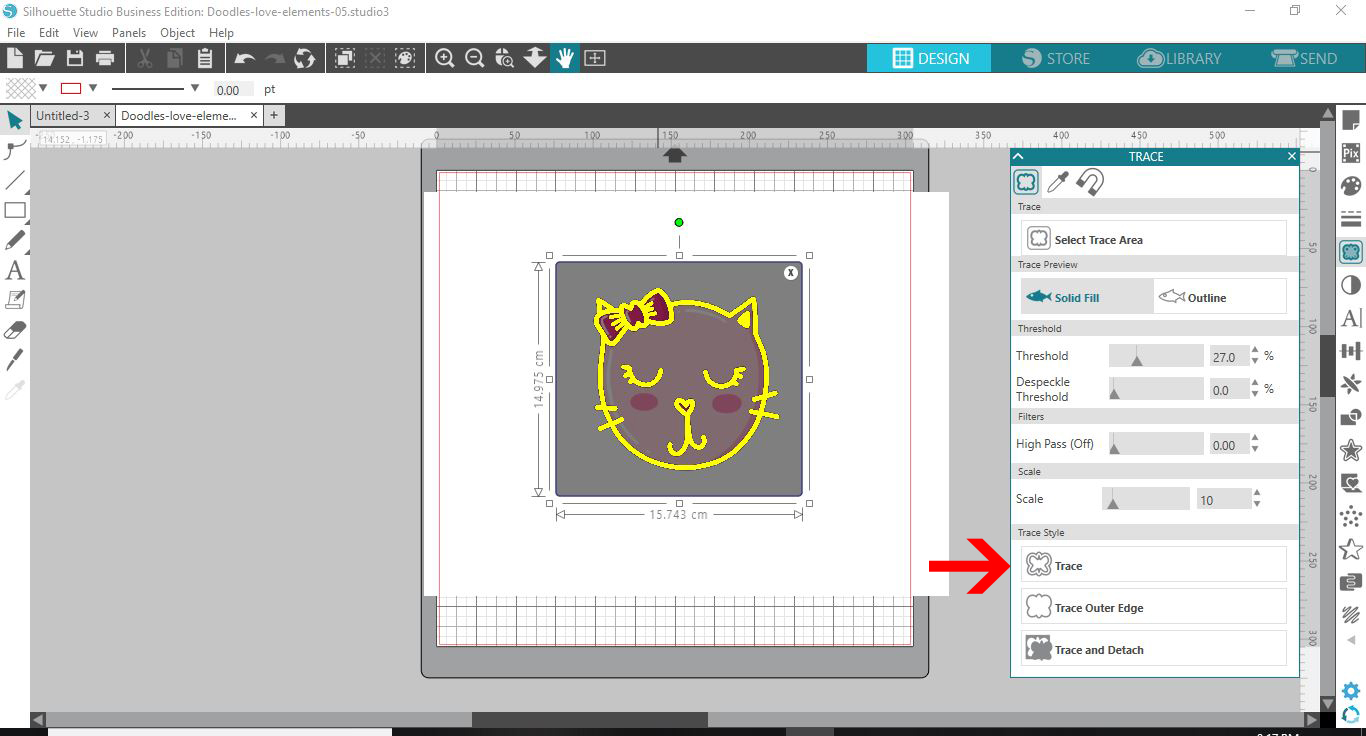
10- You may need to trace the parts several times and combine them to replicate your design.
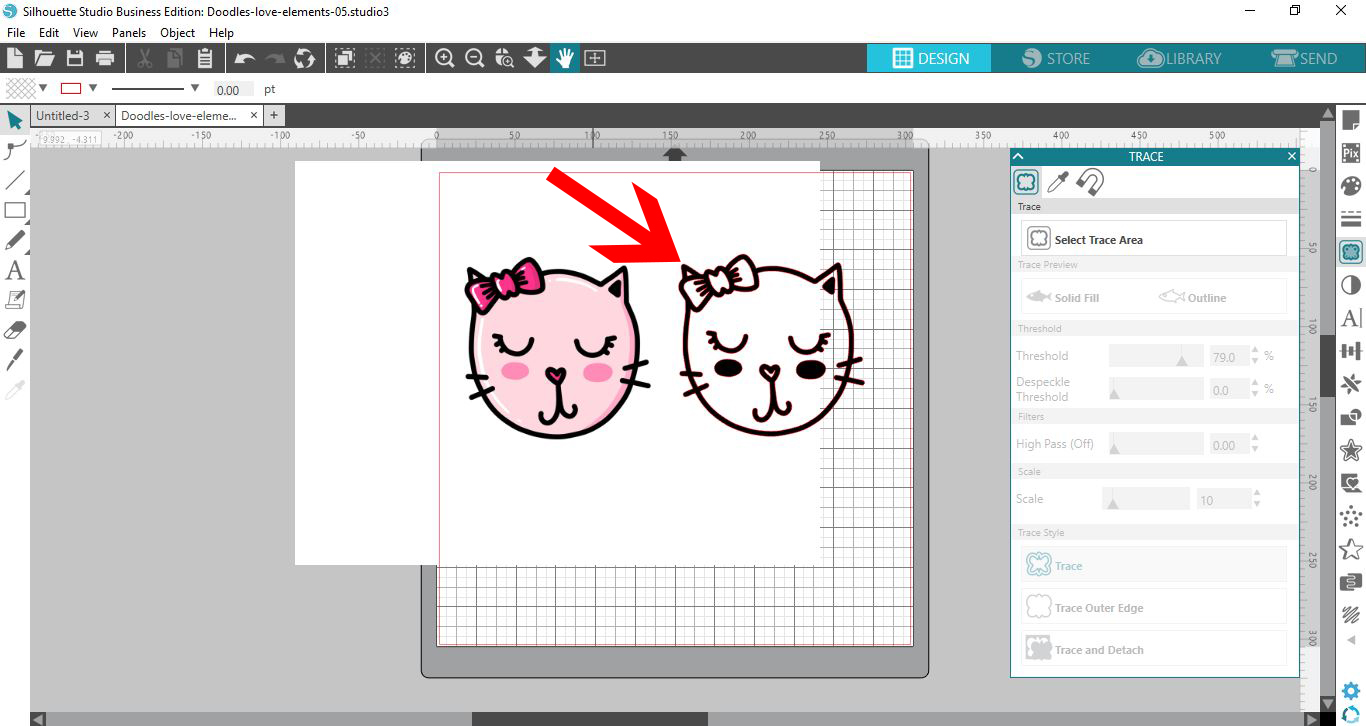
11- Delete the JPEG and only have your traced image in your design space.
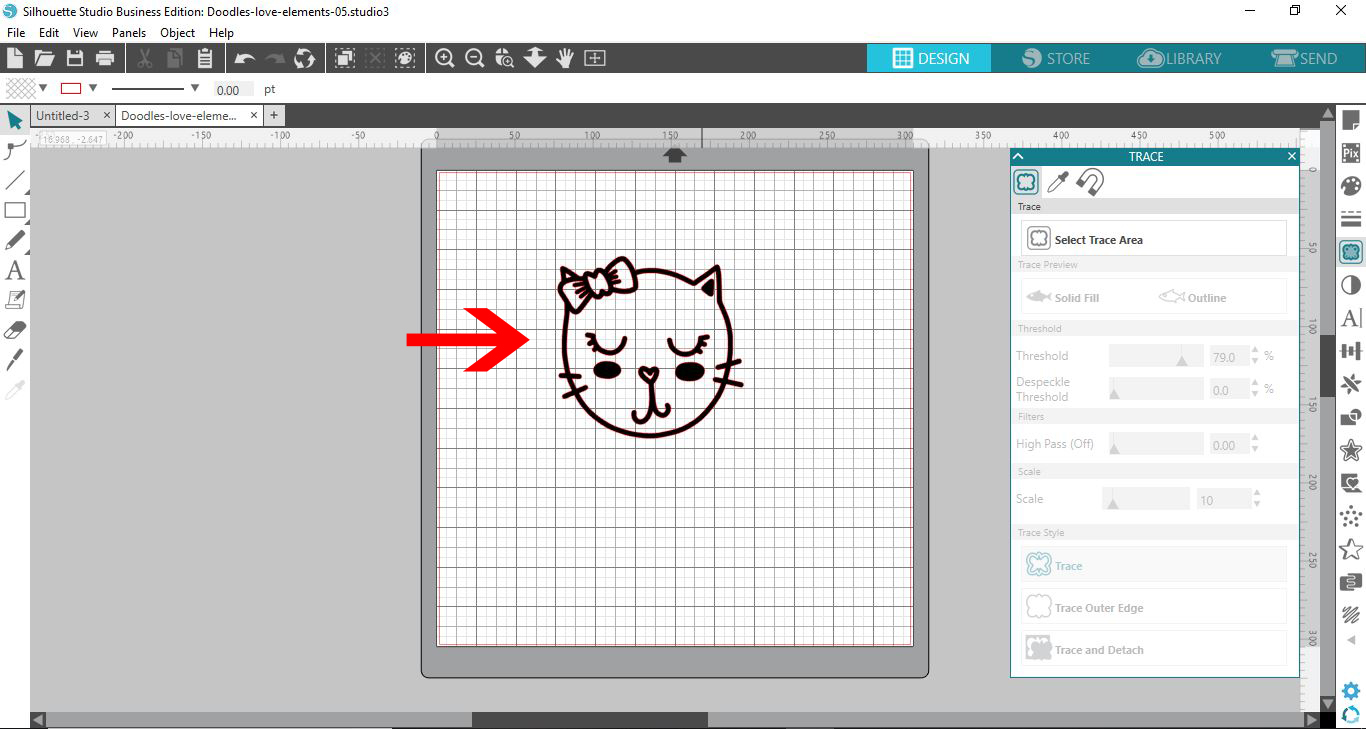
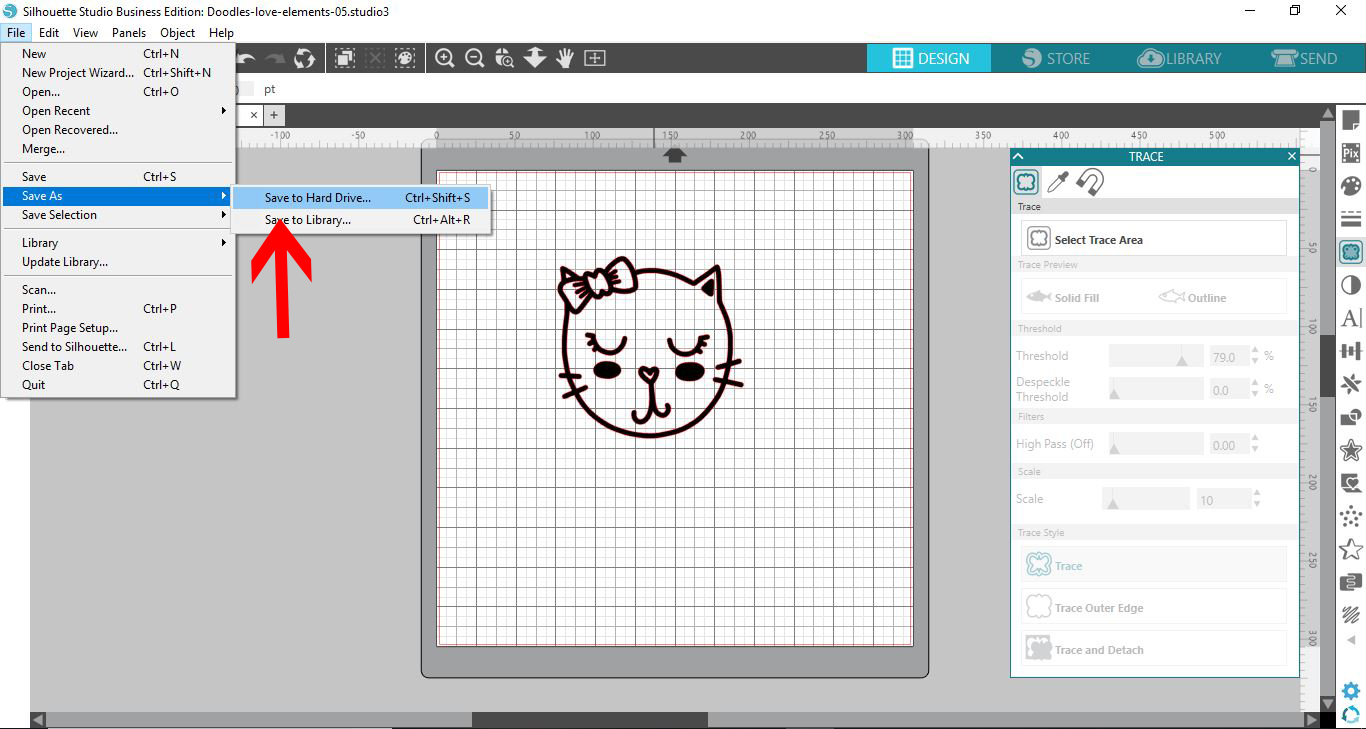
12- Go to File - Save as - Save to hard drive.
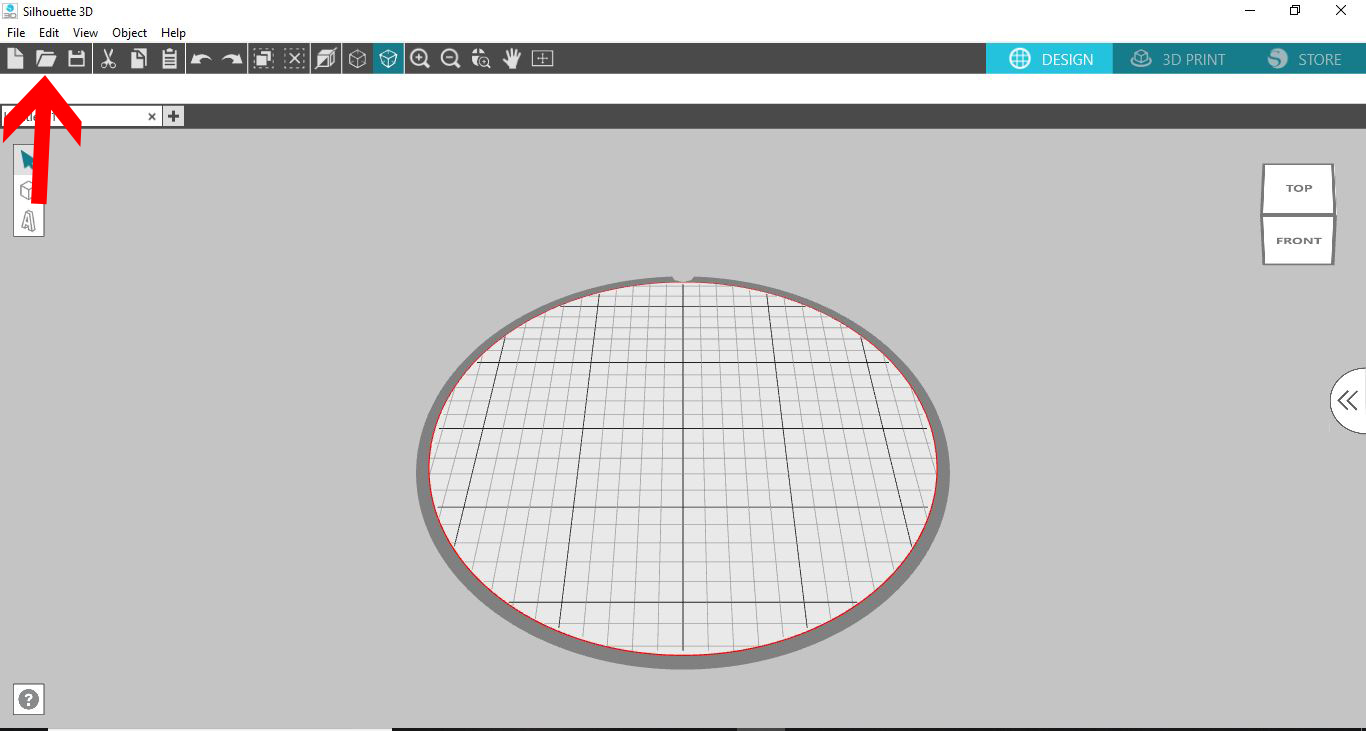
13- Open the Silhouette Alta 3D software. Click on the open folder icon.
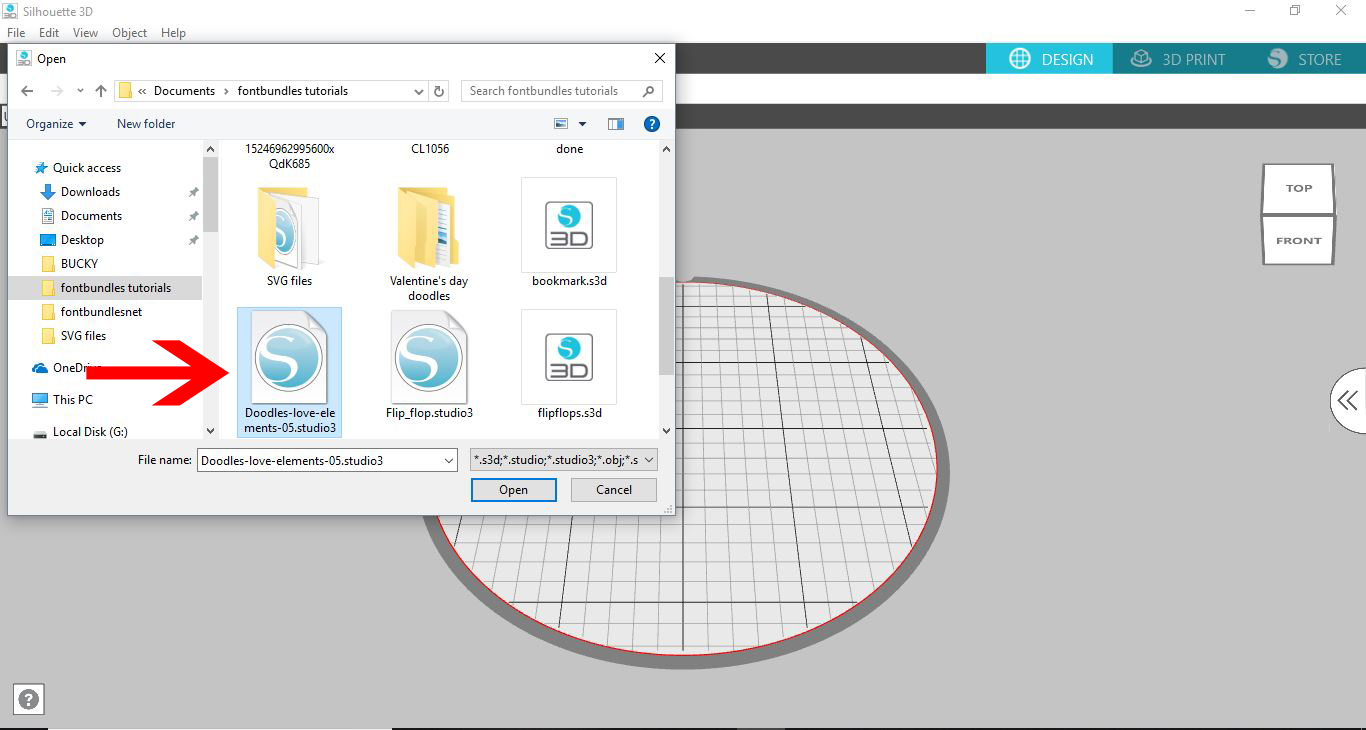
14- Fine your studio file and open.
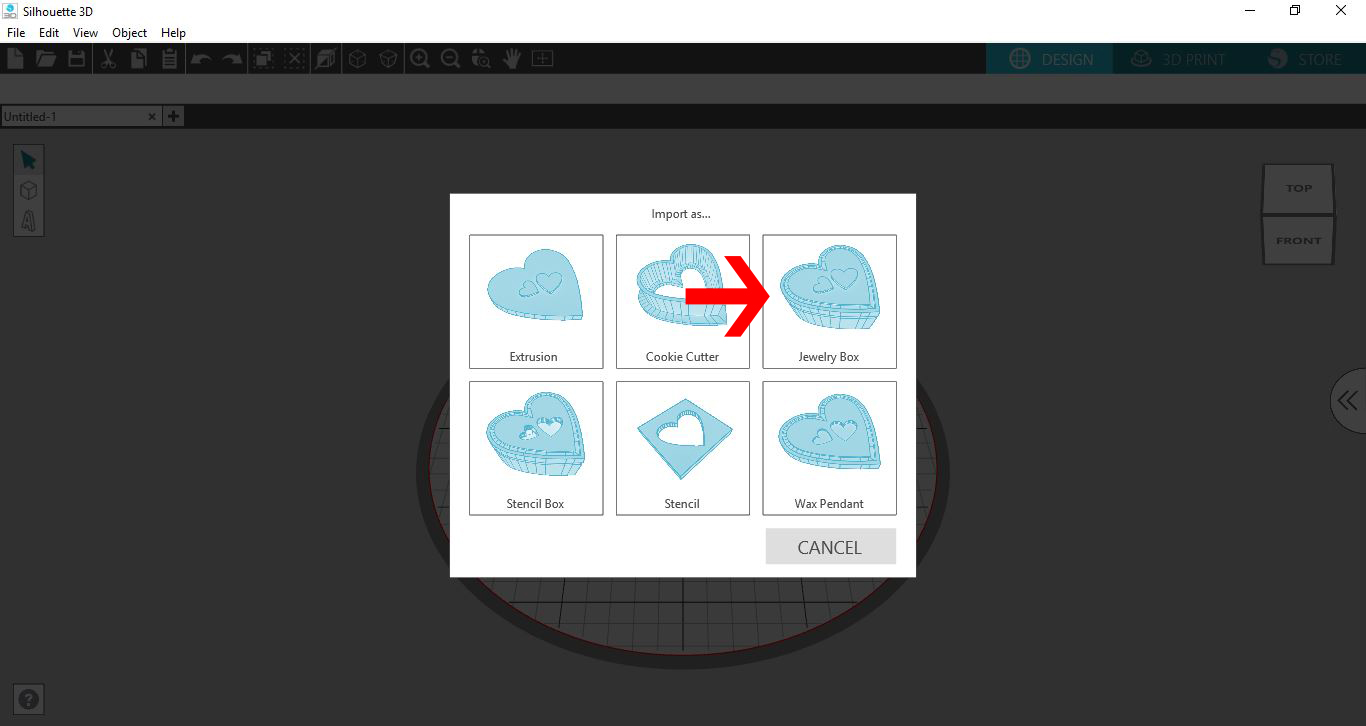
15- A new window will appear. At this point you can choose what you would like to convert the file to. I will be creating a jewelry box.
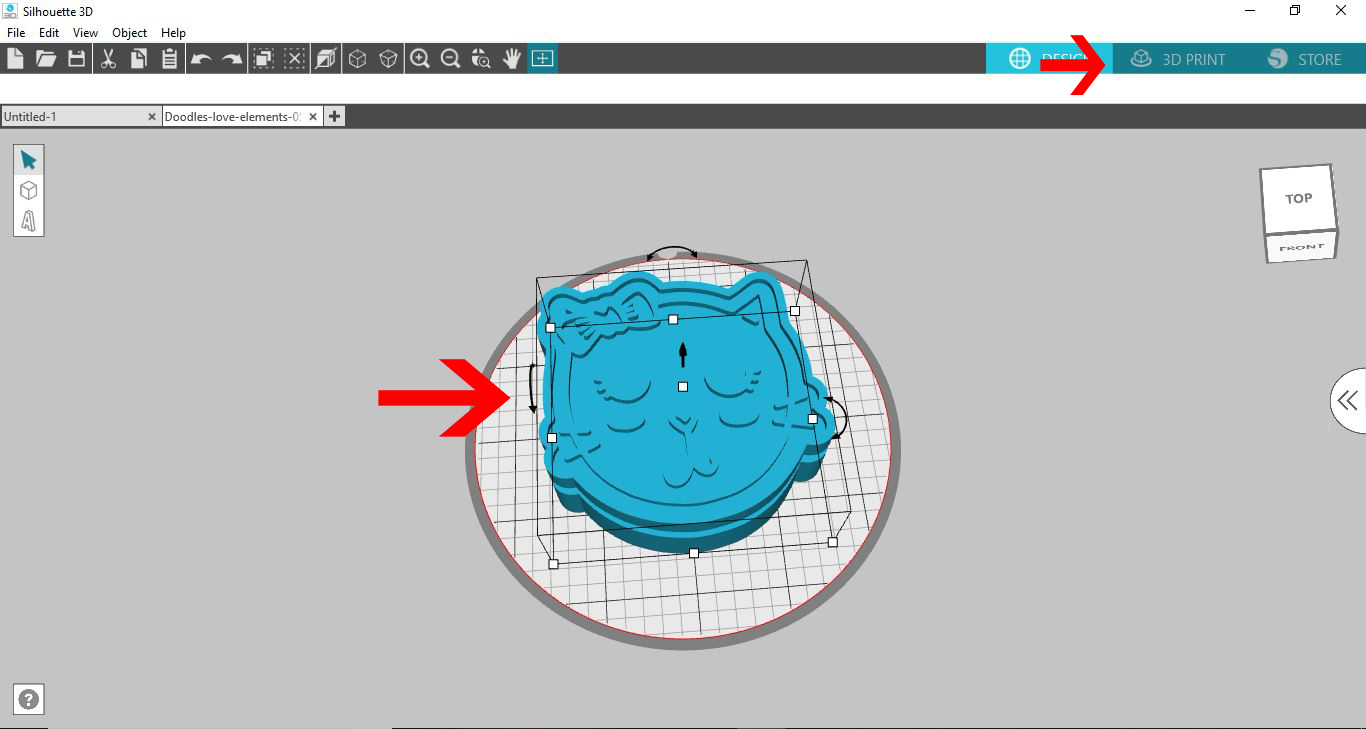
16- Your file will convert and At this point you can either ungroup or add /remove from your design. When you are happy you can click on 3D print.
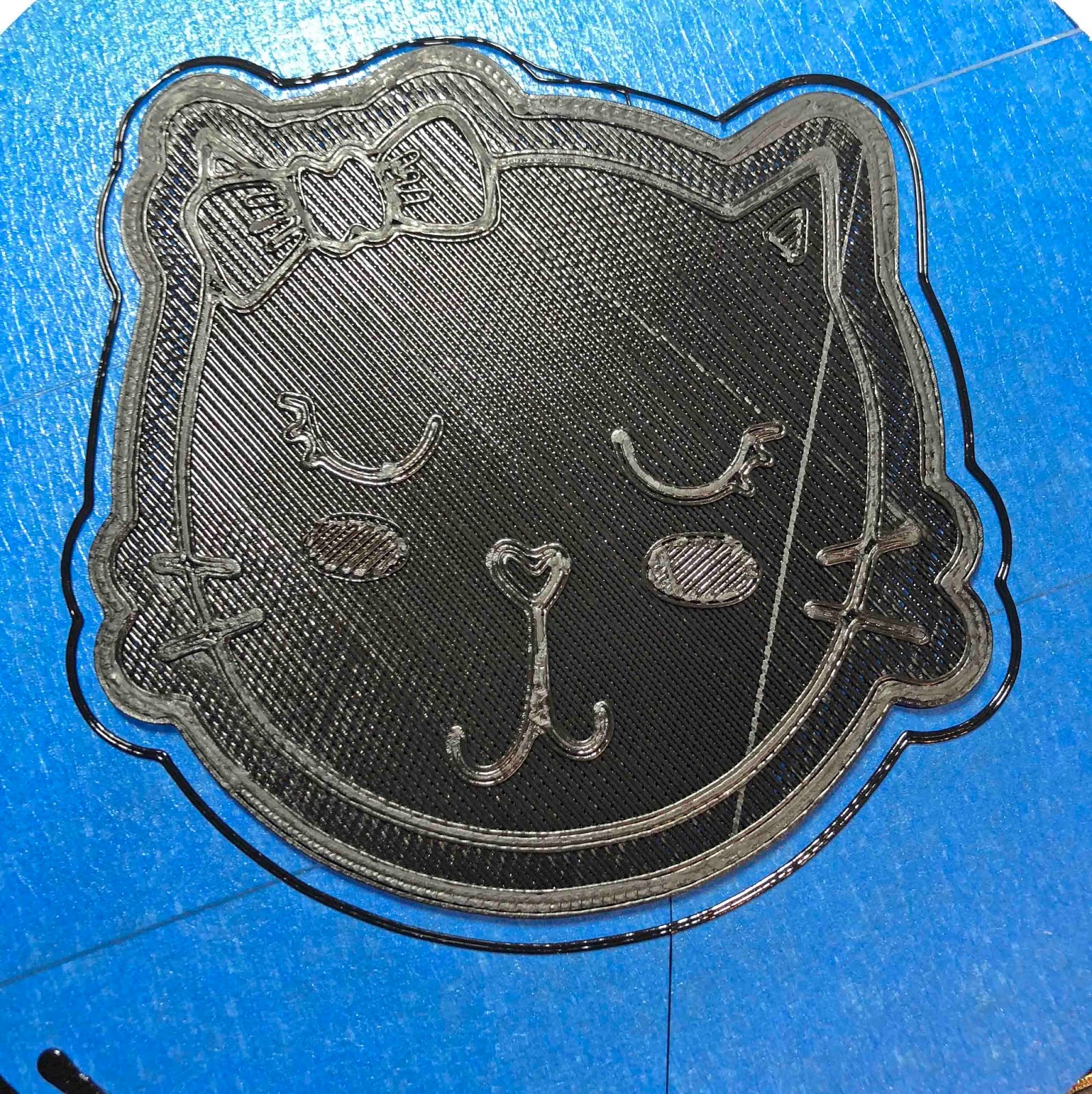
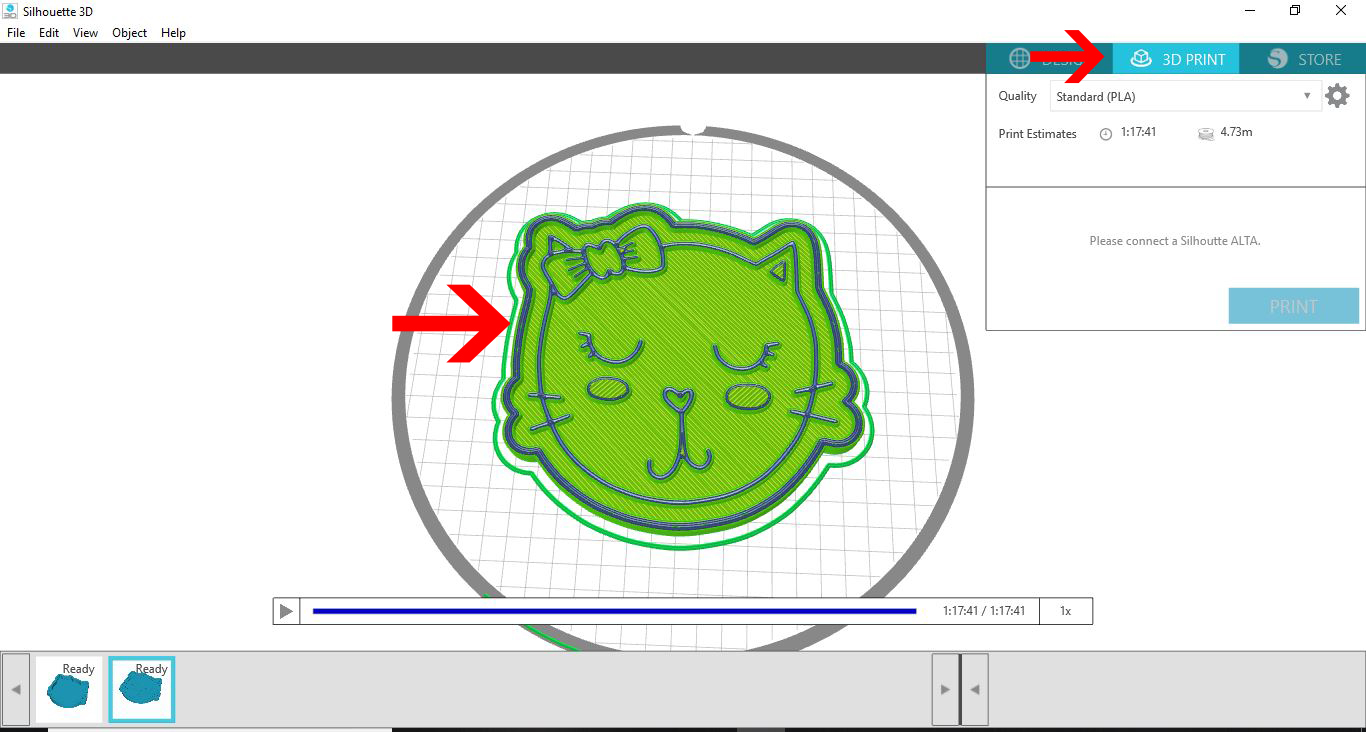
17- Your design will slice and you can print.
18- Your design is printed.