By Design Bundles
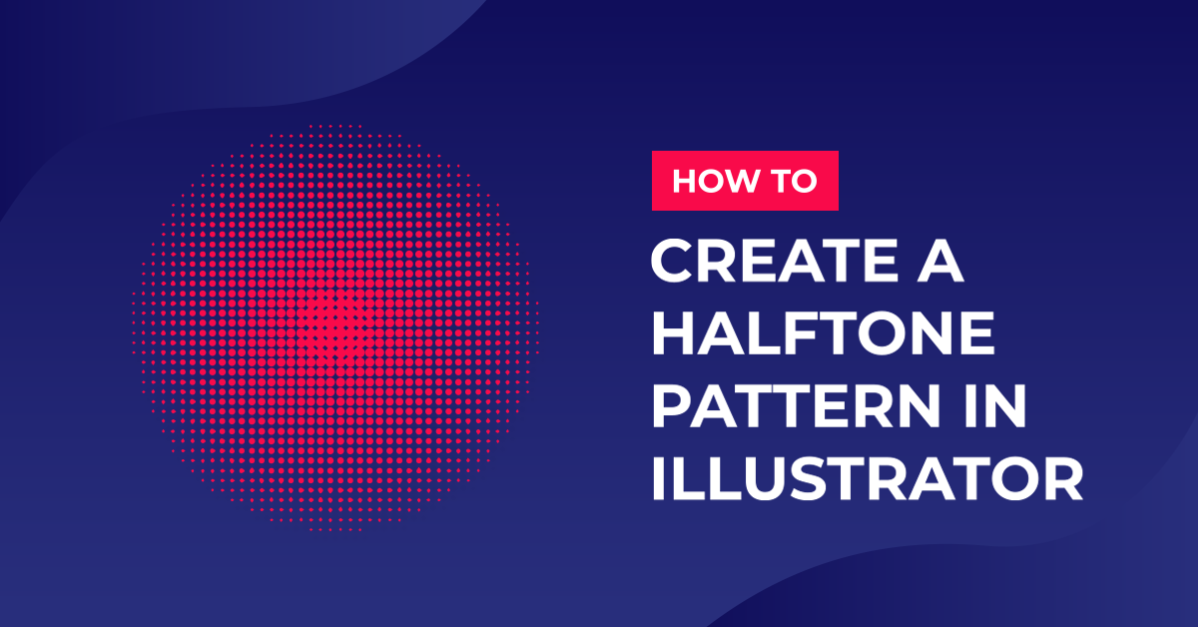
Create a Halftone Pattern in Adobe Illustrator
1 - In Illustrator, create a “New Document”.

2 - Select the “Ellipse Tool” (L) and draw an oval in your document.

3 - Fill it with a “Gradient”. It doesn’t have to be an oval, it can be any shape you like.

4 - In the “Appearance” Panel, select your “Fill” and click on the “Effects” Menu at the bottom of the panel, choose Pixelate > Color Halftone. Change the “Max. Radius” to 15 Pixels and set all the “Screen Angles” to 0.


5 - You can change your values by double-clicking on the “Effect” thumbnail in the “Appearance” panel.

6 - Go to Object > Expand Appearance, then in the upper Menu, click the “Image Trace” button.


7 - Click on the “Image Trace Panel”, open the “Advanced” options by clicking on the small arrow to the left and move the “Threshold” and “Paths” values almost to the maximum (249 and 99) and the “Corners” and “Noise” values almost to the minimum (1% and 1px). Make sure the “Ignore White” box is checked.


8 - Close the Panel and click the “Expand” button.


9 - You can apply this to different shapes.


10 - Change colors or to create a cool “Halftone” shadow.


2 - Select the “Ellipse Tool” (L) and draw an oval in your document.
3 - Fill it with a “Gradient”. It doesn’t have to be an oval, it can be any shape you like.
4 - In the “Appearance” Panel, select your “Fill” and click on the “Effects” Menu at the bottom of the panel, choose Pixelate > Color Halftone. Change the “Max. Radius” to 15 Pixels and set all the “Screen Angles” to 0.
5 - You can change your values by double-clicking on the “Effect” thumbnail in the “Appearance” panel.
6 - Go to Object > Expand Appearance, then in the upper Menu, click the “Image Trace” button.
7 - Click on the “Image Trace Panel”, open the “Advanced” options by clicking on the small arrow to the left and move the “Threshold” and “Paths” values almost to the maximum (249 and 99) and the “Corners” and “Noise” values almost to the minimum (1% and 1px). Make sure the “Ignore White” box is checked.
8 - Close the Panel and click the “Expand” button.
9 - You can apply this to different shapes.
10 - Change colors or to create a cool “Halftone” shadow.
by @lornacane
Related Tutorials
Illustrator Tutorials
How to Create a Pattern in Adobe Illustrator
Illustrator Tutorials
How to Create SVGs in Adobe Illustrator
In this tutorial, learn how to create and save a SVG in Adobe Illustrator.
Illustrator Tutorials
How to Create a Honeycomb Pattern in Illustrator
Learn how to create a Honeycomb pattern in Adobe Illustrator.
Illustrator Tutorials
How to Create a Paisley Pattern in Illustrator
Illustrator Tutorials
How to resize an image without losing quality in Adobe Illustrator
Learn how to resize an image without losing quality in Ai.
Illustrator Tutorials
How to Create a Transparent Gradient in Illustrator
Learn how to create a transparent gradient in Adobe Illustrator with this step by step tutorial.