By Design Bundles
Pixel Art Flowers in Illustrator
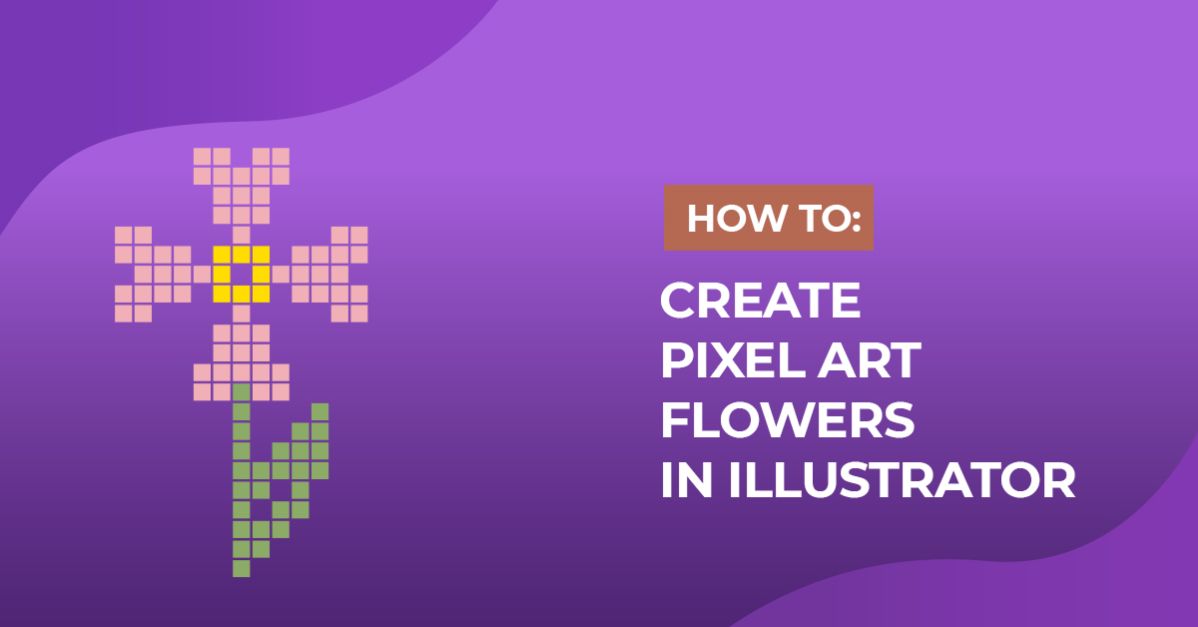
We are going to create some Flowers as an example, but you can create anything you want. You need a reference image or vector.
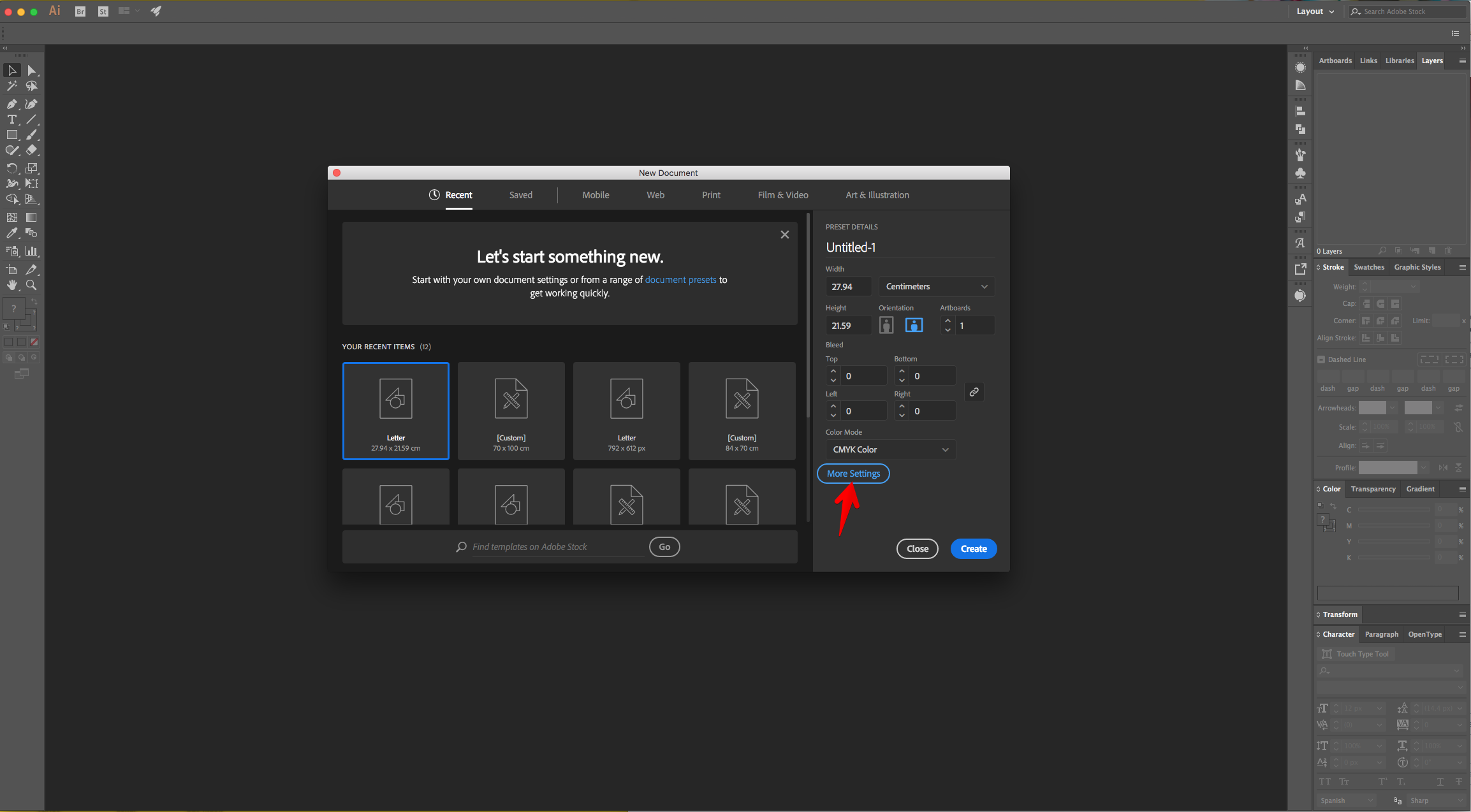
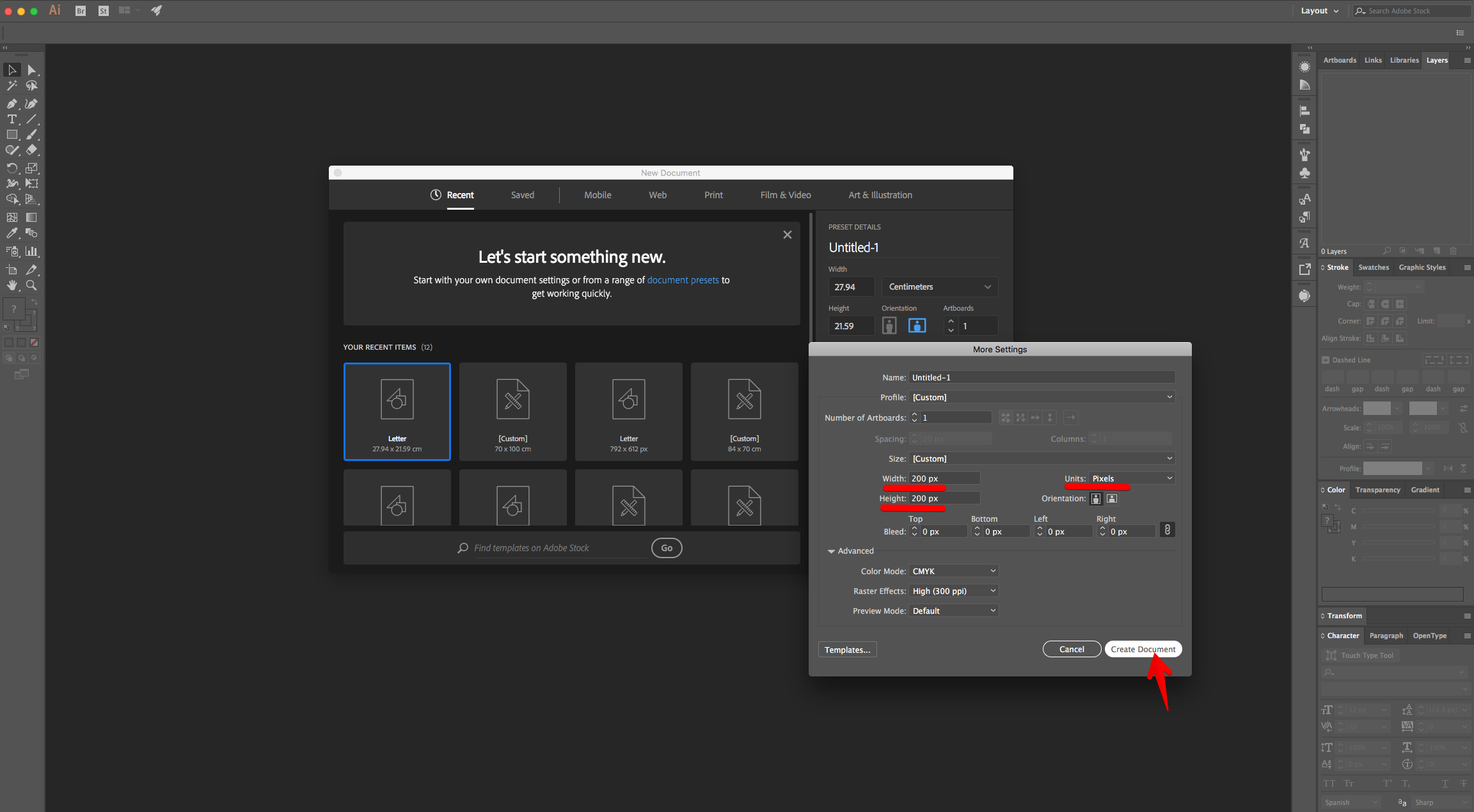
1 - In Illustrator, create a “New Document”. Click “More Settings”, change the Units to “Pixels” and use a “Width” and “Height” of 200.
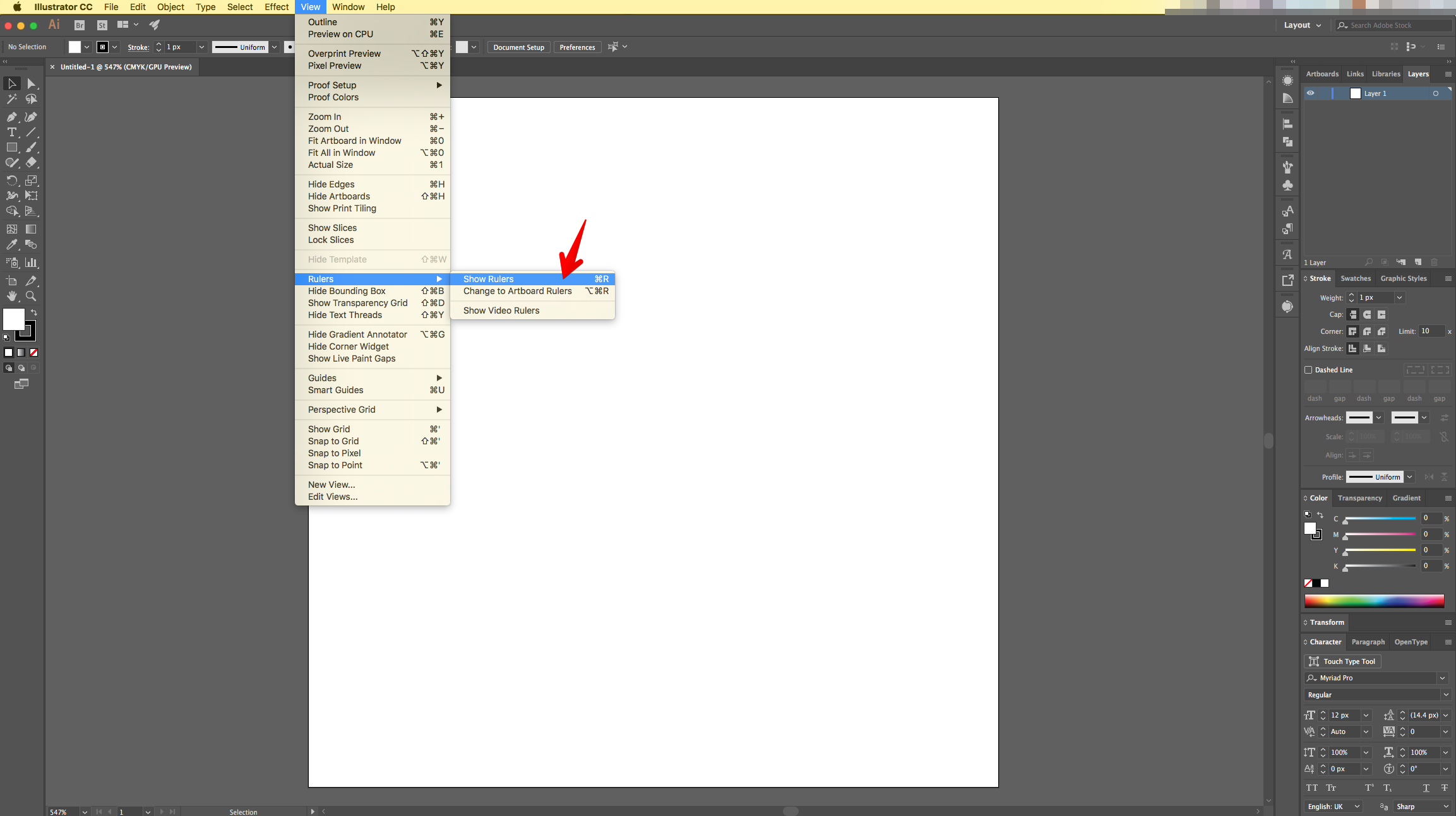
2 - If you need the Document “Rulers” go to View > Rulers > Show Rulers (Command/Control + R).
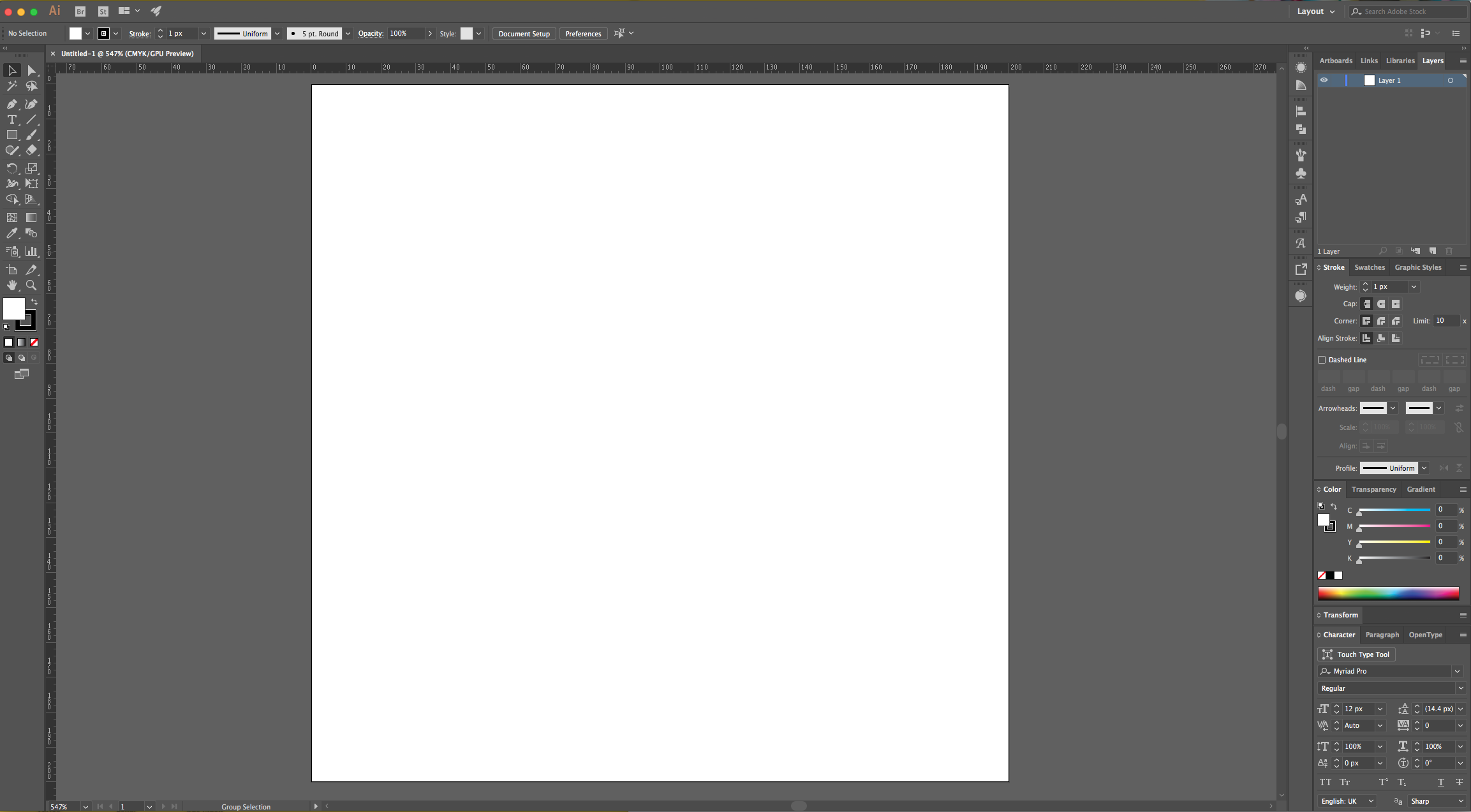
3 - Select the “Rectangle Tool” (M), click on the Top - Left corner of your document’s and input the same “Width” and “Height” values (200 x 200 px). Use White as “Fill” color.
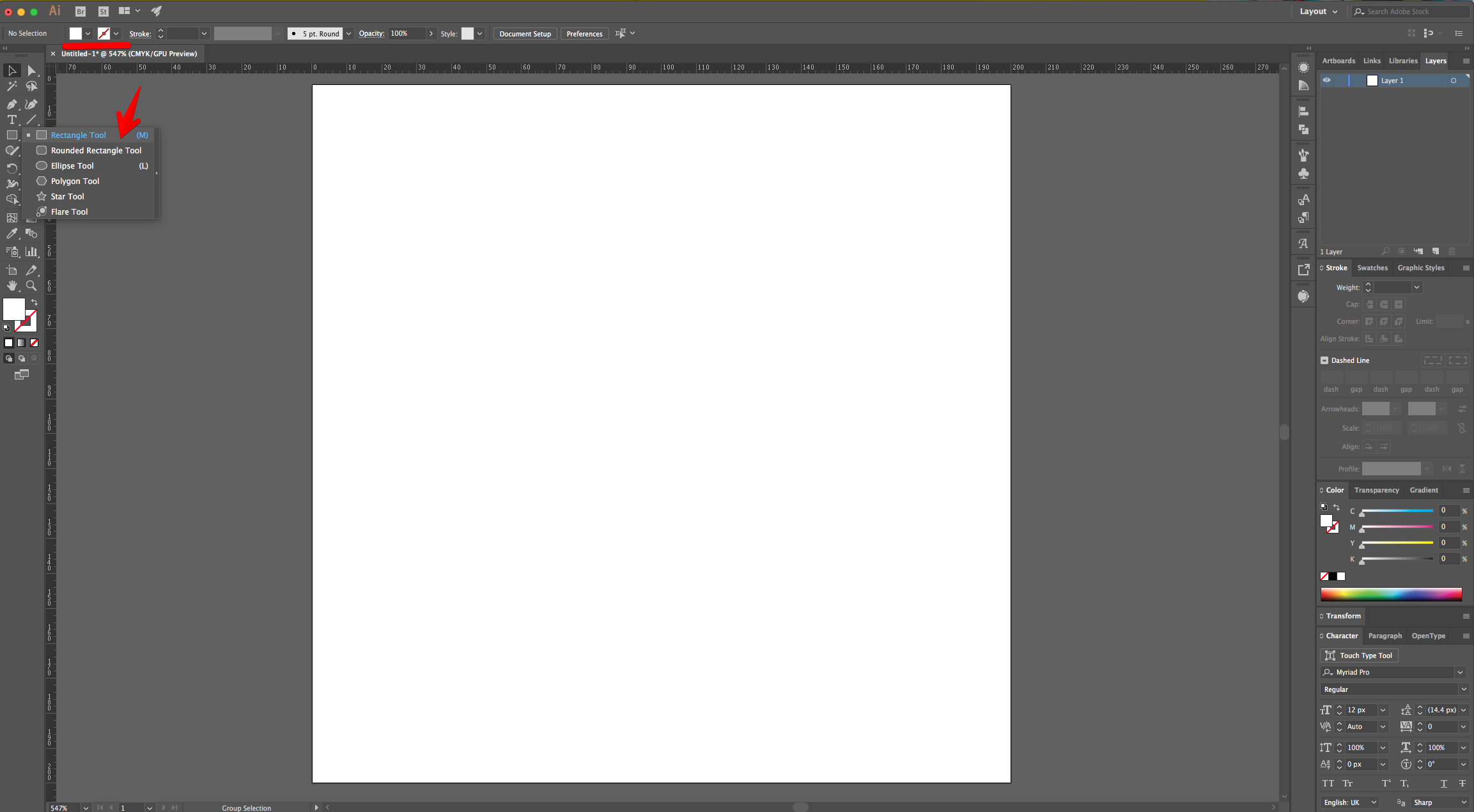
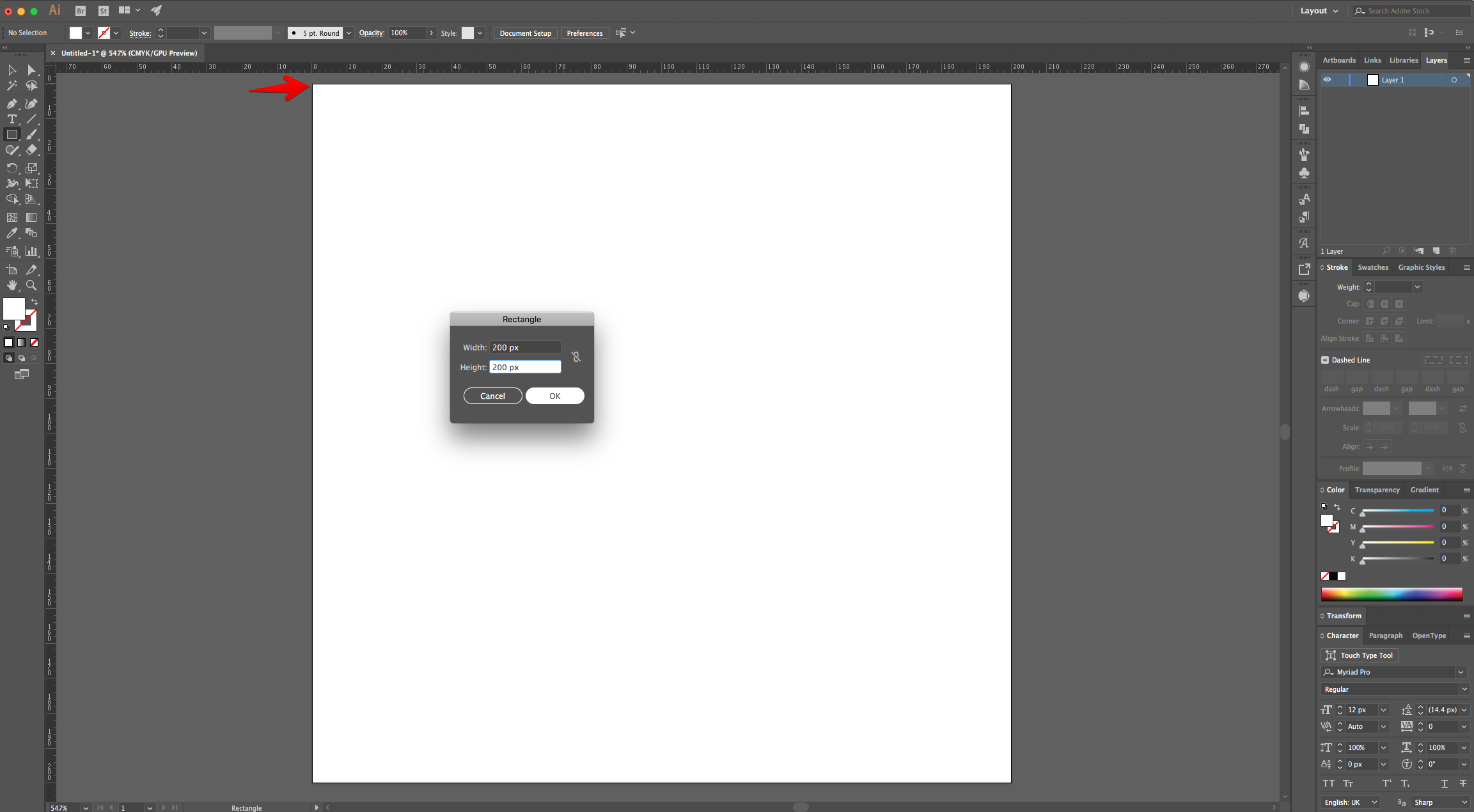
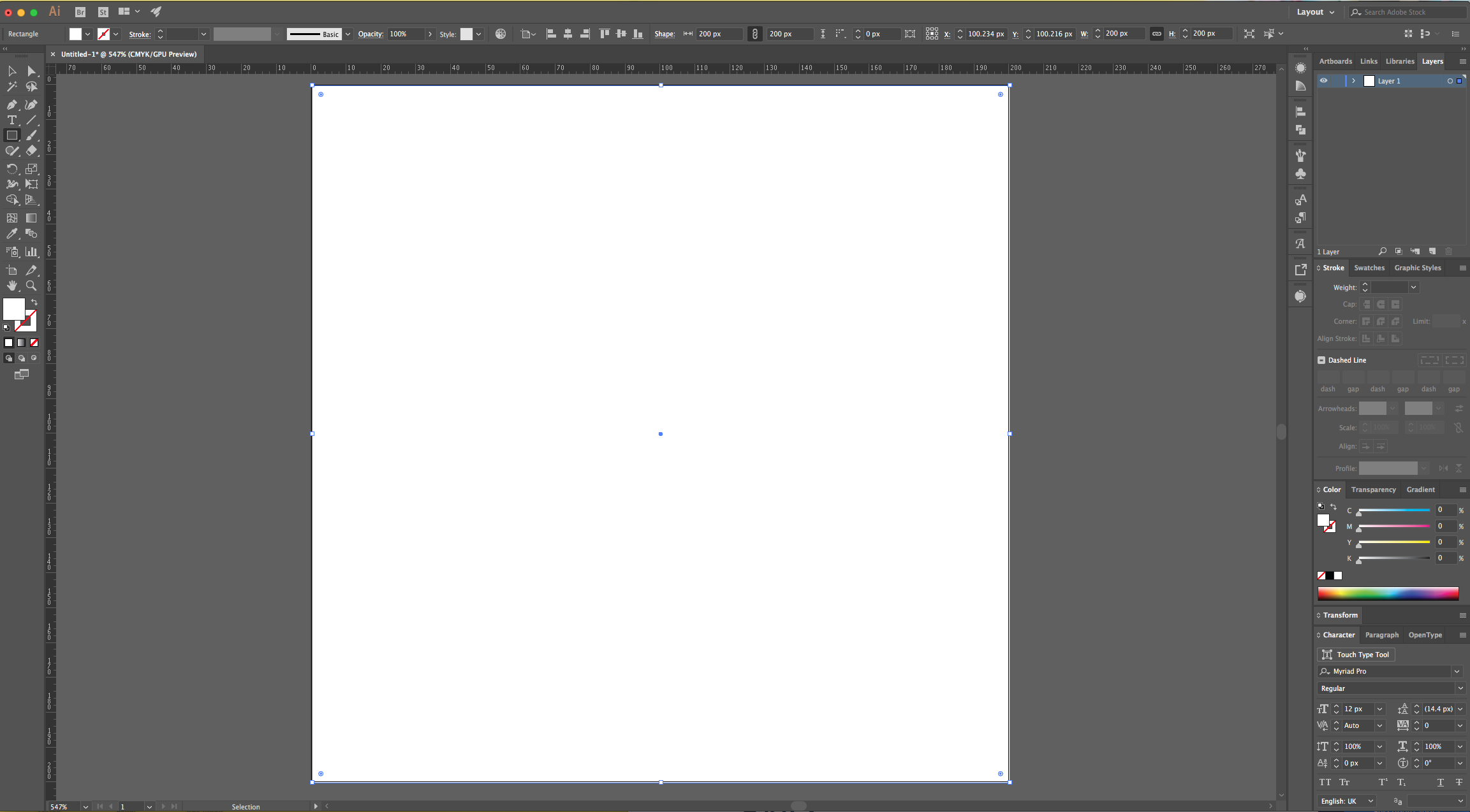
4 - Center it using the “Horizontal Align Center” option on your Top Menu and make sure that “Align to Artboard” is selected. Or use the same options in the “Align Panel”.
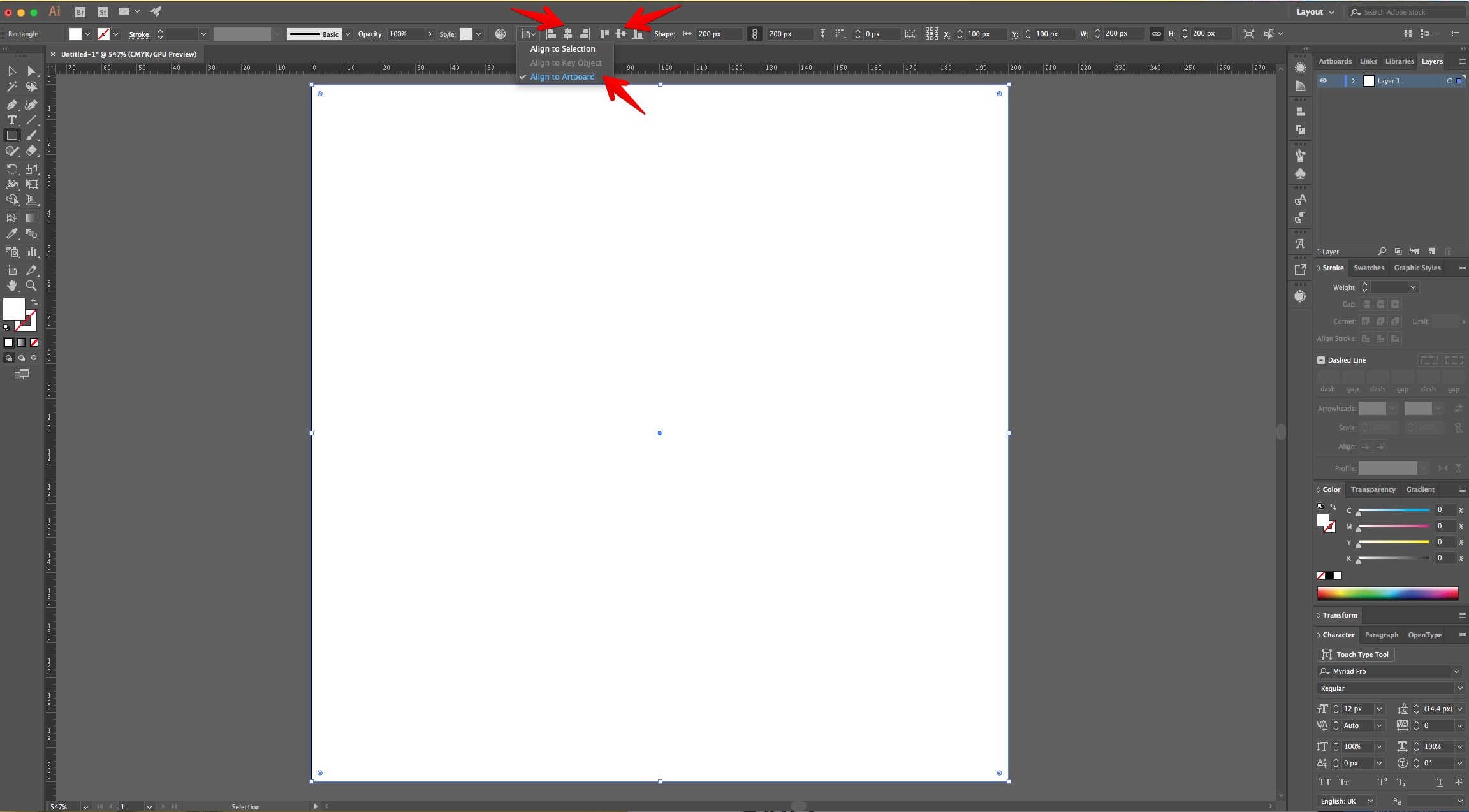
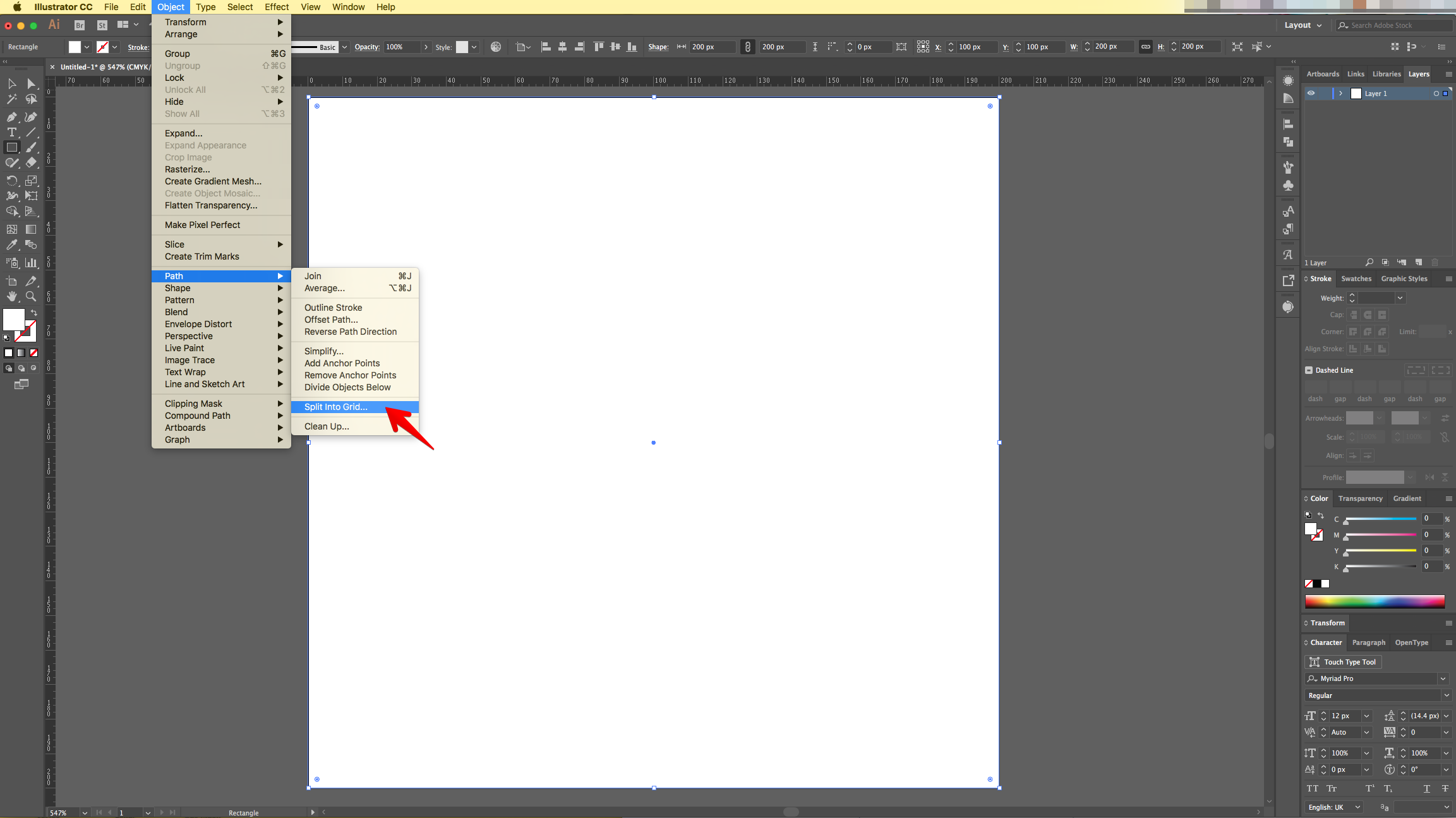
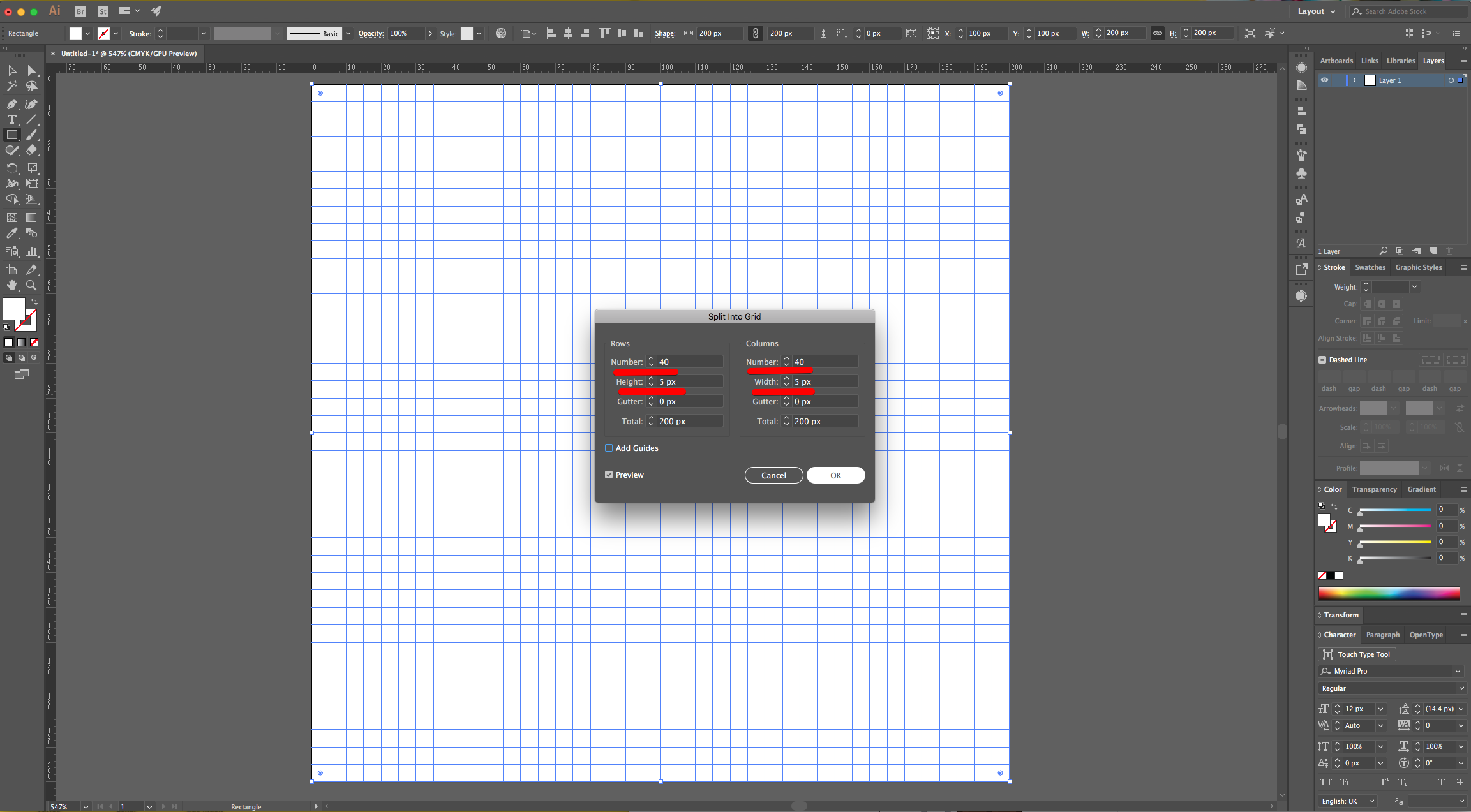
5 - With the Shape still selected go to Object > Path > Split into Grid... Set the number of “Rows” and “Columns” to 40 and the “Width” of both to 5 px.
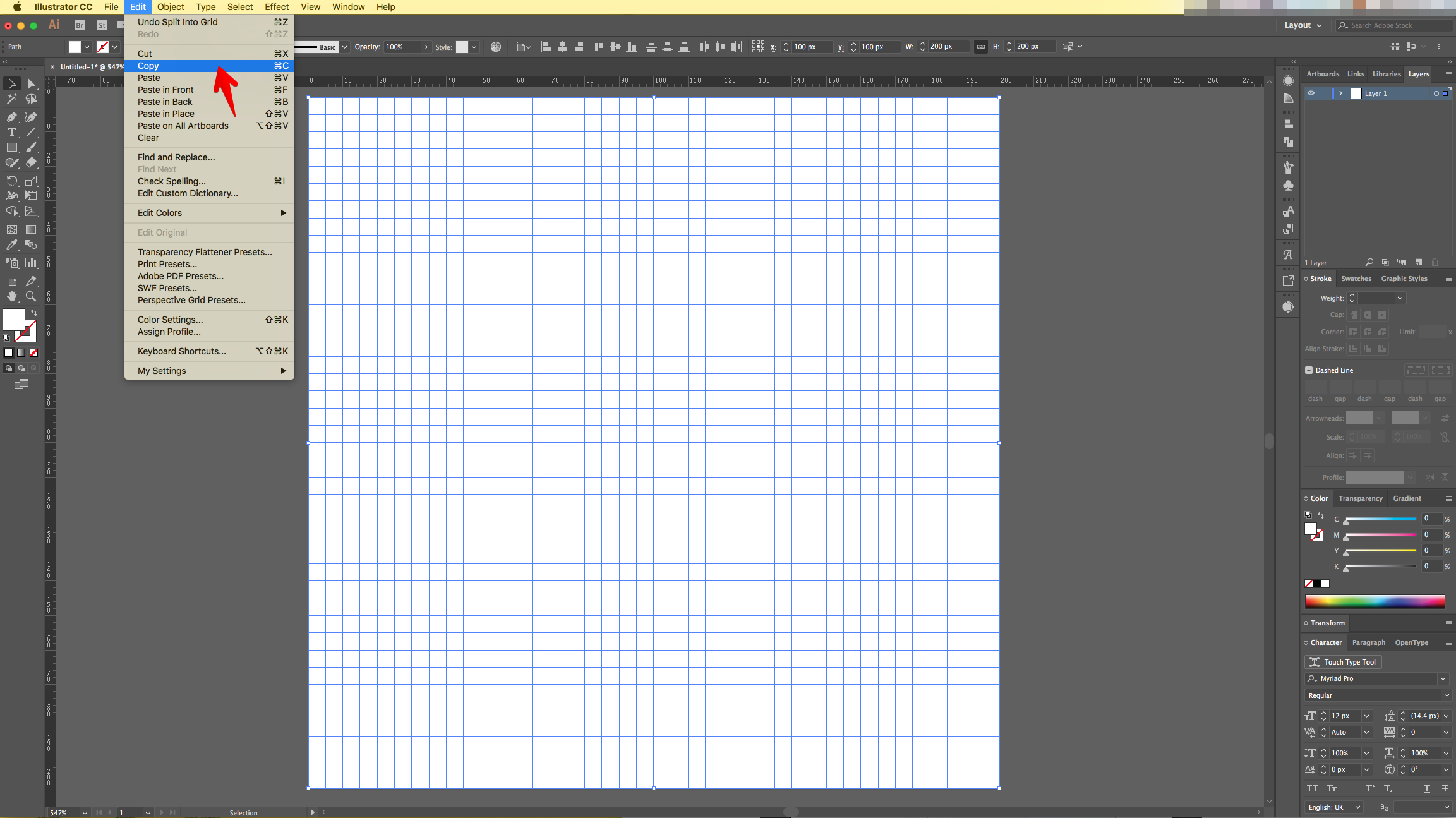
6 - “Copy” the Grid (Command/Control + C) and “Paste in Front” (Command/Control + F).
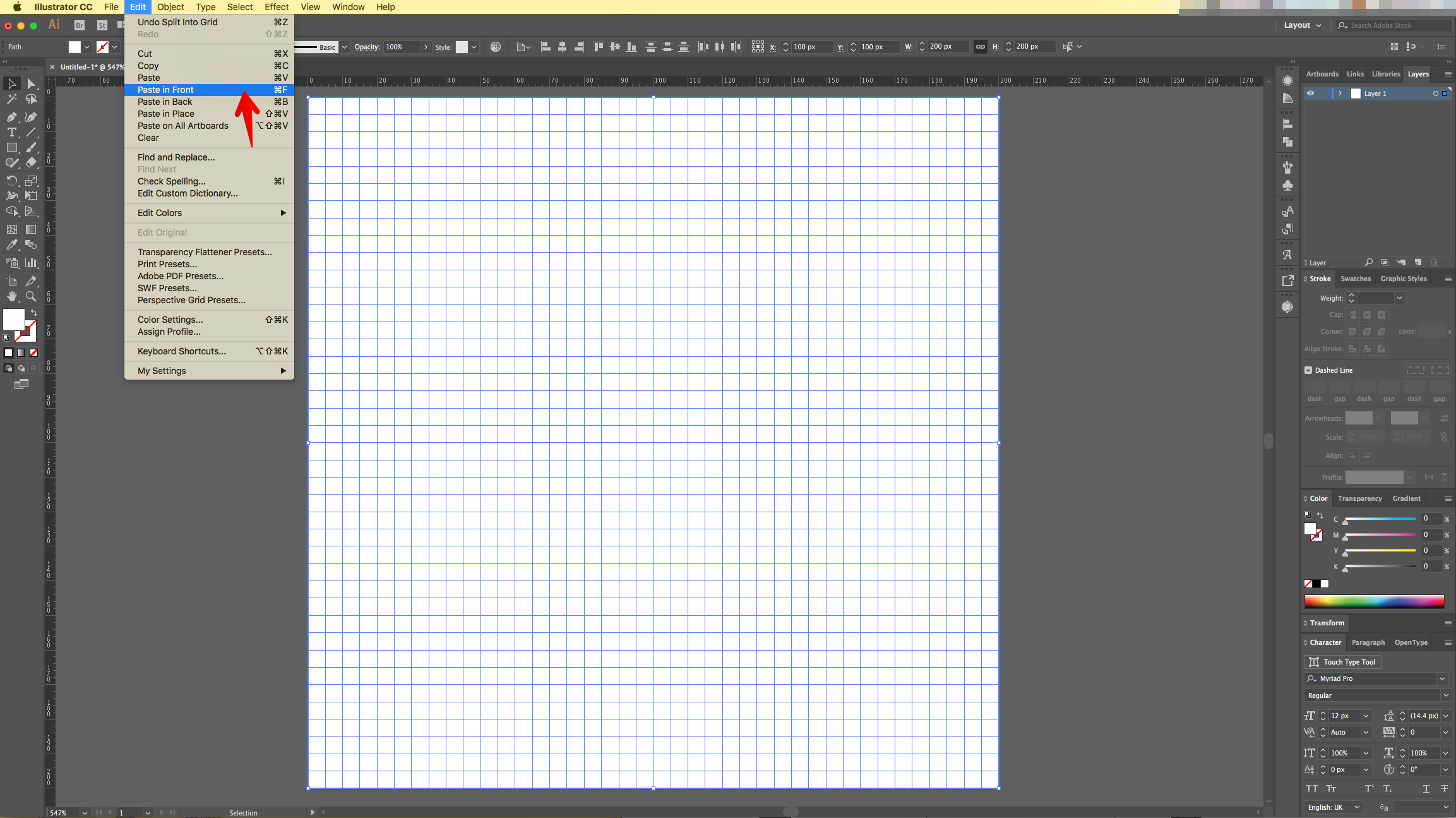
7 - With the Copy selected go to View > Guides > Make Guides (Command/Control + 5).
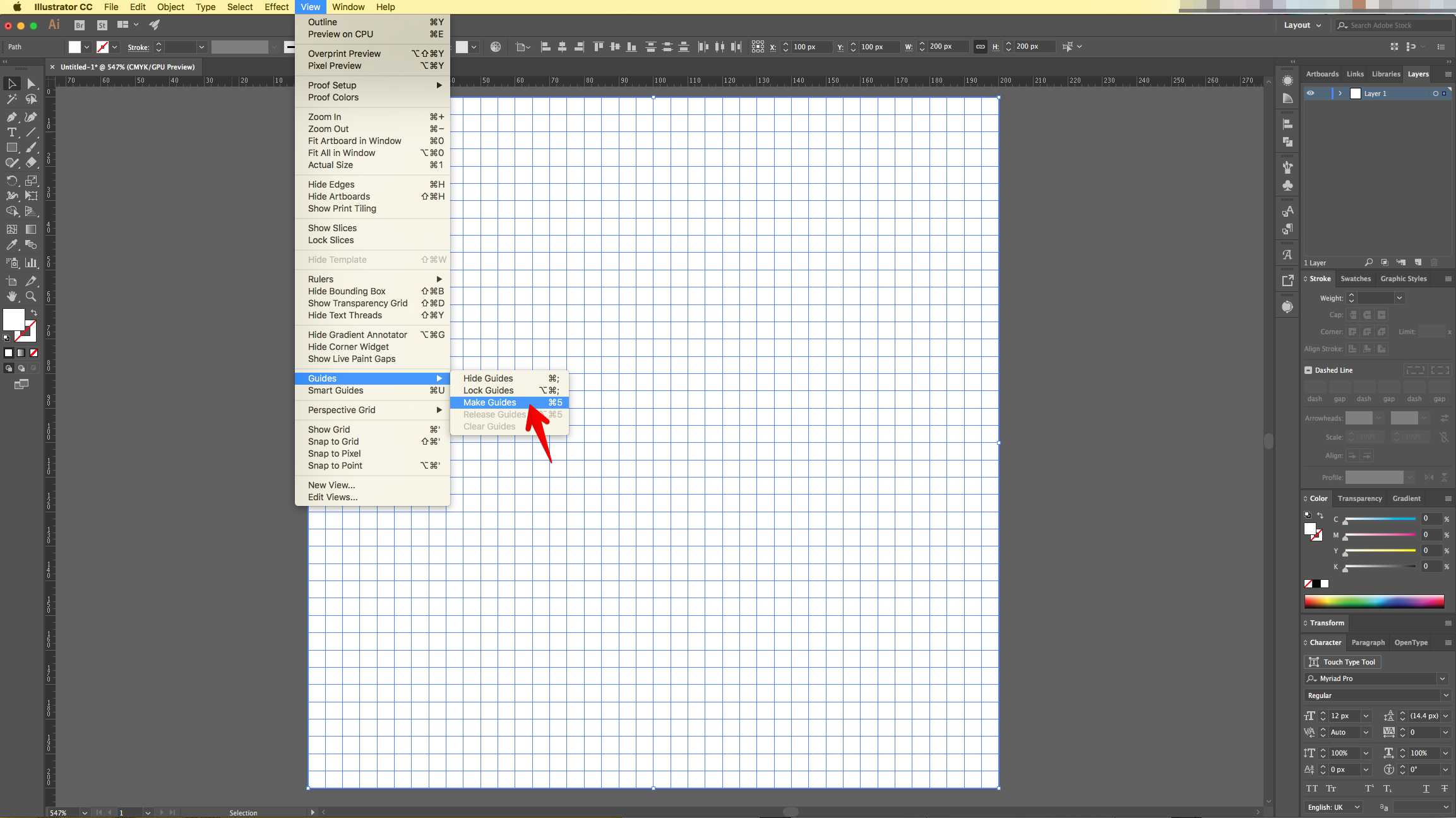
8 - Then, to make sure that the Guides are locked go to View > Guides > Lock Guides.
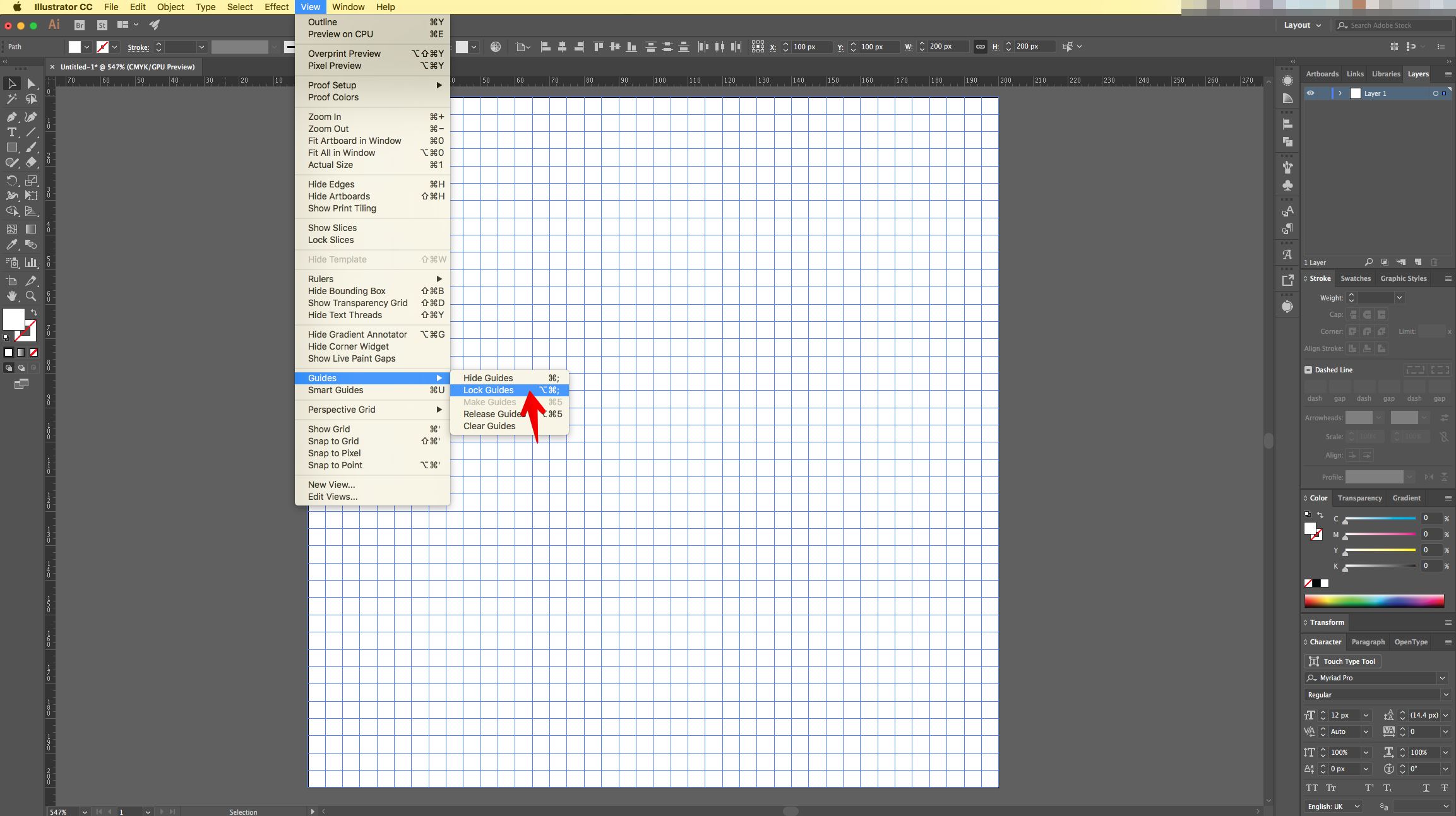
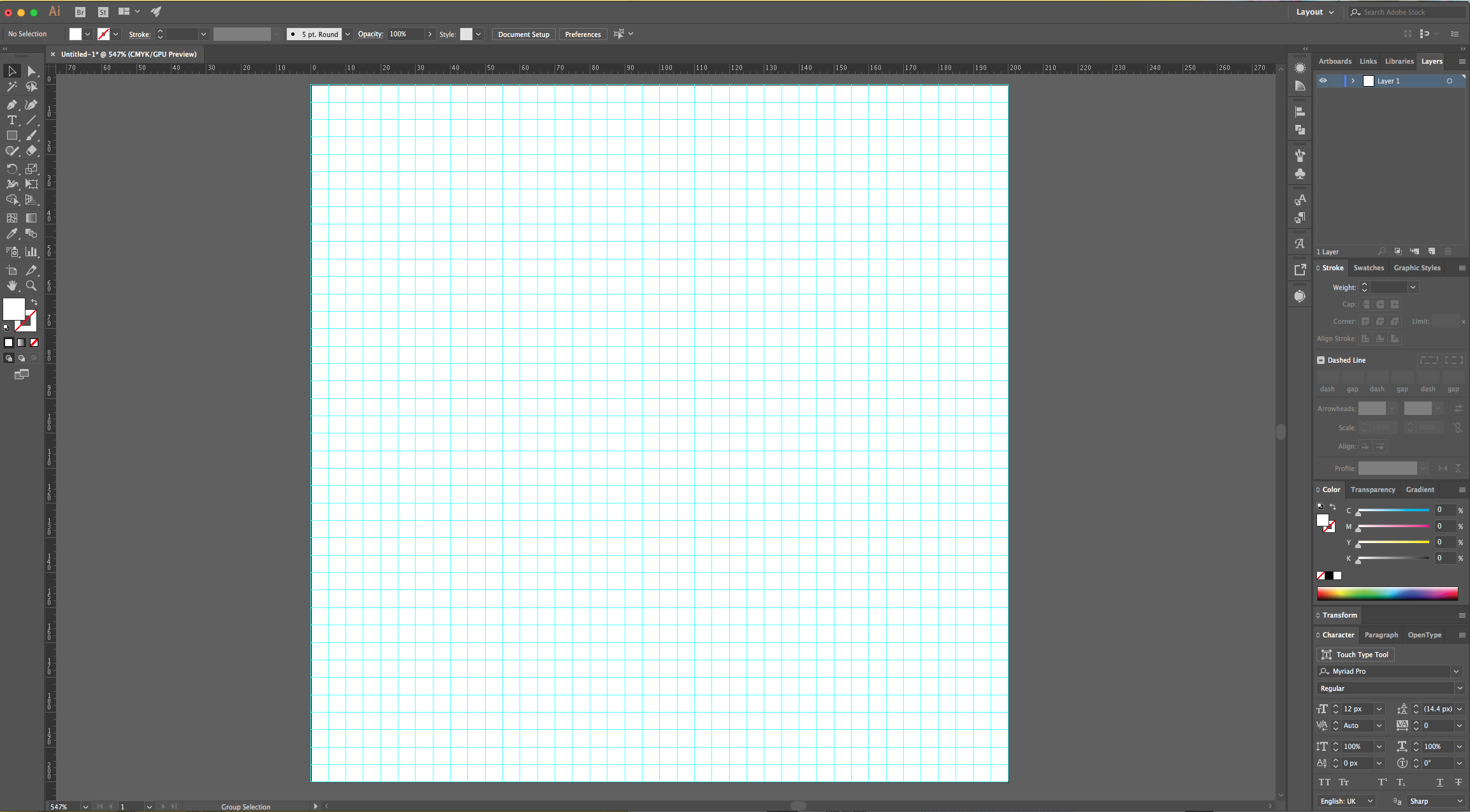
9 - Open the “Reference File” and bring it into your “Document”.
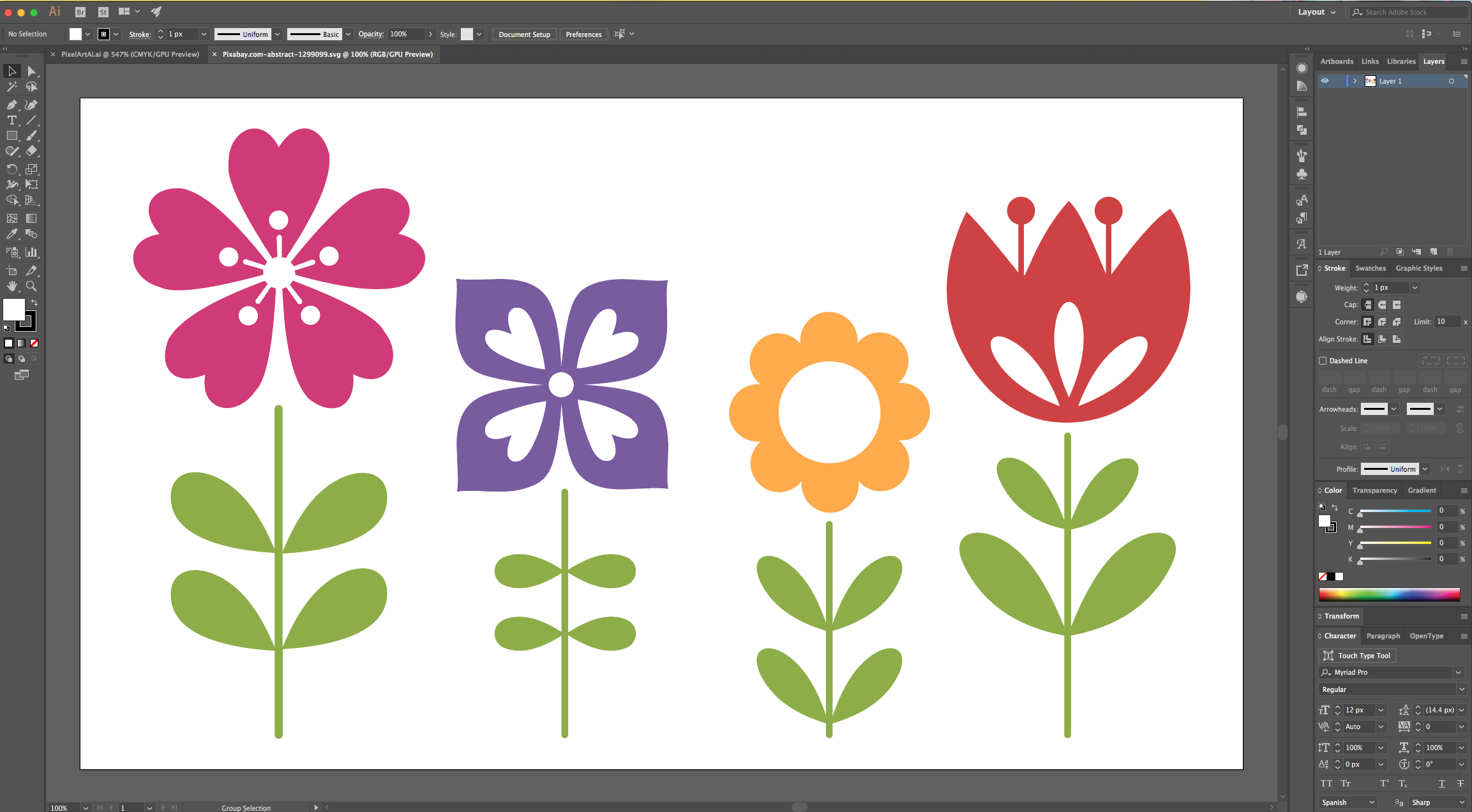
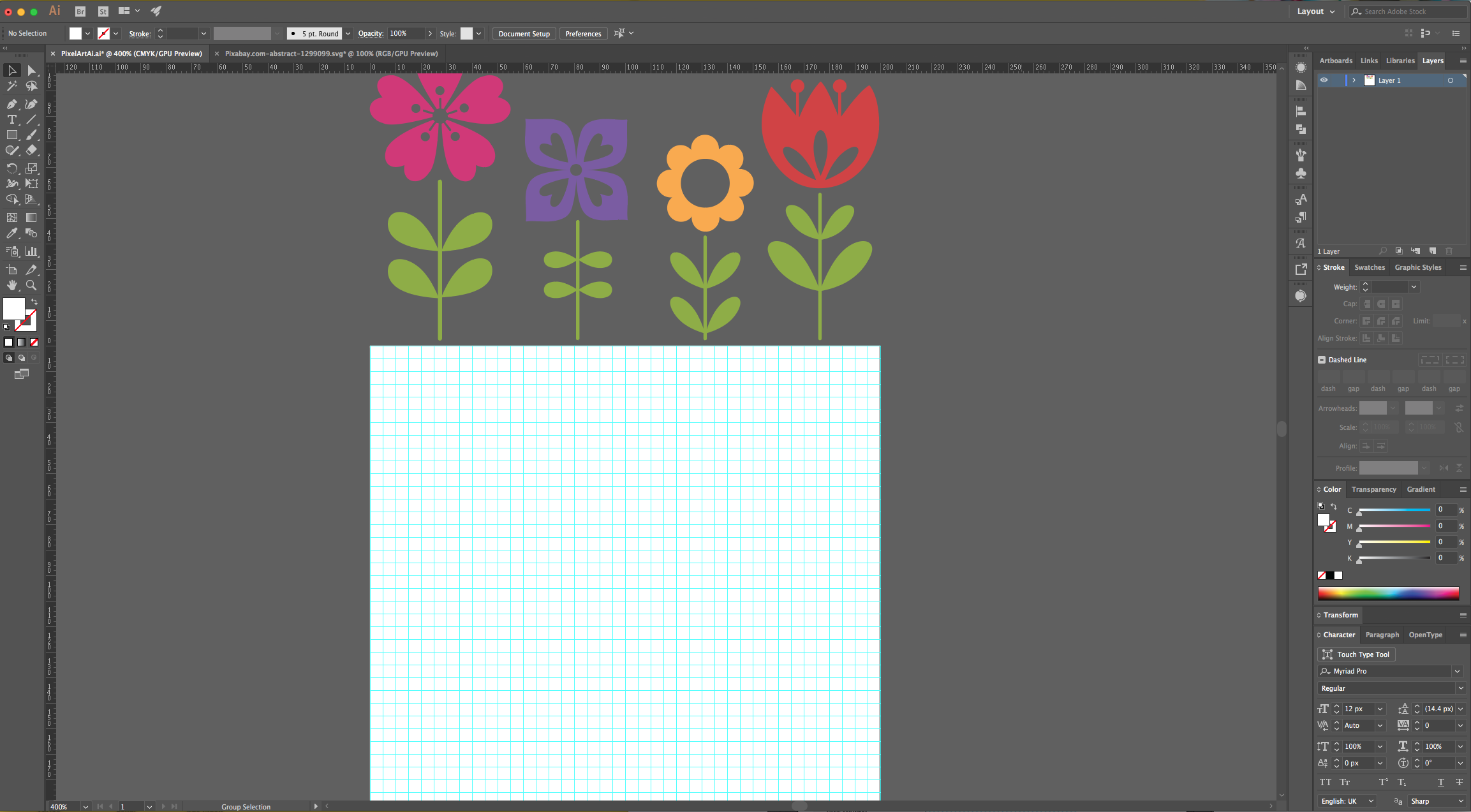
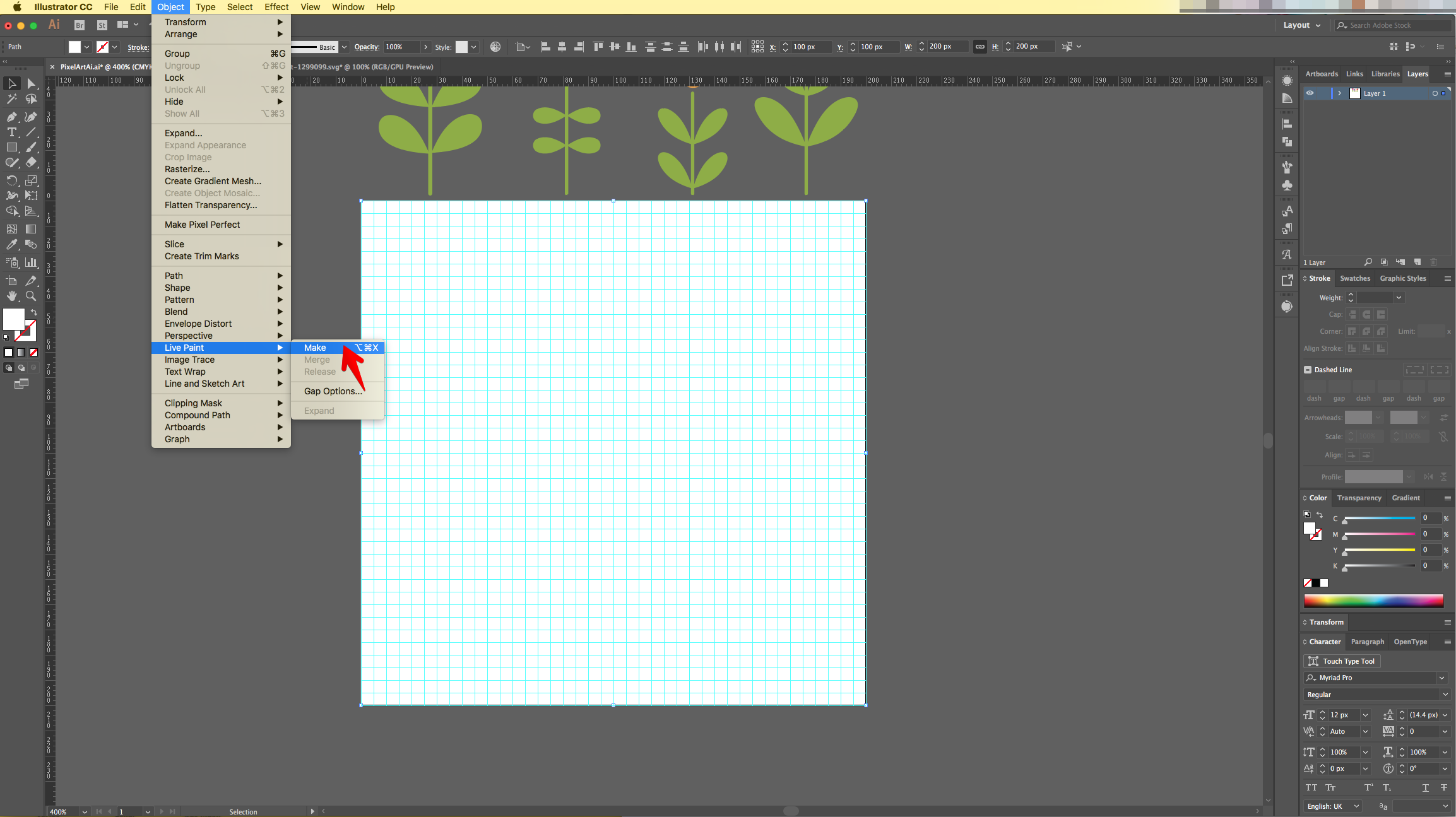
10 - Select the “Grid” and go to Object > Live Paint > Make.
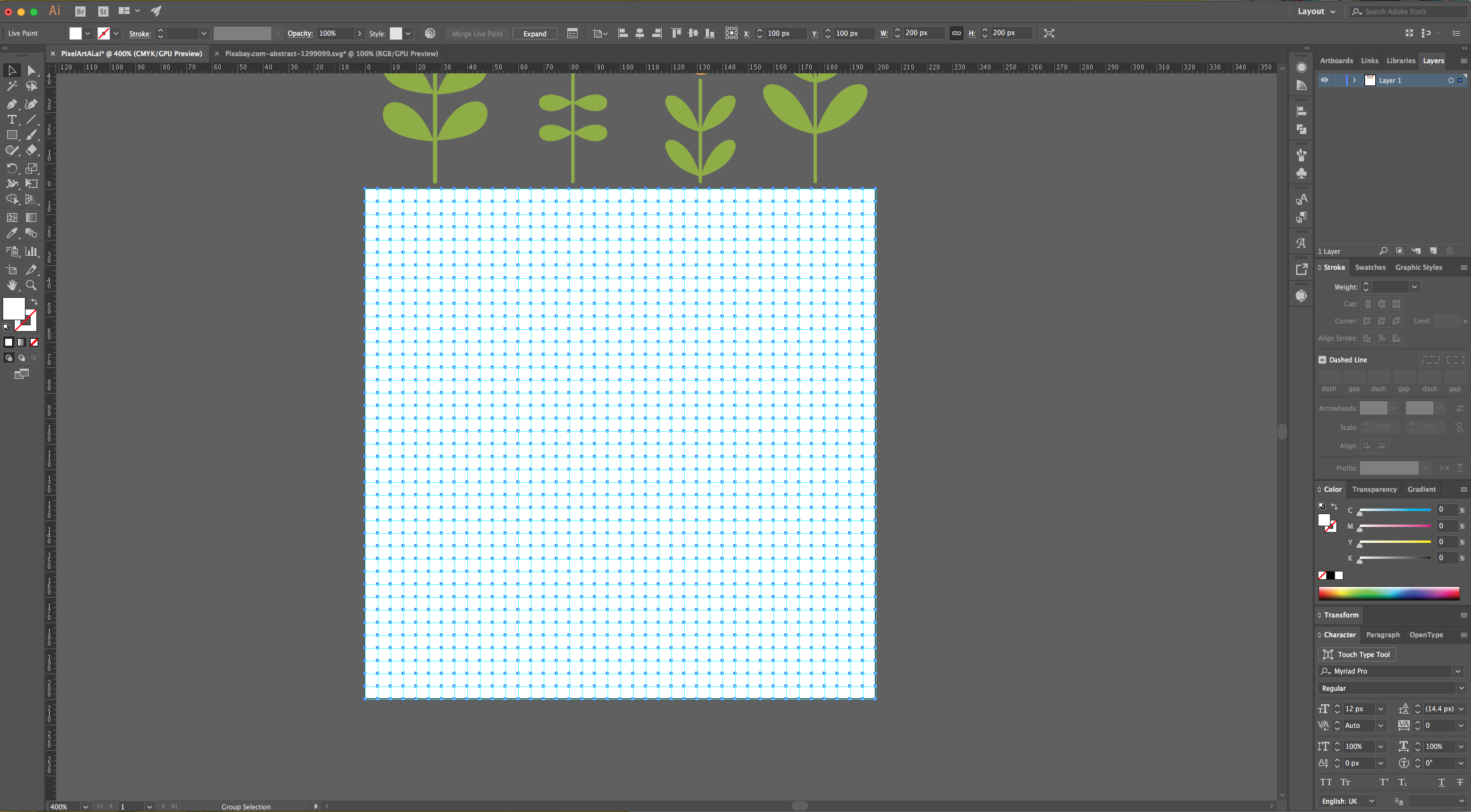
11 - Select the “Live Paint Bucket” (K) from the “Toolbar” and Option/Alt-click on top of the color you want to use to sample it.
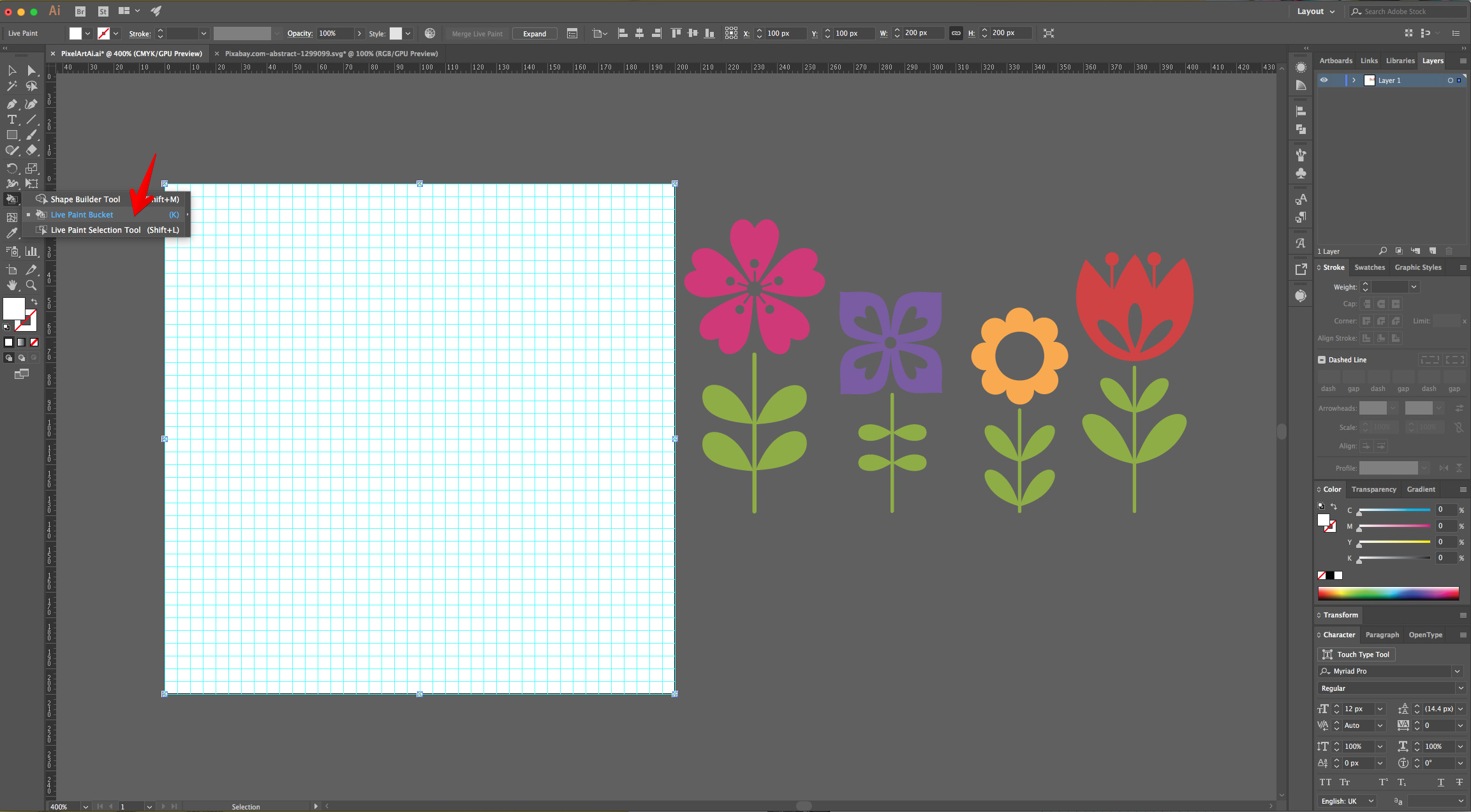
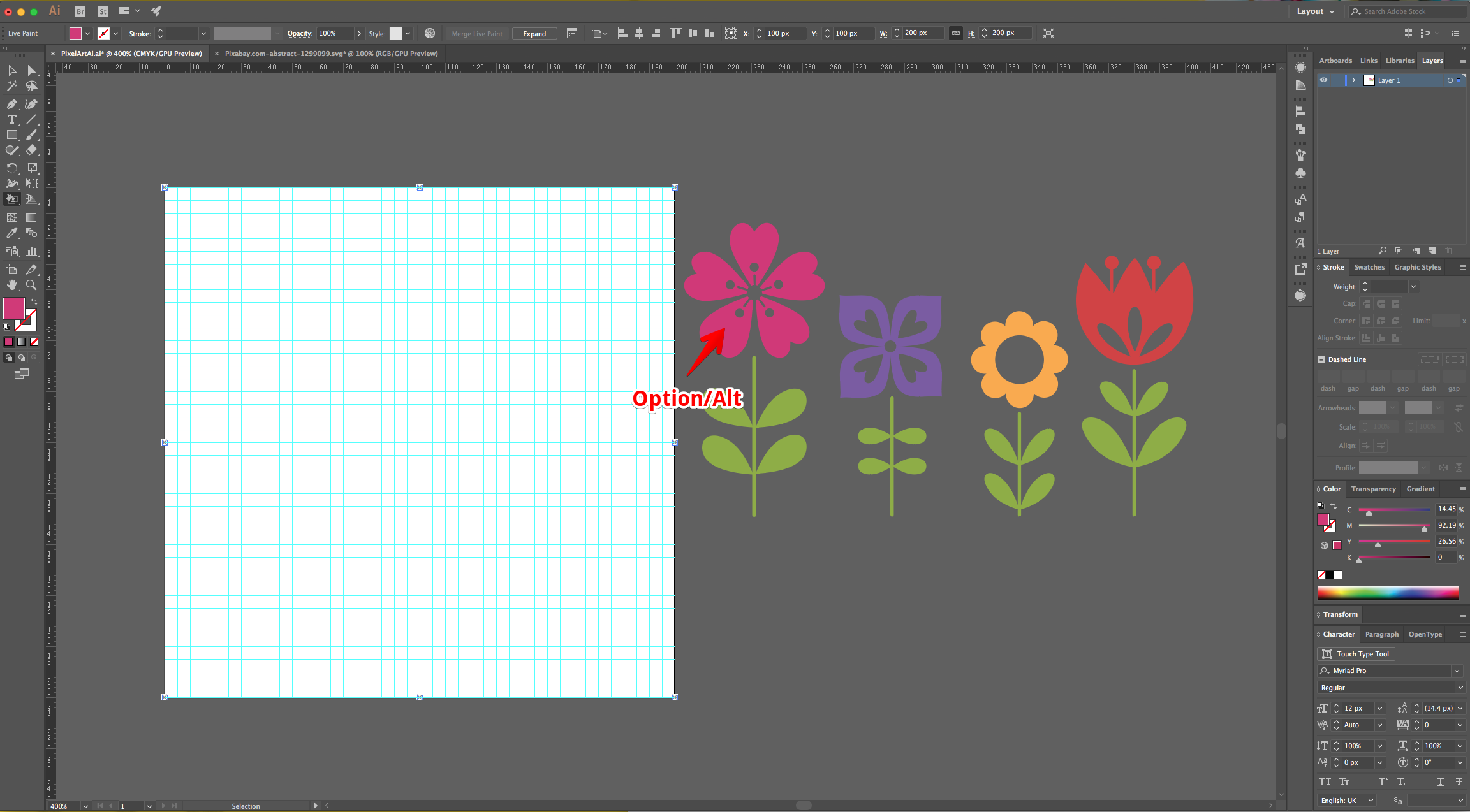
12 - Click and drag the cursor on top of the “Grid” Squares that you want to paint until you copy the Reference Image. Change the color if needed.
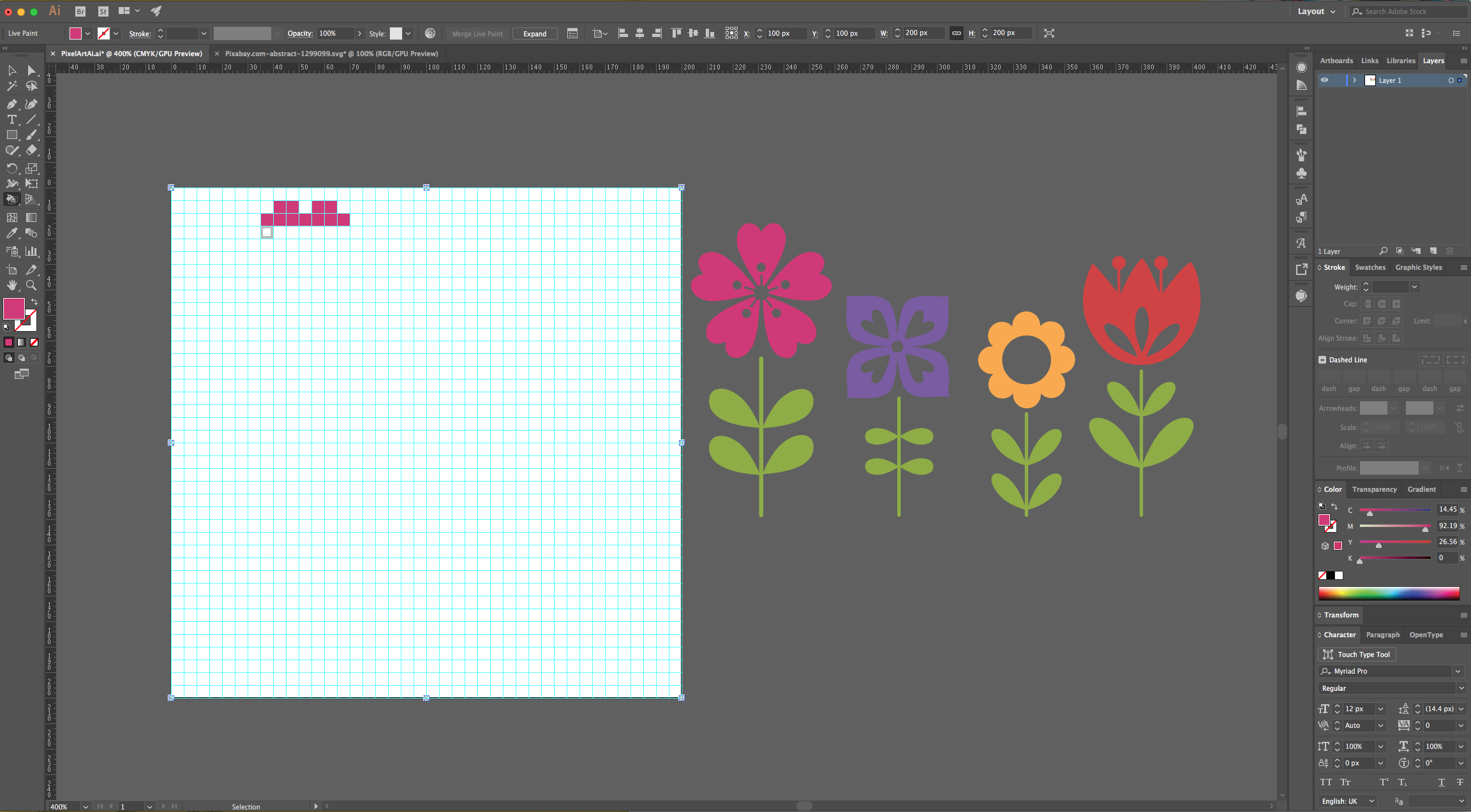
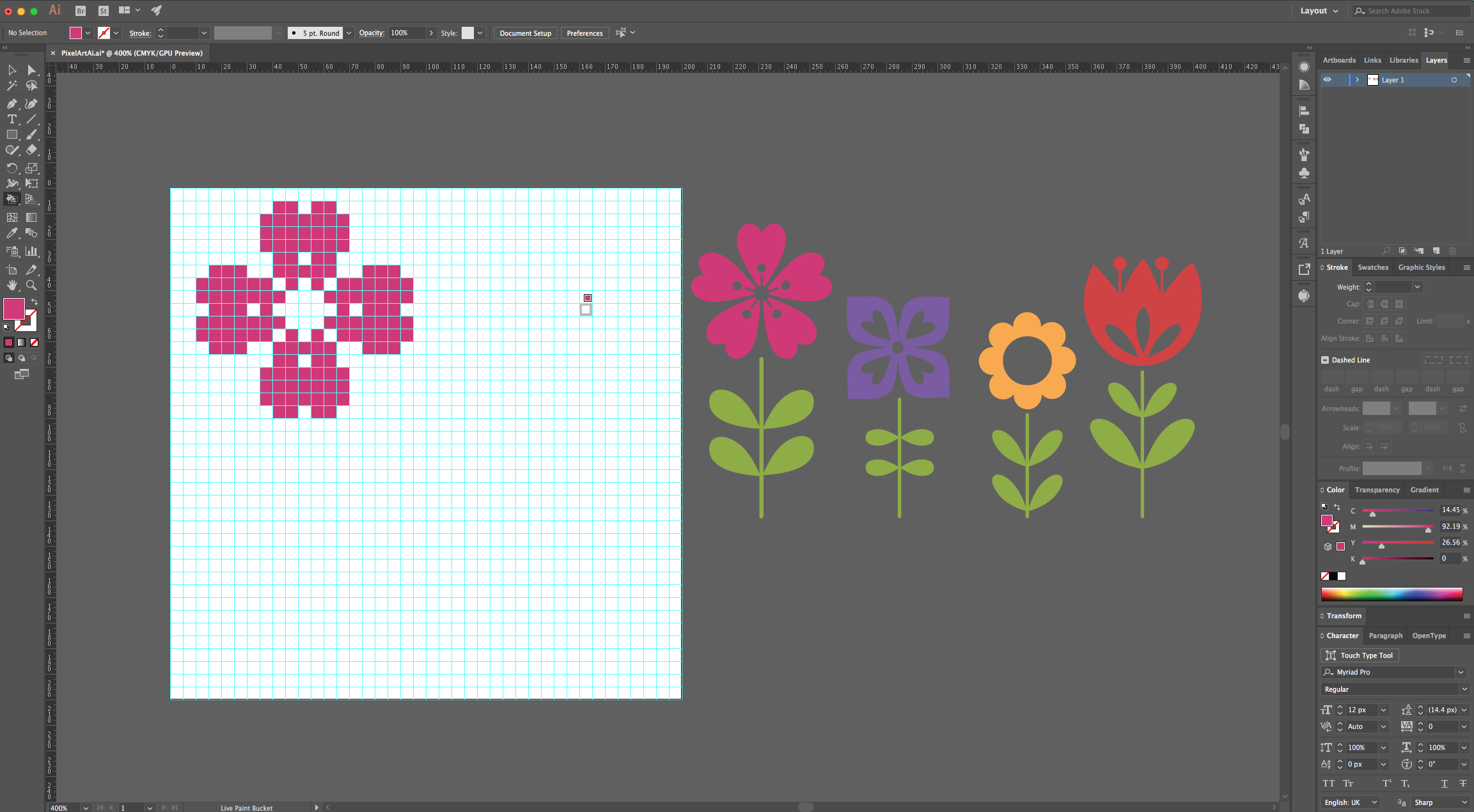
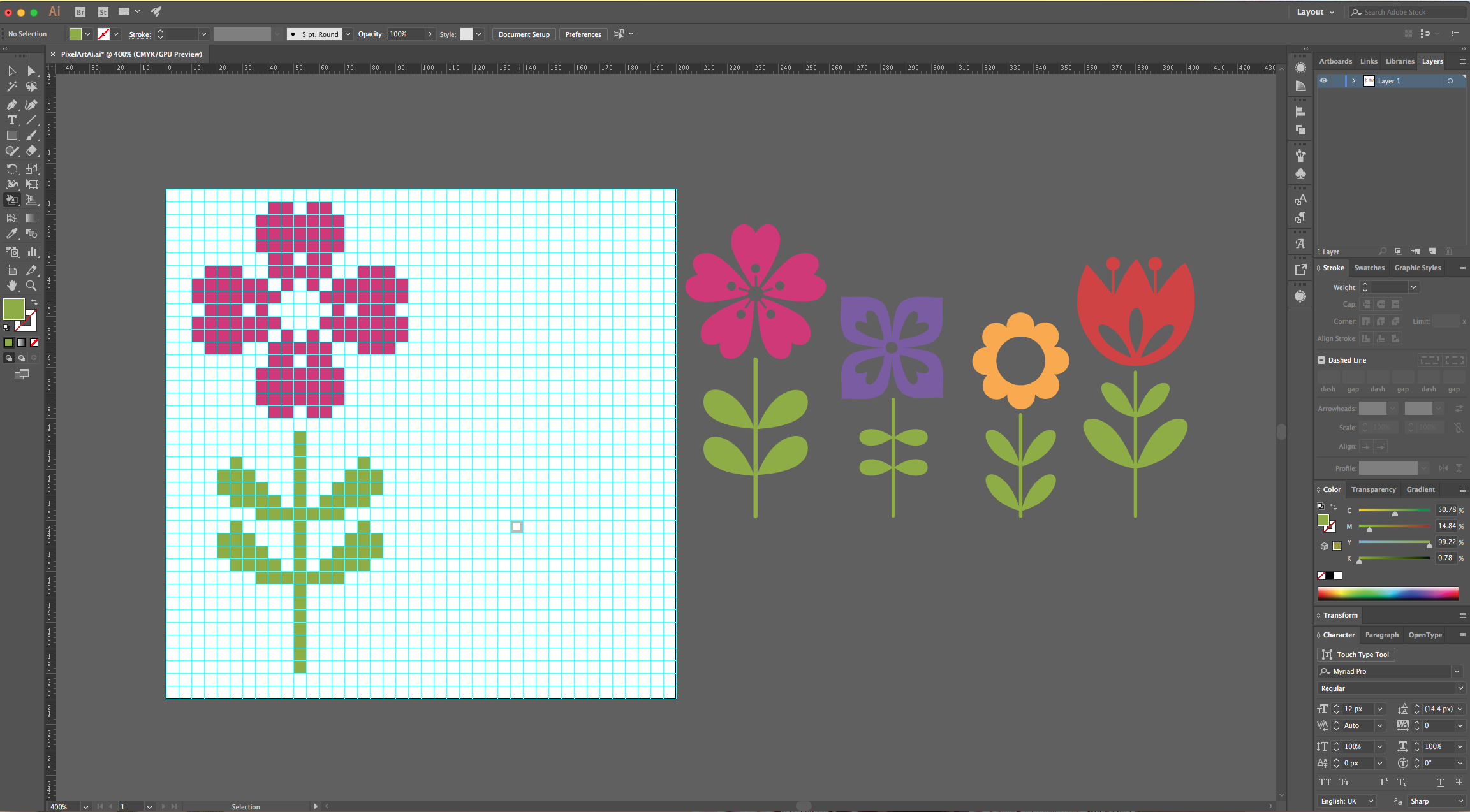
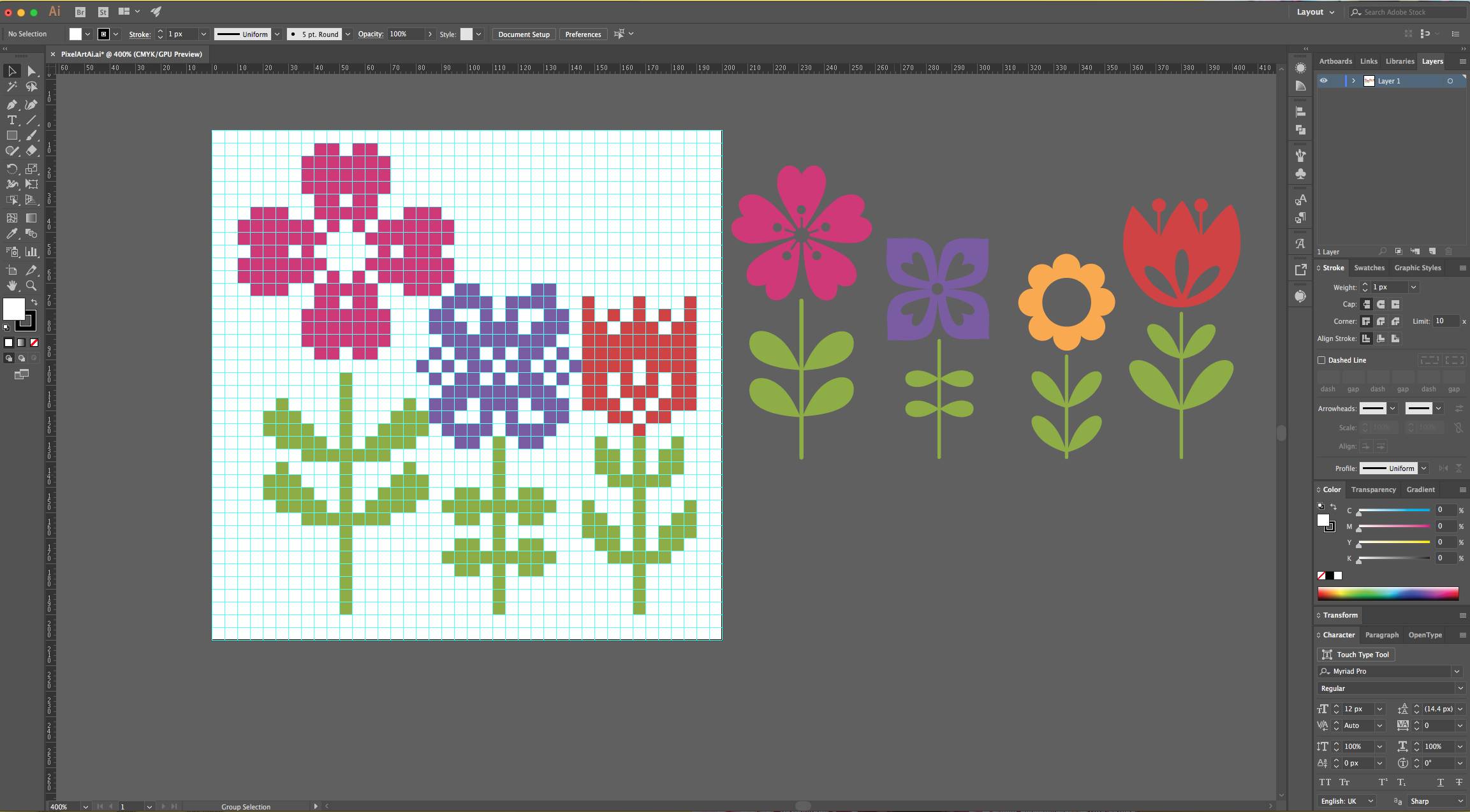
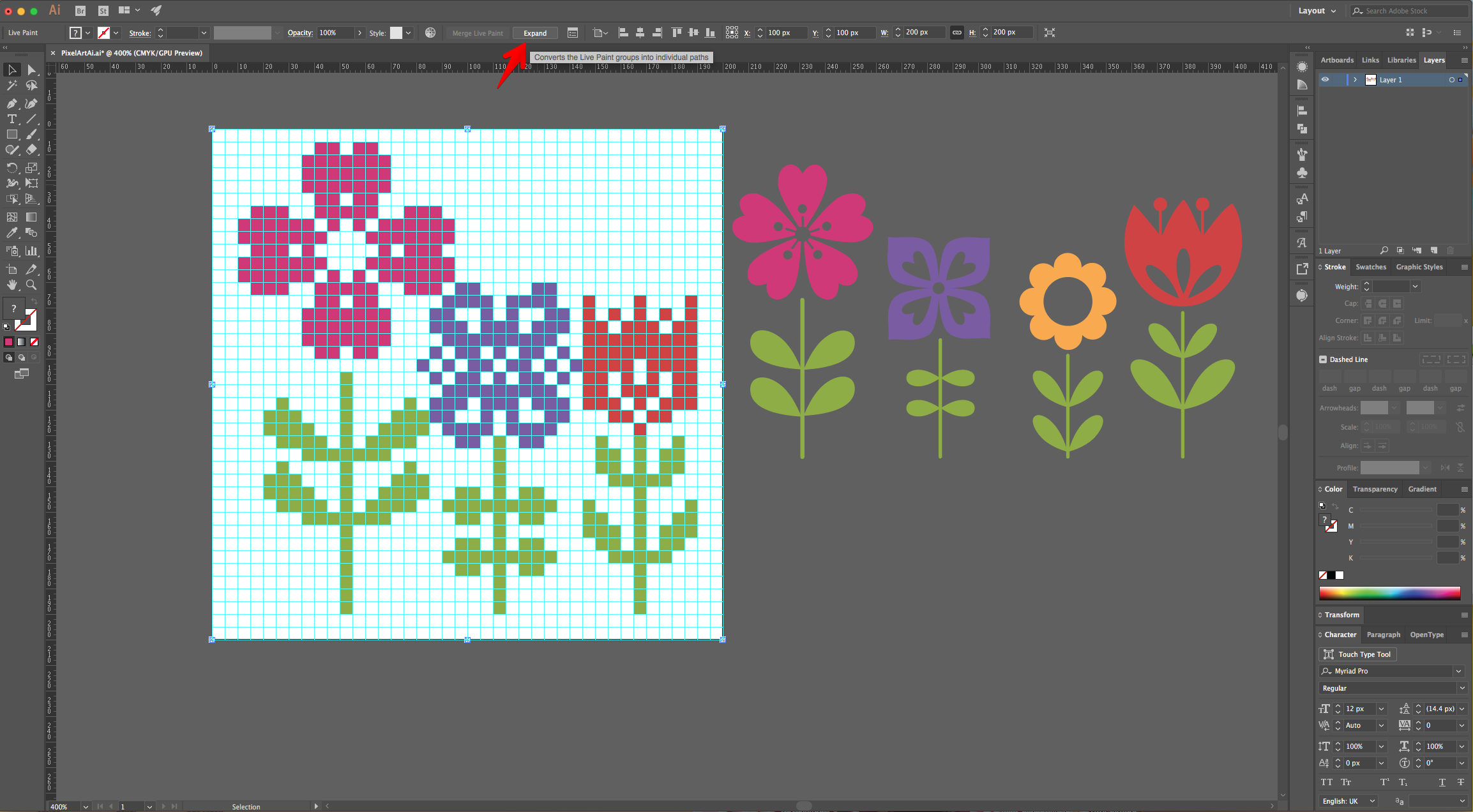
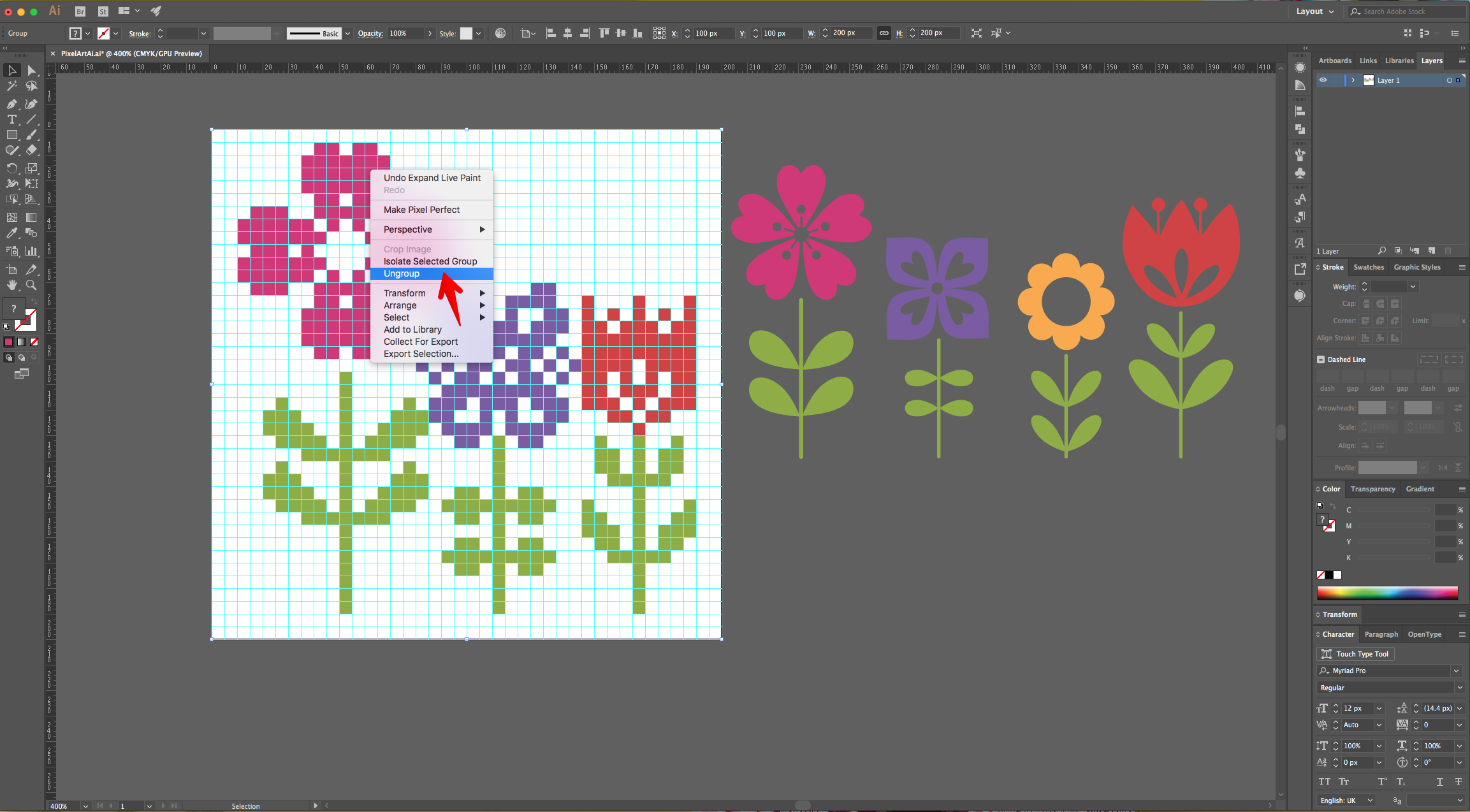
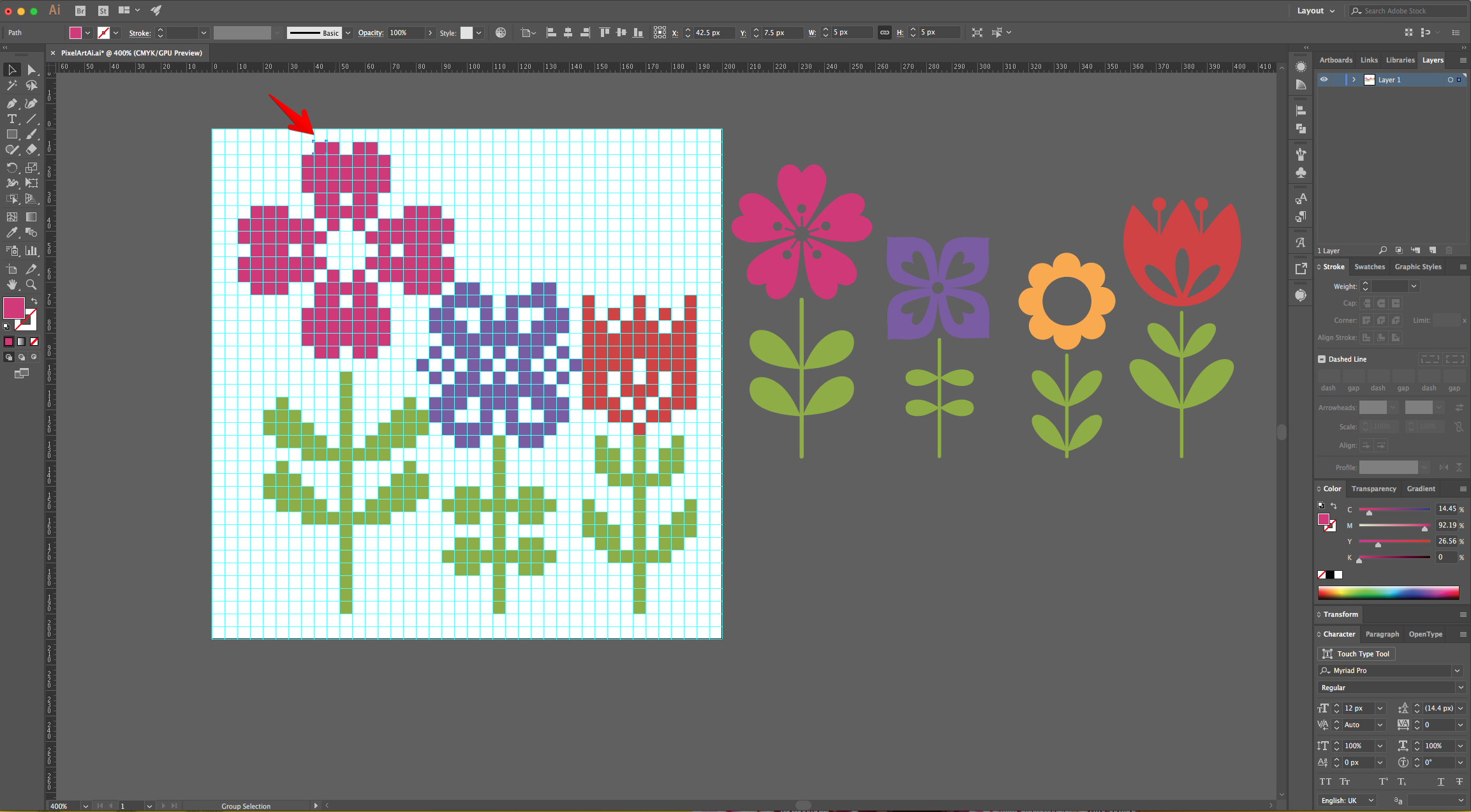
13 - When you are done, click the “Expand” button on the Top Menu to release the “Grid”. Then, right-click on top of it and choose “Ungroup” (Command/Control + G). Now you can select the single squares to modify them if needed.
14 - Check out your work.
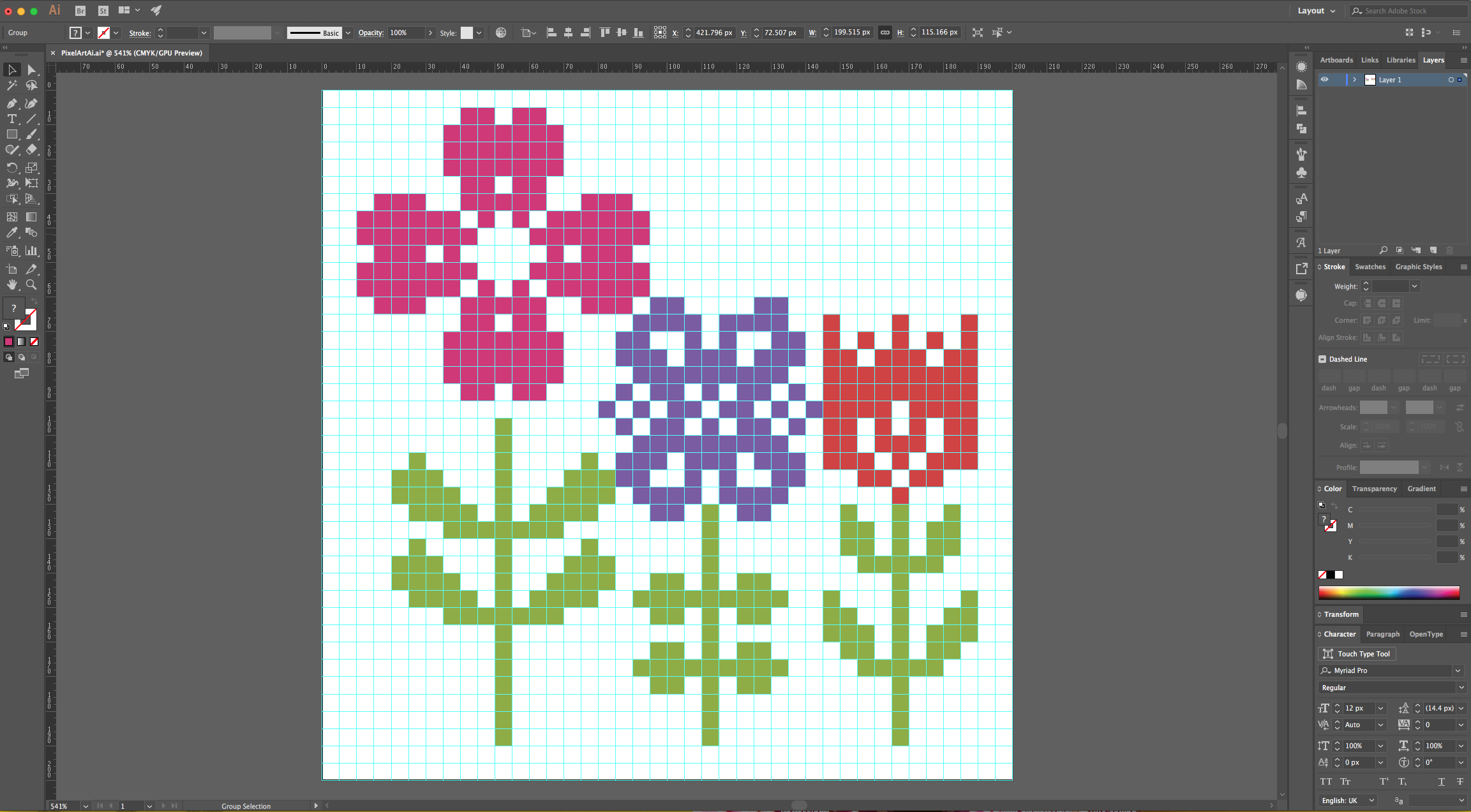
1 - In Illustrator, create a “New Document”. Click “More Settings”, change the Units to “Pixels” and use a “Width” and “Height” of 200.
2 - If you need the Document “Rulers” go to View > Rulers > Show Rulers (Command/Control + R).
3 - Select the “Rectangle Tool” (M), click on the Top - Left corner of your document’s and input the same “Width” and “Height” values (200 x 200 px). Use White as “Fill” color.
4 - Center it using the “Horizontal Align Center” option on your Top Menu and make sure that “Align to Artboard” is selected. Or use the same options in the “Align Panel”.
5 - With the Shape still selected go to Object > Path > Split into Grid... Set the number of “Rows” and “Columns” to 40 and the “Width” of both to 5 px.
6 - “Copy” the Grid (Command/Control + C) and “Paste in Front” (Command/Control + F).
7 - With the Copy selected go to View > Guides > Make Guides (Command/Control + 5).
8 - Then, to make sure that the Guides are locked go to View > Guides > Lock Guides.
9 - Open the “Reference File” and bring it into your “Document”.
10 - Select the “Grid” and go to Object > Live Paint > Make.
11 - Select the “Live Paint Bucket” (K) from the “Toolbar” and Option/Alt-click on top of the color you want to use to sample it.
12 - Click and drag the cursor on top of the “Grid” Squares that you want to paint until you copy the Reference Image. Change the color if needed.
13 - When you are done, click the “Expand” button on the Top Menu to release the “Grid”. Then, right-click on top of it and choose “Ungroup” (Command/Control + G). Now you can select the single squares to modify them if needed.
14 - Check out your work.
by @lornacane
Related Tutorials
Illustrator Tutorials
How to Make Line Art Illustration in Illustrator
Illustrator Tutorials
Pop Art Vector Images in Illustrator
Discover how to make a pop art inspired design in Illustrator with this step by step tutorial.
Illustrator Tutorials
How to Make 2D Flowers Using Polar Grid in Illustrator
In this tutorial, you will learn how to create 2D flowers using the Polar Grid in Adobe Illustrator.
Illustrator Tutorials
Type Art in Illustrator
Illustrator Tutorials
Geometric Line Art in Illustrator
Illustrator Tutorials