By Design Bundles
How to Type Text Vertically in Inkscape
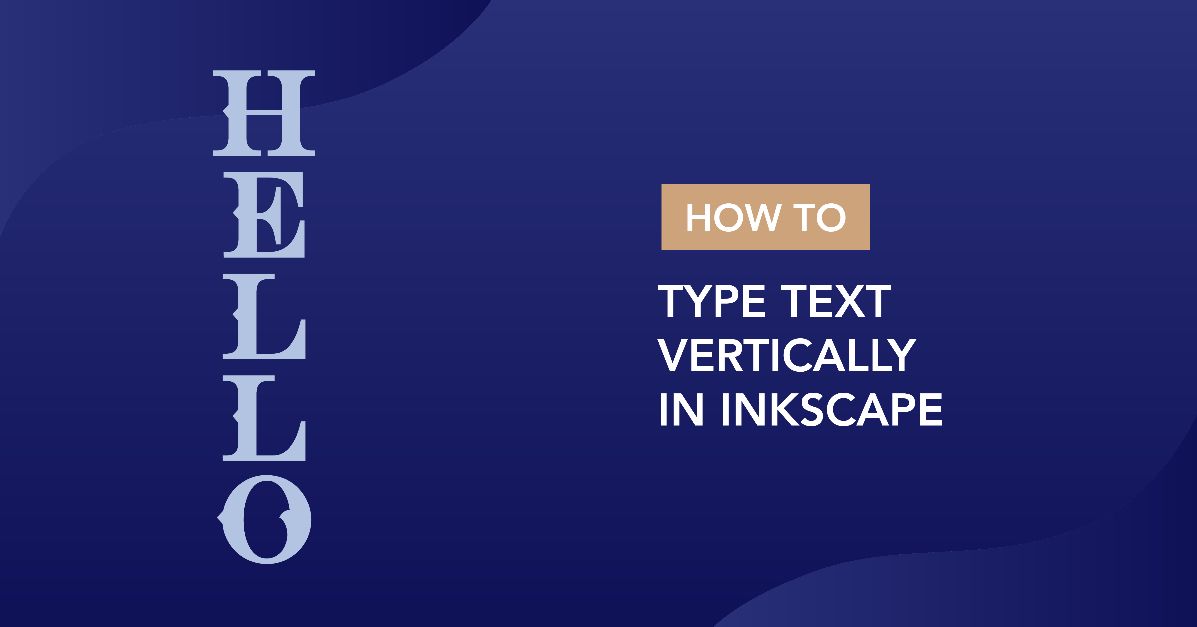
We are going to share a quick tutorial on how to type text vertically in Inkscape. The benefits of vertical text can be creative or essential for languages that use vertical writing. In this easy to follow tutorial we will show you how to create vertical text for your projects.
For this tutorial we are using a stylish handwriting font called Maybe Soulmates. We have more handwritten fonts to choose from if you prefer something different.
If needed, we have a very helpful tutorial on how to install fonts on your PC or Mac.
Step 1 - Use the Text Tool
Open Inkscape, then go to the Create and edit text objects tool on the left hand side. Once selected, go to the top toolbar and change the font. Next, click anywhere in the document and start typing. We have an excellent tutorial on editing text, kerning and spacing in Inkscape to get you started.
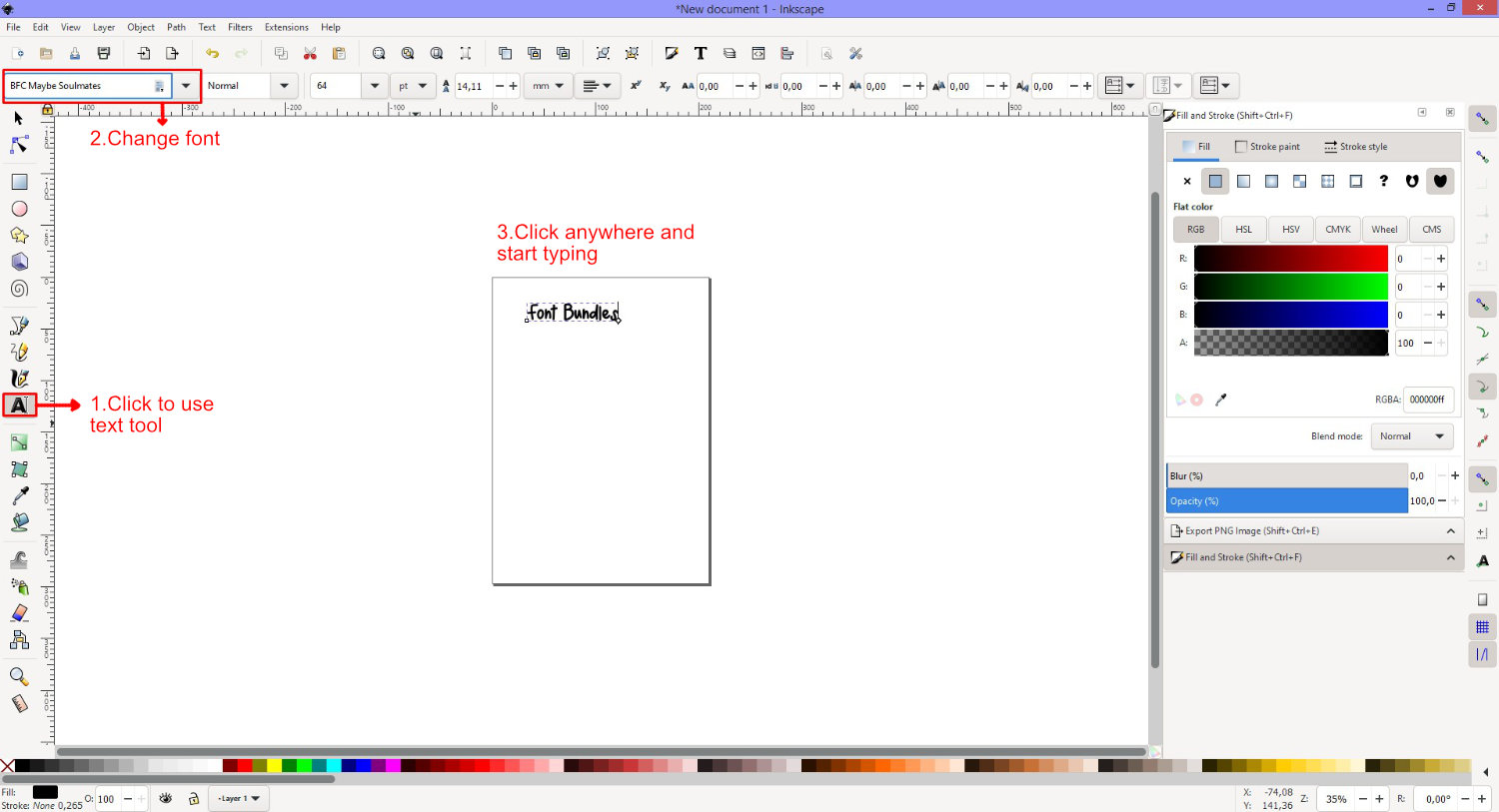
Before moving onto the next step, make sure that you have your text the way you want it. This includes spacing, adding font glyphs and so on. It will be easier to work with before you change the orientation.
Step 2 - Change Text to Vertical Orientation
This process is quite easy but does require that two actions be selected. On the top toolbar to the right, click on the drop down menu for Block Progression. Then choose the second option.

Both the second and third options will have the same result. This is due to the text object only being on one line. If the text had more than one line, then each option would have a different result. The image below is an example.

Once you have changed the Block Progression option, the option for Text (glyph) orientation in vertical text will become available. Click on the drop down menu and select the second option. The vertical orientation will be applied depending on what previous options you selected.

If you want to change your text back to horizontal, click on the Block Progression menu and select the first option.

Now you know how to type text vertically in Inkscape. This is a great option for adding some style to your everyday text. We hope that this tutorial has provided you with the tools to create vertical text for any of your future projects.