

Design School
Font Tutorials
Welcome to our Font Tutorials section of Design School. Here we show you how to make the most of your fonts by showcasing how to use font glyphs and extras, install and uninstall fonts and use fonts in a variety of different programs such as Adobe Photoshop, illustrator, Inkscape, affinity designer, paint shop pro and more.
Learn how to use the font in full by accessing extra glyphs using character map or fontbook and fix any issues you may come across with our troubleshooting guides.
If you still require help or eager to learn something not yet here, please send us an email below and we will make a guide to help.
How to Use SVG Color Fonts in Illustrator
How to Install Fonts on an iPad
How to Download a Font Bundle on Your iPad
Unzipping Fonts on the iPad

Kerning, Spacing and Changing Your Text in Inkscape
Using Custom Web Fonts
How to use Anyfont to Add Fonts to an iPhone or iOS device
How to Keep Your Fonts Organized
How to back up fonts from your computer
How to Move Your Fonts From One PC to Another PC
How To Find Fonts on Your PC
How to Use Fonts and Glyphs in Microsoft Publisher
How to use Fonts in Brother Scan and Cut canvas workspace
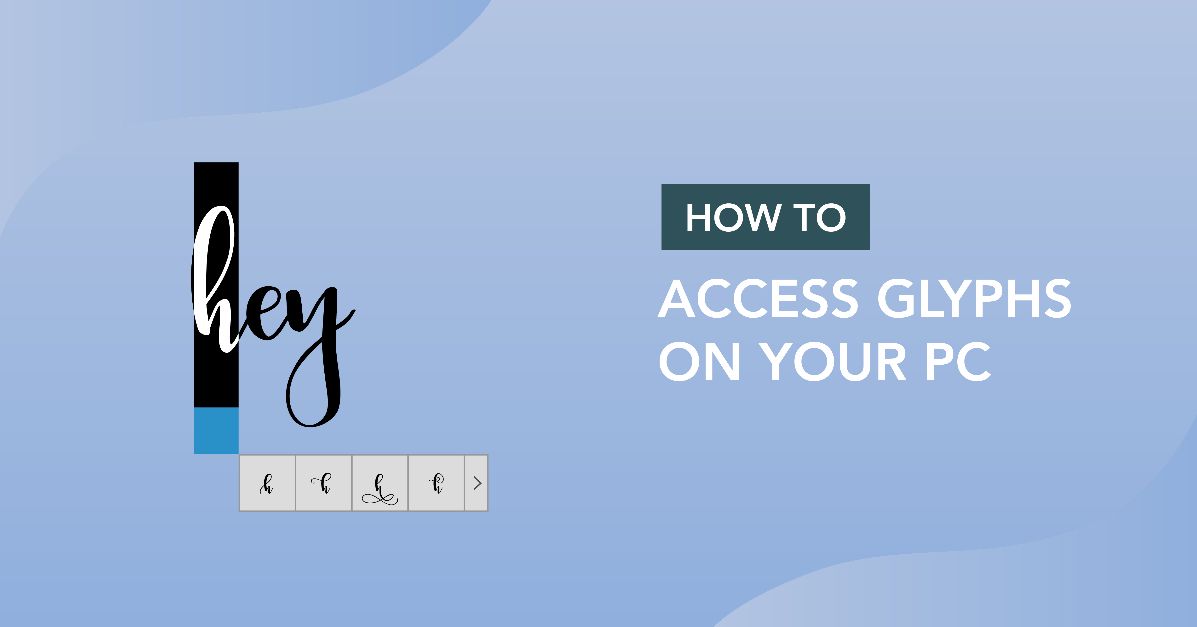
Accessing Glyphs on Your PC
How to Uninstall Fonts on a Windows PC and Mac
Addressing OTF and TTF Formats
Accessing Alternate Glyph Sets in Nightamore Font
How to Access and Use Font Glyphs on a Windows PC
How to use Fonts in Inkscape
How to Uninstall a Font on Windows
How to Install a Font on Windows
Using Fonts in Affinity Designer
How to Install Fonts on a Windows PC/Laptop
How to Install Fonts on a Windows PC or Mac
Showing 1–24 of 31 tutorials
Learn with our exclusive font tutorials. These easy-to-follow, step-by-step guides take you from novice to pro one make at a time - grab a free resource and follow along.
Fresh tutorials, trends & free files.
Join 6 million makers getting our best craft guides and exclusive freebies straight to their inbox.